
A.I Video Analytics
Detect relevant activity and bring it to an operator for review.
Configure compatible video analytics to identify people, vehicles and selected events. Detection helps direct attention; operators still confirm context and decide on a response.
- Site focused
planning - Connected
systems - Ongoing
support

The operational challenge
What the system needs to solve.
Watching many video feeds continuously makes important activity easy to miss. Event rules and a review workflow help teams focus without treating every detection as a confirmed incident.
Systems & applications
Choose the system around the job.
Explore the equipment and applications we can assess for your project. Your proposal defines the selected products, supported functions and installation scope.
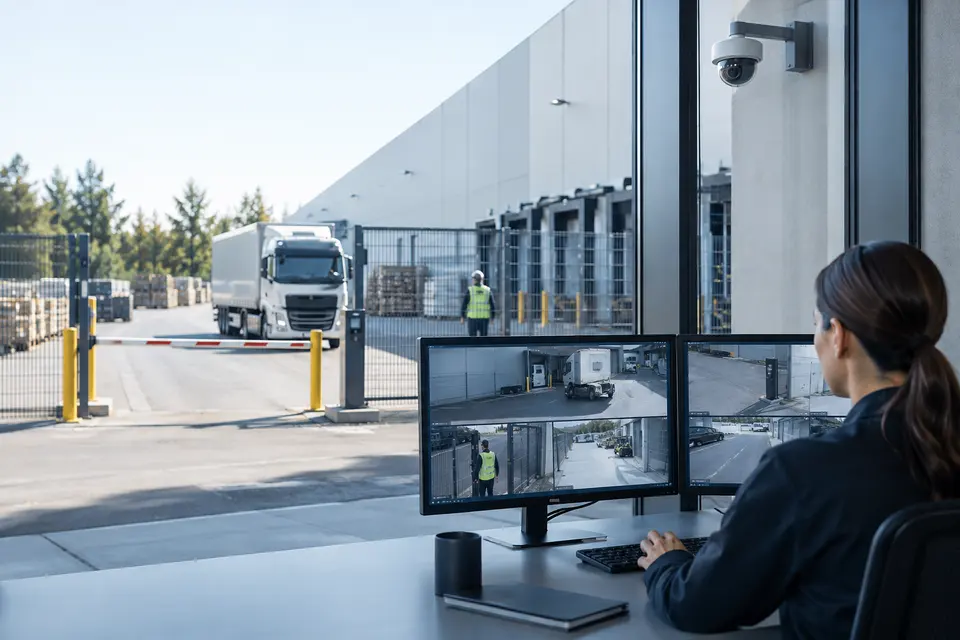
Perimeter and restricted zones
Separate person and vehicle triggers where supported, then apply entry, exit, crossing and dwell rules to selected areas. Route each event to a responsible operator.
- Typical equipment
- Compatible cameras, analytics licenses and event receiver
- Where it fits
- Fences, loading areas and restricted entrances
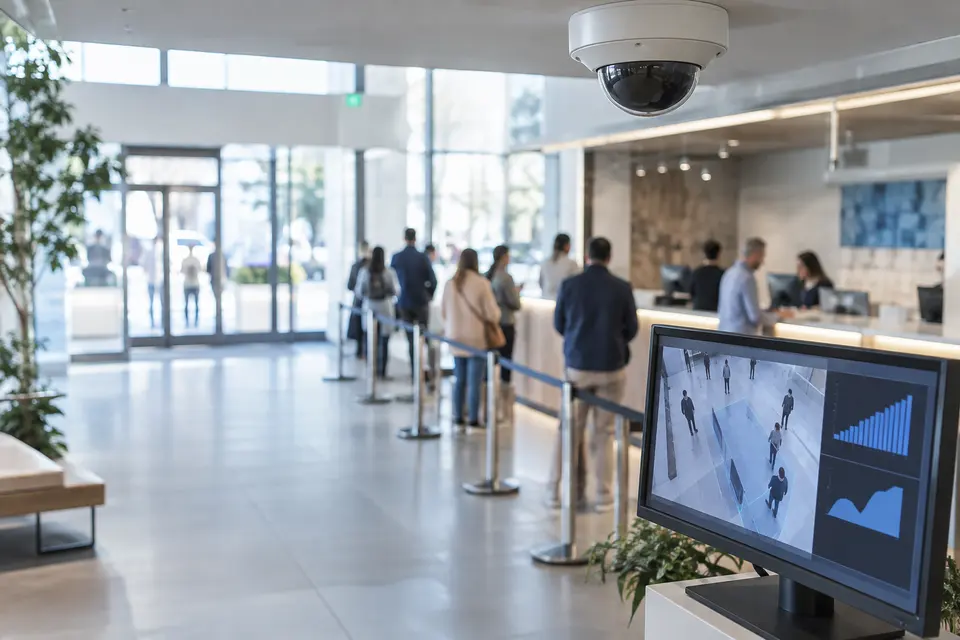
Occupancy, queues and flow
Use counting lines or occupancy zones to understand busy periods and crowding. Confirm whether the selected system produces live alarms, historical reports or both.
- Typical equipment
- Counting cameras and reporting dashboard
- Where it fits
- Retail, public counters and building lobbies
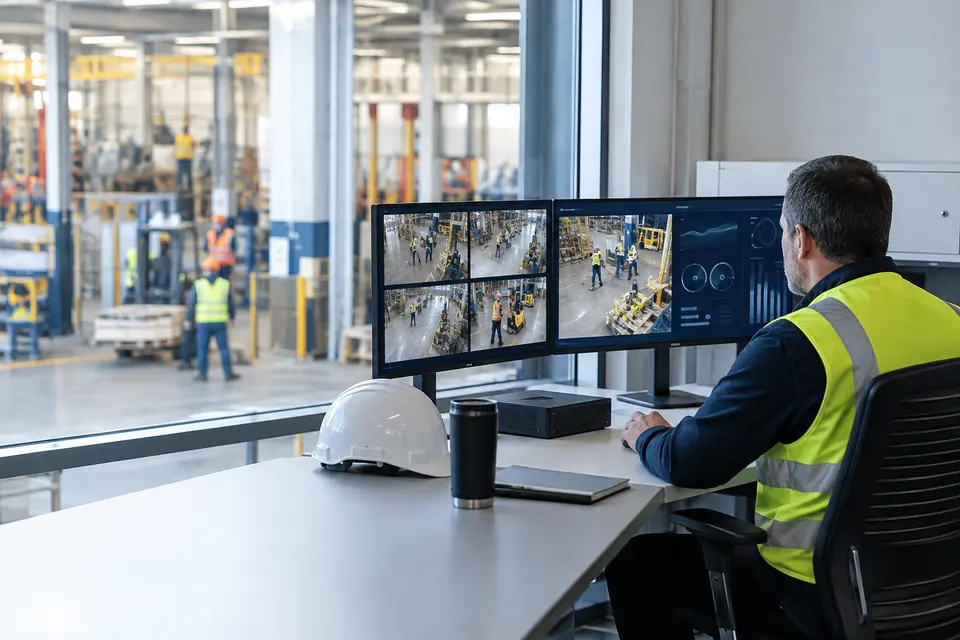
Worker safety and behavior
Assess PPE, fall, smoking and other supported rules using representative footage. Review camera position and site conditions before accepting any function for operations.
- Typical equipment
- Analysis server or edge application and review station
- Where it fits
- Factories, construction sites and staff areas
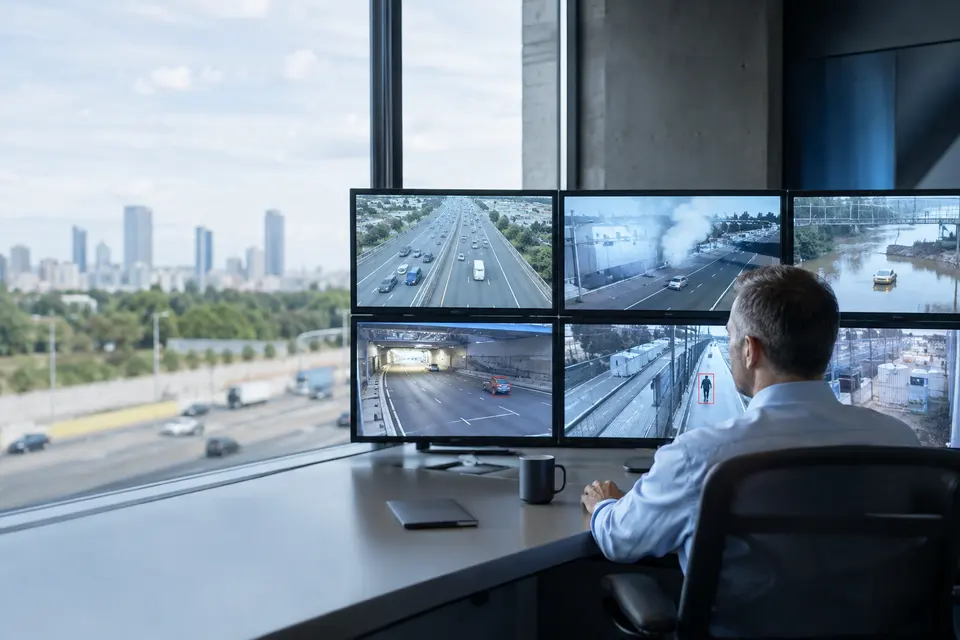
Environmental and road events
Group smoke, obstruction, flooding, wrong way movement and similar events by operator responsibility. The detailed function catalogue below lists the available project discussion topics.
- Typical equipment
- Selected detection models, video streams and event integration
- Where it fits
- Roads, public spaces and industrial sites
Functions, equipment & operation
Make each alert a reviewable event.
Explore the functions and design options below. The final components, licenses and integration scope are confirmed against your site requirements.
Zones and event rules
Draw intrusion areas and crossing lines; specify direction, active schedules and the object classes that matter. Keep trees, reflections and unrelated traffic outside detection zones where practical.
People, vehicles and safety events
Choose from the detailed function catalogue below. Agree each rule’s target, trigger and operator action instead of enabling every possible alert.
Event verification and tuning
Attach the camera, time and relevant video to a detection. Review false alerts and missed cases using representative site footage before handover.
What makes up the system
- Compatible cameras or video streams
- Edge analytics or a licensed analysis server
- Event integration with VMS or command platform
- Operator review workstation and event storage
How the project works
- 01Choose the operational event
- 02Configure zones, schedules and thresholds
- 03Trial against representative site conditions
- 04Review detections and adjust with operators
What we confirm before implementation
- Supported model, firmware, licenses and stream limits
- Occlusion, weather, lighting and mounting position
- Acceptance scenarios and alert escalation ownership
Share your current equipment, site layout and operational priorities so the proposal can identify included functions, optional integrations and acceptance criteria.
Intelligence for your operation
A.I Smart Functions
Turn connected video and sensor events into actionable insights for city operations.
Explore functions for project planning. Availability depends on the selected equipment, analytics platform and site validation.
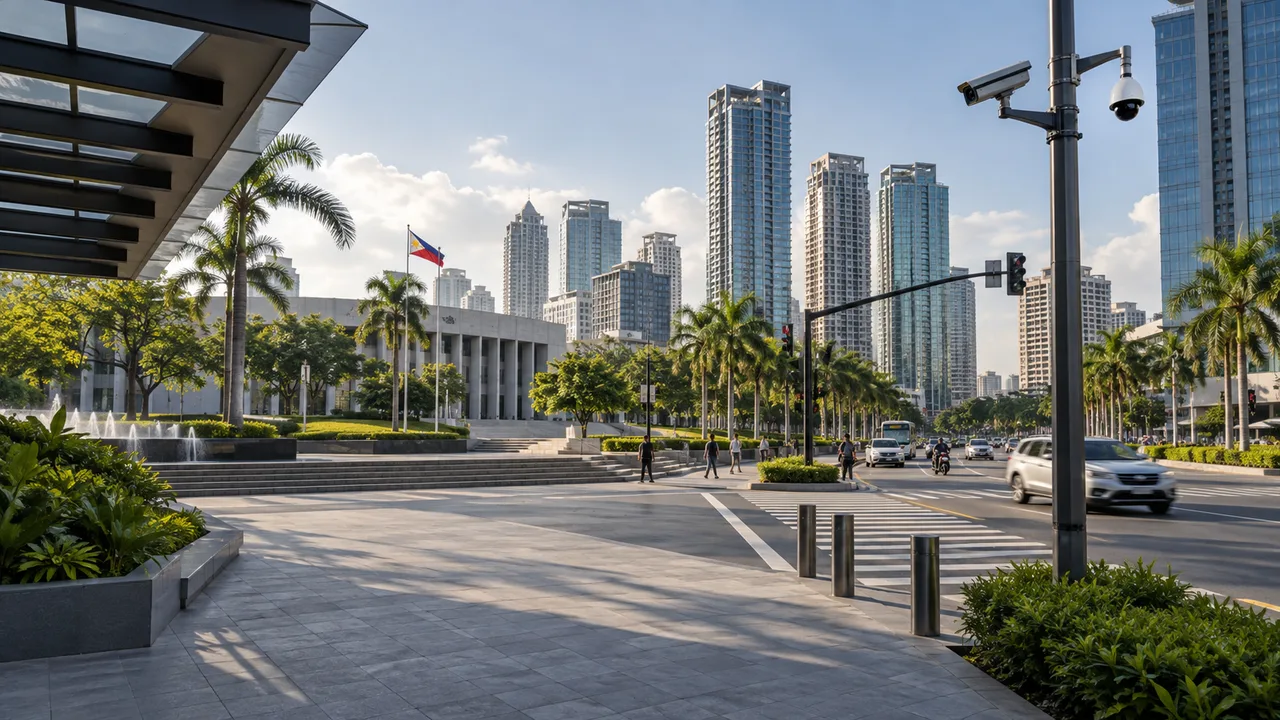
People & Area Monitoring
Understand movement and occupancy across defined spaces.
9 functions · Select up to 12 to discuss with our team
From an event to a coordinated response.
- 01Detect an event
- 02Review video & location
- 03Operator verification
- 04Notify the responsible team
- 05Record the resolution
Proposed workflow: integration, alert routing and response procedures are agreed for each project.
Explore video analytics ↗Connect to a command center ↗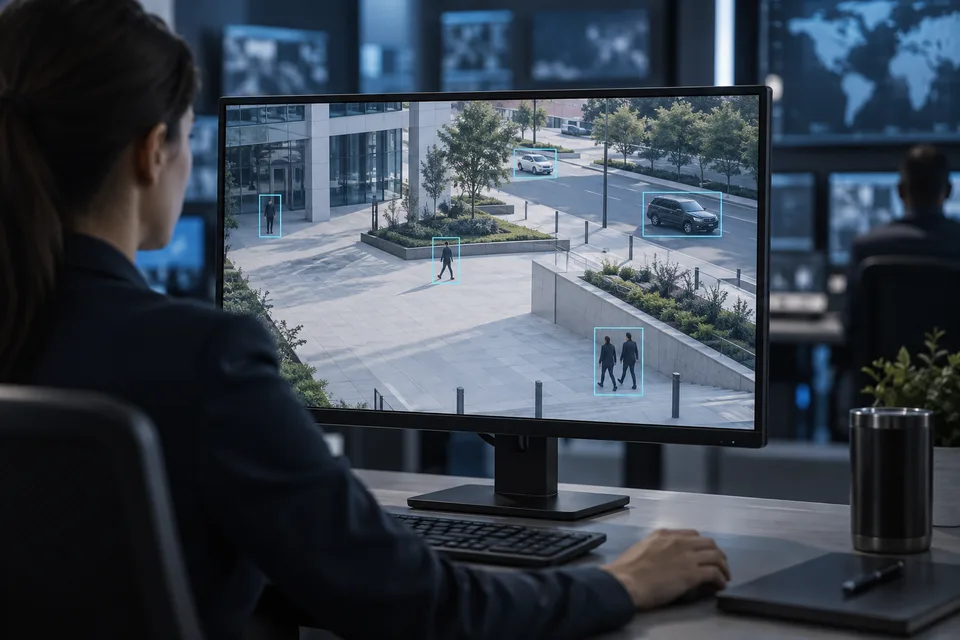
In practice
Where it fits
Plan a.i video analytics around your environment, equipment and the people who use it.
- Restricted perimeters
- Vehicle entrances
- Large monitoring operations
Connected systems
for real impact
How it connects
- 01Camera stream
- 02Edge / server A.I
- 03Classified event
- 04Video verification
- 05Operator action
Technology shaped around your operation
Published scope
Supporting information
Supporting company information
AI video analytics ↗Questions about A.I Video Analytics
Are all events supported by every camera?
No. Available analytics, accuracy and licensing depend on the selected model, software version, platform and scene. Confirm and test the required functions before deployment.
Does an alert automatically confirm an incident?
No. Lighting, occlusion and scene changes affect detections. The workflow includes reviewing the relevant footage before escalation.


Project requirements
Discuss A.I Video Analytics requirements
Include the site location and existing equipment. Use the review points to prepare your inquiry.
Include in your inquiry
- Supported model, firmware, licenses and stream limits
- Occlusion, weather, lighting and mounting position
- Acceptance scenarios and alert escalation ownership