
GIS Integration
Locate equipment, sites and events in a shared map context.
Connect supported location data to the monitoring workflow. GIS views can place equipment, sites and events on a map and help operators find relevant cameras and field information.
- Site focused
planning - Connected
systems - Ongoing
support
The operational challenge
What the system needs to solve.
An alert without a useful location slows review. A map needs reliable asset references, agreed coordinate data and current site information to support operations.
Systems & applications
Choose the system around the job.
Explore the equipment and applications we can assess for your project. Your proposal defines the selected products, supported functions and installation scope.

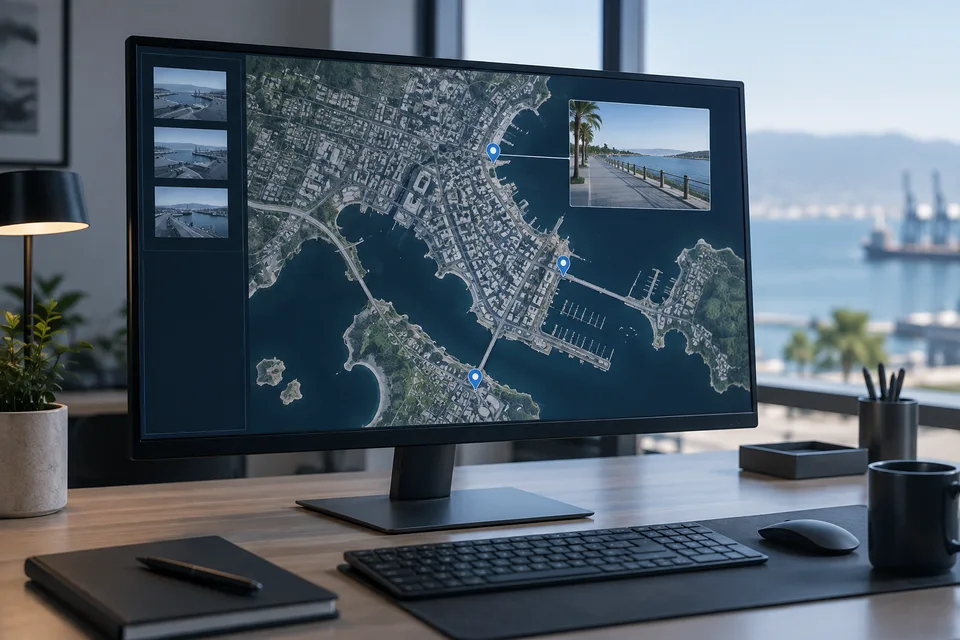
Asset and camera maps
Locate cameras, poles, sensors, cabinets and facilities using a common coordinate system. Attach asset identifiers and useful site records to each mapped item.
- Typical equipment
- GIS layers, asset register and location survey
- Where it fits
- Distributed municipal and enterprise assets
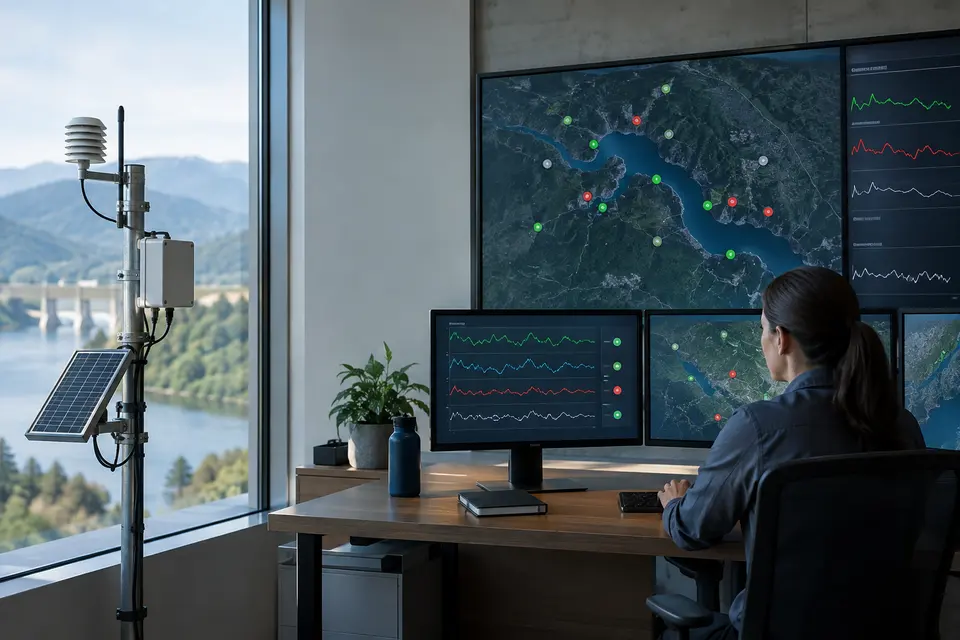
Live events and telemetry
Display compatible sensor values and incident markers with timestamps. Distinguish unavailable data from normal readings so the map does not imply that an offline site is healthy.
- Typical equipment
- Telemetry connectors and event layers
- Where it fits
- Command centers and environmental monitoring
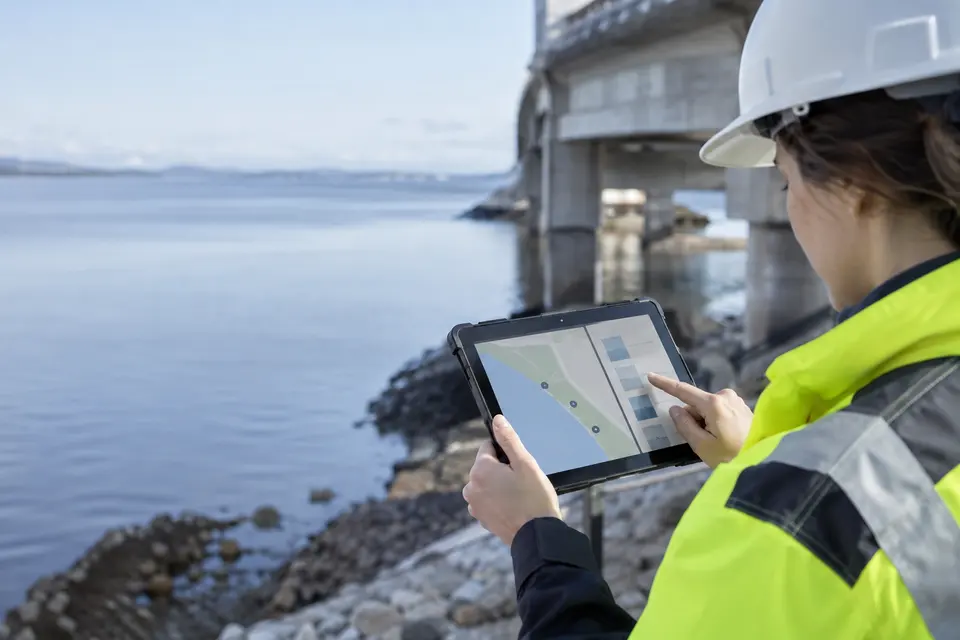
Mobile inspections
Use map based forms for field observations, photos and asset checks. Where offline collection is supported, define download areas and synchronization procedures before dispatch.
- Typical equipment
- Mobile mapping app, forms and controlled attachments
- Where it fits
- Maintenance visits and site surveys
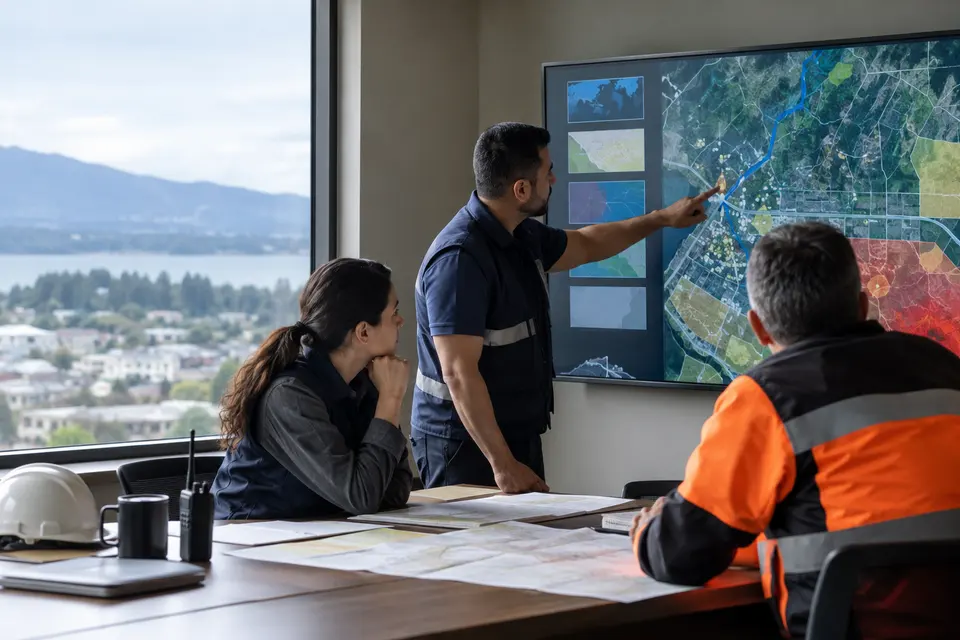
Planning and operational layers
Combine boundaries, facilities, roads and hazard information for local decisions. Keep source dates and access permissions clear when several departments share the map.
- Typical equipment
- Basemaps, operational layers and role based views
- Where it fits
- LGU planning and incident coordination
Functions, equipment & operation
Put each device and incident in its location.
Explore the functions and design options below. The final components, licenses and integration scope are confirmed against your site requirements.
Asset mapping
Place cameras, gateways, facilities and sensor sites on agreed map layers using maintained coordinates and asset identifiers. Group locations by municipality, zone or service area.
Map to video context
Open related cameras or supported streams from an asset or incident marker. Define what location and status information is exchanged by the source system.
Incident and coverage layers
Present incident locations, operational boundaries and field coverage as separate layers. Keep the provenance and update frequency of each layer clear to operators.
What makes up the system
- Licensed or approved base maps
- Asset inventory and verified coordinates
- GIS application and supported system APIs
- Map workstation and controlled data access
How the project works
- 01Validate coordinates and map permissions
- 02Create assets and service area layers
- 03Link supported video and event sources
- 04Review map accuracy with field teams
What we confirm before implementation
- Map licensing and offline requirements
- Coordinate accuracy and asset updates
- API access, refresh intervals and location privacy
Share your current equipment, site layout and operational priorities so the proposal can identify included functions, optional integrations and acceptance criteria.
In practice
Where it fits
Plan gis integration around your environment, equipment and the people who use it.
- Distributed city assets
- Remote site monitoring
- Multi building facilities
Connected systems
for real impact
How it connects
- 01Asset / event data
- 02Validated location
- 03Supported map interface
- 04Related video
- 05Field coordination
Technology shaped around your operation
Project preparation
Prepare your GIS integration brief
Start with the locations, map layers and event sources your operators need to use. The review defines which information can be connected and who keeps it current.

Bring the location data
An existing asset spreadsheet or site map gives the review a starting point. Identify records that still need field verification.
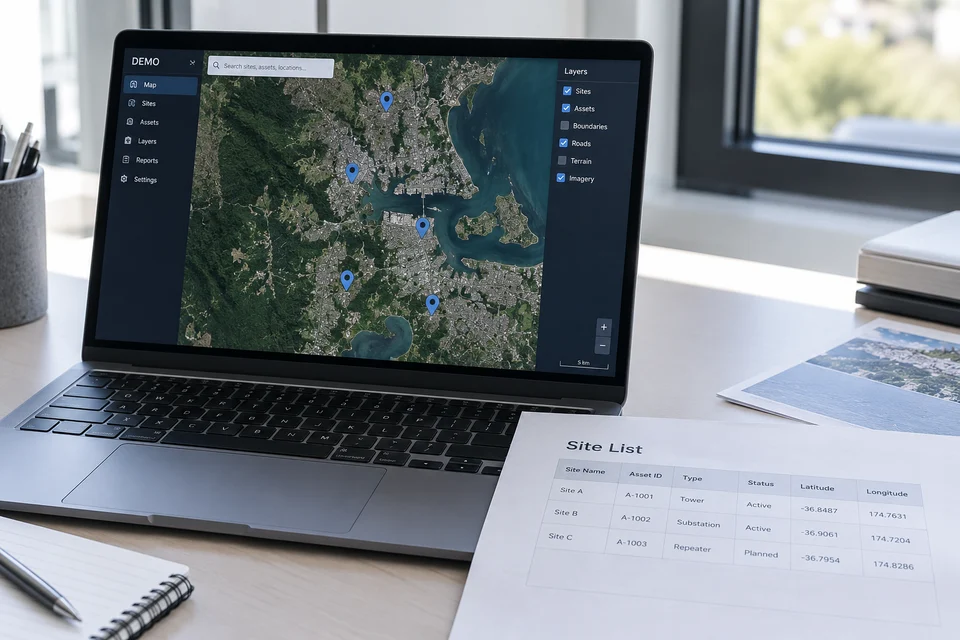
- Asset identifiers, site names and available coordinates
- Service boundaries and map layers to include
- Existing camera, sensor and incident systems
Define an operator task
Describe one task from start to finish, such as locating a report, opening the relevant camera and identifying the responsible team.
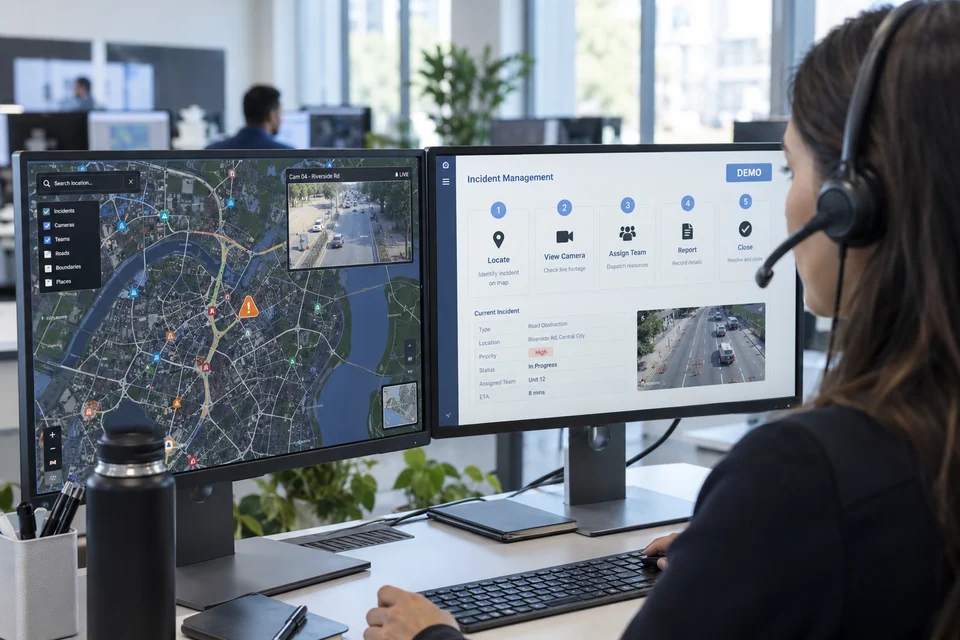
- Information each role may view or update
- Available interfaces, event fields and update intervals
- What operators should see when a location or connection is unavailable
Agree the review and handover
Use representative assets and events to agree acceptance checks before implementation. Assign responsibility for future location changes.
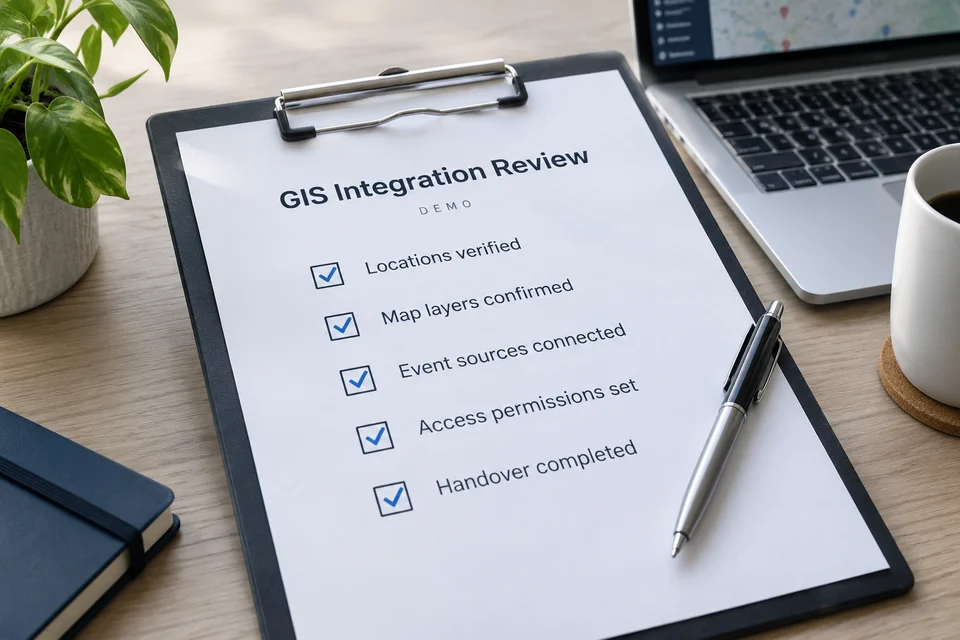
- Field checks for coordinates and service-area assignments
- Map usage permissions and any offline requirement
- Asset updates, operator guidance and access responsibilities
Questions about GIS Integration
Does GIS replace the video platform?
No. It adds location context. Video, event and mapping platforms must expose compatible interfaces for the proposed workflow.
Are the homepage map markers installation coordinates?
No. They indicate approximate regions for published references. Operational GIS coordinates require a separate validated project dataset.


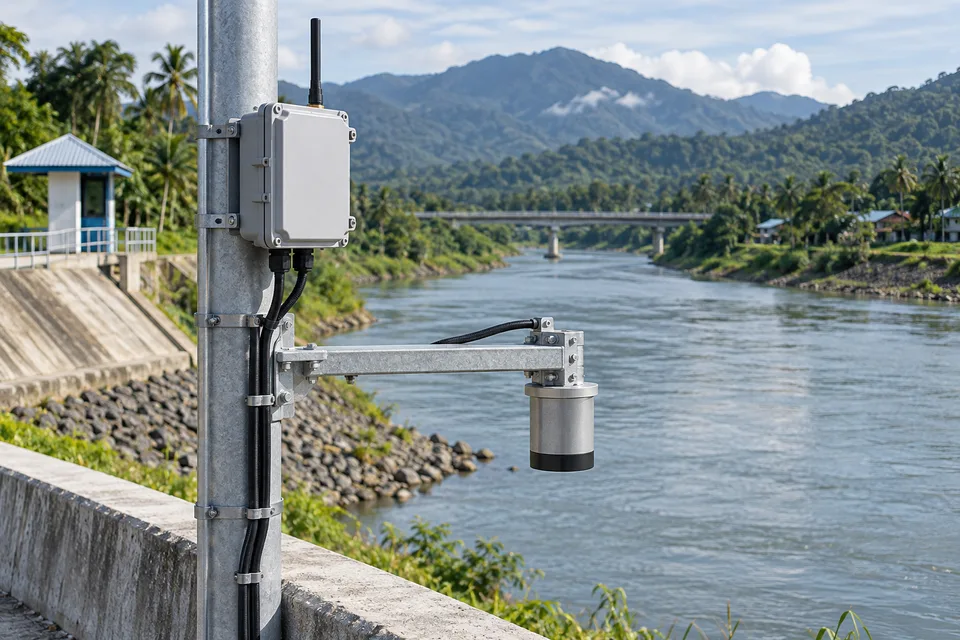
Project requirements
Discuss GIS Integration requirements
Include the site location and existing equipment. Use the review points to prepare your inquiry.
Include in your inquiry
- Map licensing and offline requirements
- Coordinate accuracy and asset updates
- API access, refresh intervals and location privacy