
Maintenance & Support
Inspect, diagnose and maintain the systems your team relies on.
Scope preventive visits, fault investigation, parts replacement and service support for CCTV, networks, power and command systems. Agree responsibilities and handover records around the installed equipment and contract.
- Site focused
planning - Connected
systems - Ongoing
support
The operational challenge
What the system needs to solve.
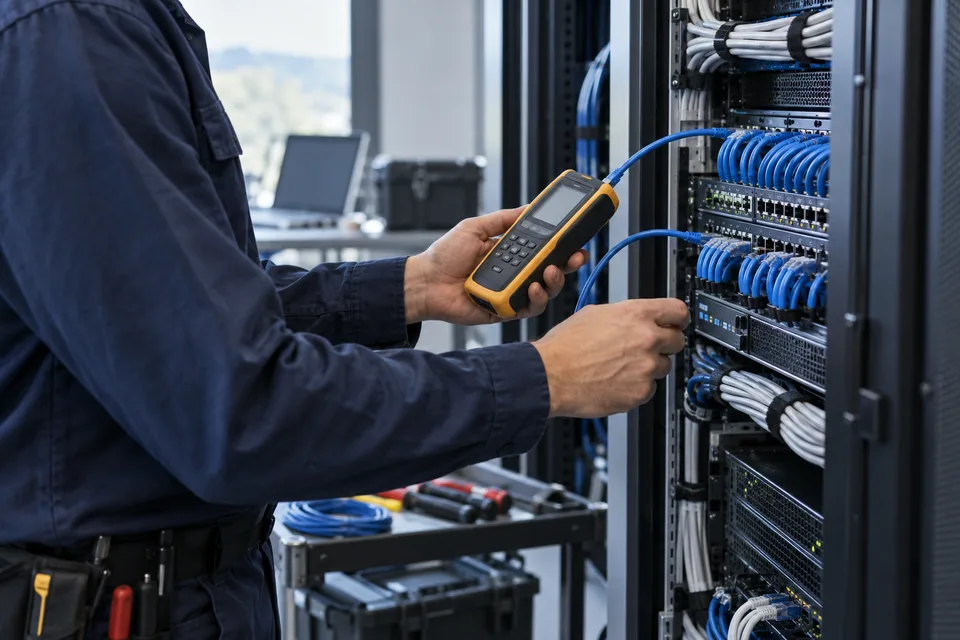
An installation can degrade through failed links, aging batteries, storage faults or undocumented changes. Maintenance needs a known equipment baseline and an agreed way to report and investigate issues.
Support services
Keep your systems running
From routine inspections to system upgrades, our support services help you minimize downtime and maintain performance.
System health and preventive visits
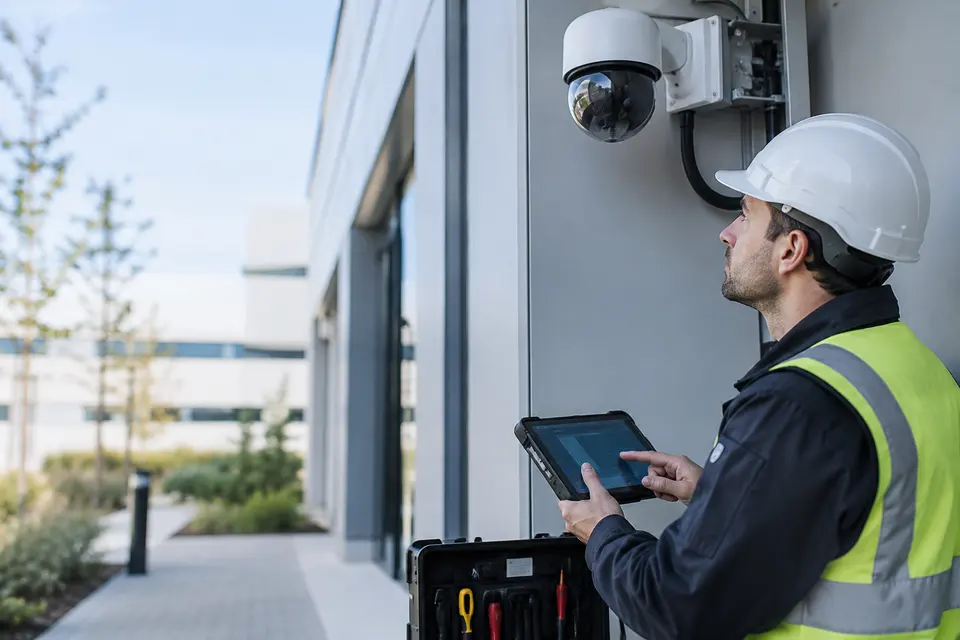
Inspect camera views, recording, connections, power and physical condition against an asset checklist. Record defects and priorities so visits result in an actionable maintenance history.
- Typical equipment
- Asset register, inspection forms and diagnostic tools
- Where it fits
- Installed security, network and field systems

Fault response and repair
Start with the symptoms and recent changes, then isolate power, link, device or application faults. Confirm parts availability and service access before scheduling repairs.
- Typical equipment
- Remote diagnostics, site testing and replacement parts
- Where it fits
- Sites with failed or intermittent equipment

Firmware and configuration care
Keep agreed configuration backups and plan supported updates in a maintenance window. Test essential functions after the change and retain a recovery procedure.
- Typical equipment
- Version register, approved packages and backup storage
- Where it fits
- Cameras, controllers, servers and network devices

Upgrades, training and lifecycle planning
Review expansion needs and equipment approaching replacement. Include operator refresher training and current drawings so the team can use and maintain the system.
- Typical equipment
- Capacity review, documentation and training materials
- Where it fits
- Growing sites and older installations
Functions, equipment & operation
Keep the system useful after installation.
Explore the functions and design options below. The final components, licenses and integration scope are confirmed against your site requirements.
Preventive inspection
Define a checklist for the installed assets: camera views, recording, storage health, network links, power condition and physical connections. Schedule tasks according to environment and operating needs.
Fault diagnosis and repair
Collect symptoms, affected assets, logs and recent changes before dispatch. Separate configuration issues, network faults and failed hardware so the repair addresses the cause.
Service records and lifecycle planning
Record work, replacement parts and verification results. Identify capacity limits or aging equipment and propose upgrades with a clear scope rather than replacing everything at once.
What makes up the system
- Maintained asset list and configuration records
- Agreed service checklist and ticket workflow
- Remote diagnostics where authorized
- Spares, tools and escalation contacts as contracted
How the project works
- 01Log the fault and assess operational impact
- 02Diagnose remotely or schedule a site visit
- 03Repair or replace within the approved scope
- 04Verify operation and document closure
What we confirm before implementation
- Covered assets, sites and service hours
- Response targets, exclusions and spare part arrangements
- Remote access approval and post repair acceptance
Share your current equipment, site layout and operational priorities so the proposal can identify included functions, optional integrations and acceptance criteria.
In practice
Where it fits
Plan maintenance & support around your environment, equipment and the people who use it.
- Existing CCTV installations
- Site networks and power systems
- Monitoring rooms and distributed equipment
Connected systems
for real impact
How it connects
- 01Asset and contract baseline
- 02Scheduled check / fault report
- 03Diagnosis
- 04Agreed service or parts
- 05Verification and handover
Technology shaped around your operation
Published scope
Supporting information
Supporting company information
Network infrastructure ↗Questions about Maintenance & Support
Is 24/7 support or a fixed response time included?
No such commitment is implied. Hours, response targets, visits, parts and exclusions must be agreed in the applicable service contract.
Can maintenance cover equipment installed by another provider?
We first assess equipment condition, documentation, access and vendor support. The supported scope is confirmed after that review.


Project requirements
Discuss Maintenance & Support requirements
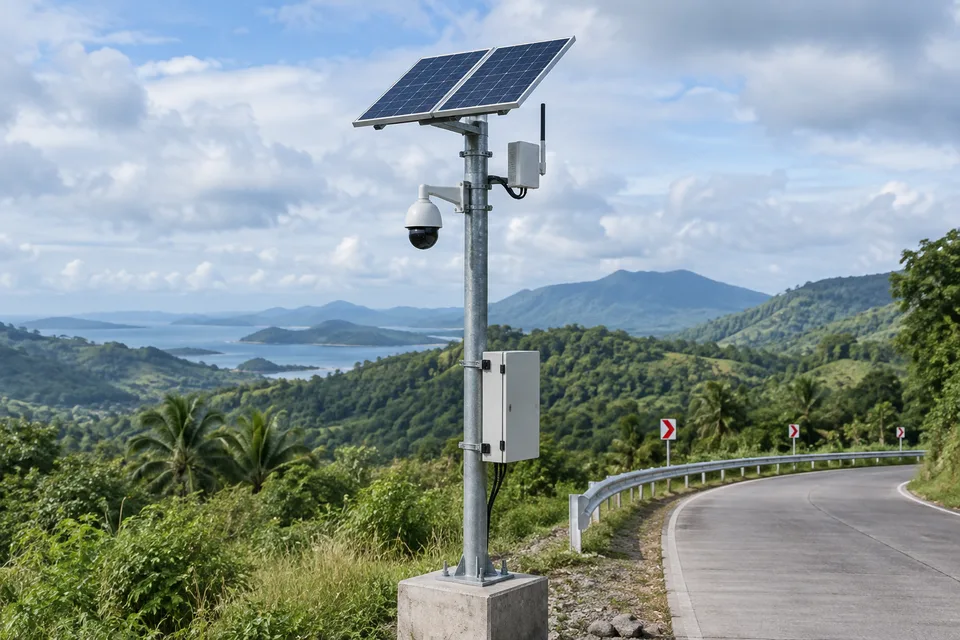
Include the site location and existing equipment. Use the review points to prepare your inquiry.
Include in your inquiry
- Covered assets, sites and service hours
- Response targets, exclusions and spare part arrangements
- Remote access approval and post repair acceptance