
VMS / BMS
Coordinate video operations and building systems with clear boundaries.
A Video Management System manages cameras, recordings and video events. A Building Management System supervises supported building equipment. 7SCSC scopes how these different roles connect with access control and site operations.
- Site focused
planning - Connected
systems - Ongoing
support
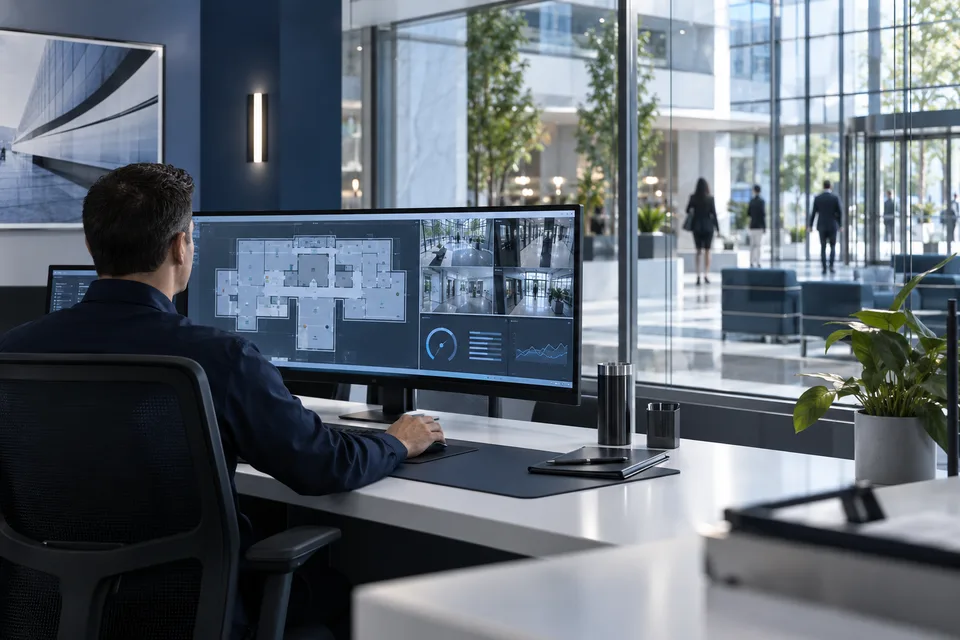
The operational challenge
What the system needs to solve.
Video and building platforms serve different purposes. Treating them as interchangeable can hide interface, licensing and control requirements that must be agreed during design.
Systems & applications
Choose the system around the job.
Explore the equipment and applications we can assess for your project. Your proposal defines the selected products, supported functions and installation scope.
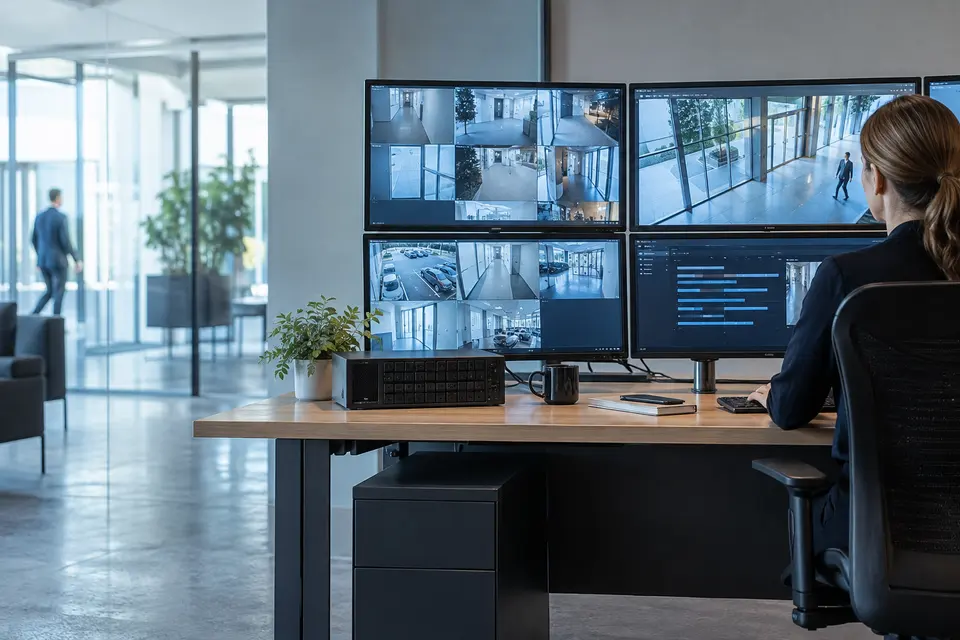
Video management
Centralize live views, recording schedules, playback and exports. Define camera permissions and storage capacity across sites rather than giving all users unrestricted access.
- Typical equipment
- VMS licenses, recorders, storage and clients
- Where it fits
- Security desks and branch monitoring
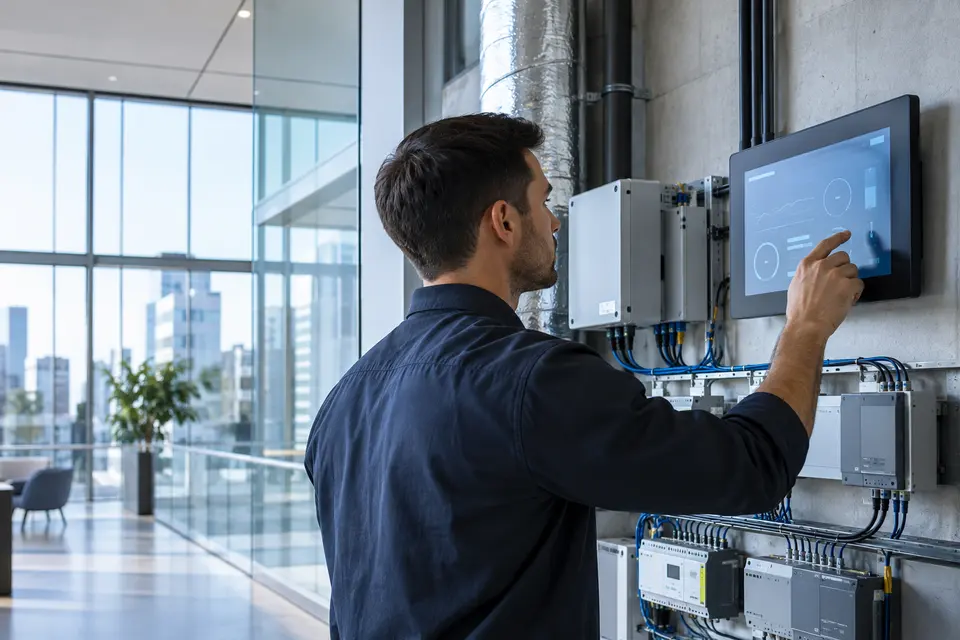
HVAC and building automation
Connect supported air conditioning and ventilation controllers to schedules, alarms and trend views. Confirm which points are read only and which may be controlled.
- Typical equipment
- Building controllers, gateways and operator interface
- Where it fits
- Offices, hotels and commercial buildings
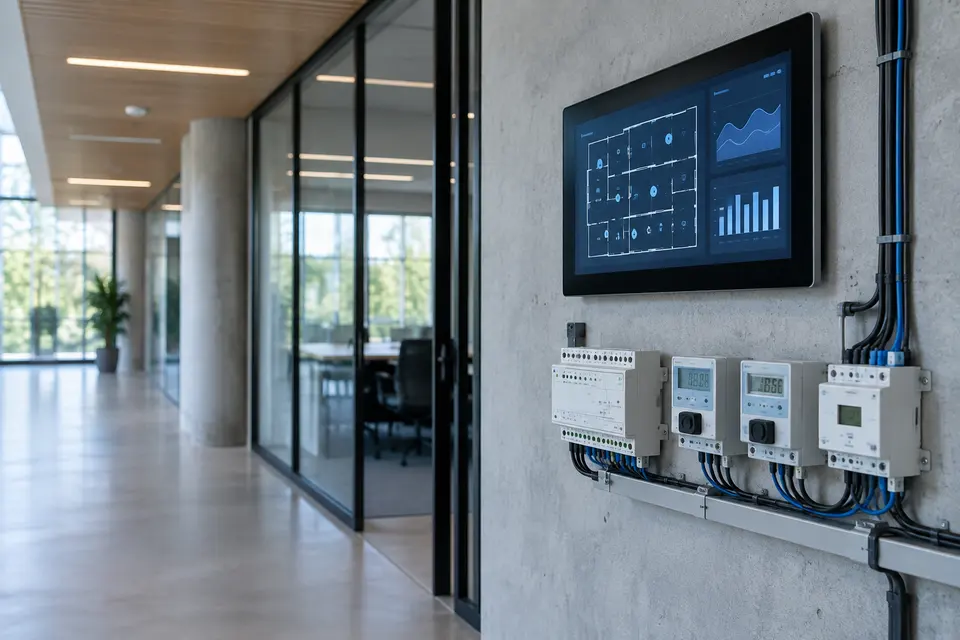
Lighting and energy visibility
Organize lighting schedules and electricity or utility readings by floor or zone. Compare trends to identify equipment that remains active outside expected hours.
- Typical equipment
- Lighting controllers, meters and data gateways
- Where it fits
- Campuses and facilities management
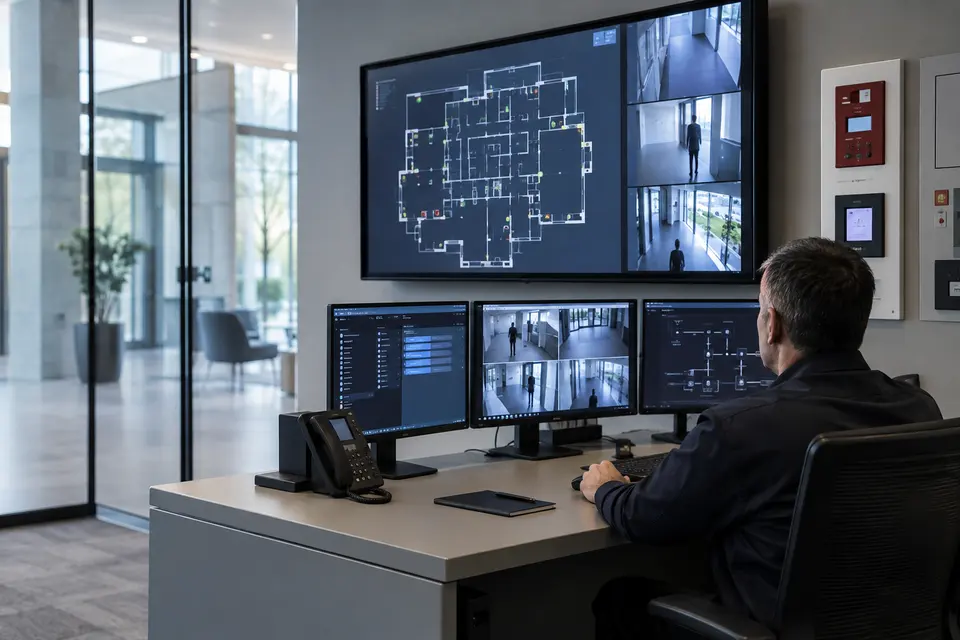
Security and building event integration
Link supported access, fire panel and equipment alarms to location and video context. Fire and other life safety systems retain their dedicated controls and approved response logic.
- Typical equipment
- Approved interfaces, event mapping and floor plans
- Where it fits
- Mixed security and engineering operations
Functions, equipment & operation
Separate video control from building supervision, and connect the context.
Explore the functions and design options below. The final components, licenses and integration scope are confirmed against your site requirements.
Video operations
Configure live layouts, recording schedules, playback, bookmarks and camera permissions. Define which users can export clips or operate PTZ cameras.
Building points and alarms
Agree the equipment and point list for supervision, such as equipment state, environmental measurements and alarms. Confirm the protocol or vendor gateway for each system.
Read only versus control
Specify whether each integration only displays status or permits an action. Keep building controls behind explicit permissions and test command acknowledgement and failure behavior.
What makes up the system
- VMS server, recording storage and clients
- BMS controllers or approved integration gateways
- Equipment point lists and interface licenses
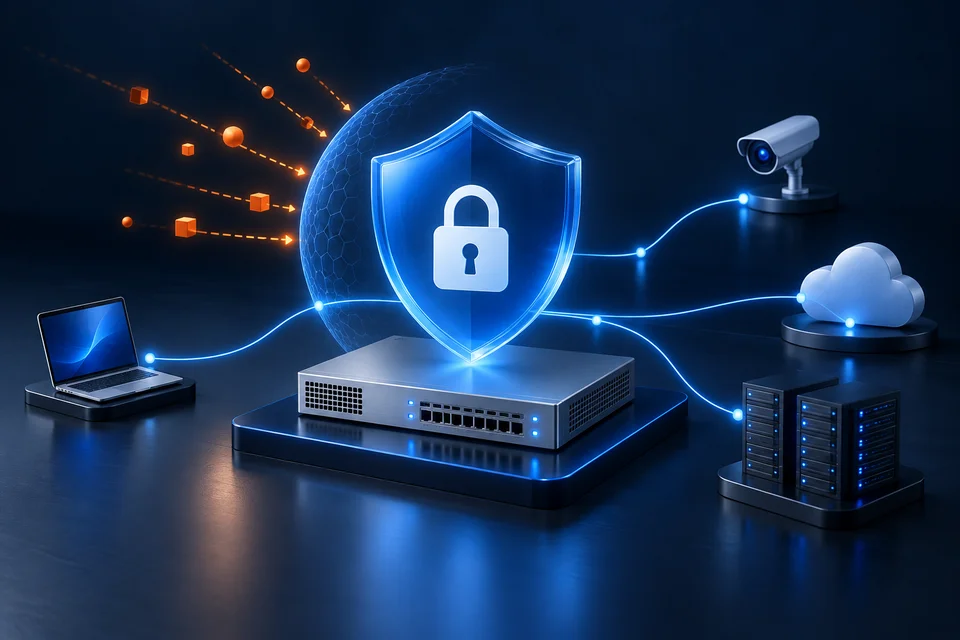
- Operator roles, alarm routing and network segmentation
How the project works
- 01Inventory camera channels and building points
- 02Confirm interface and control scope
- 03Map alarms to equipment and relevant video
- 04Test alarm handling and authorized actions
What we confirm before implementation
- Protocols, point counts and licensing
- Vendor responsibility for each interface
- Alarm priority, acknowledgement and control permissions
Share your current equipment, site layout and operational priorities so the proposal can identify included functions, optional integrations and acceptance criteria.
In practice
Where it fits
Plan vms / bms around your environment, equipment and the people who use it.
- Commercial buildings
- Hotels and multi use properties
- Central monitoring facilities
Connected systems
for real impact
How it connects
- 01Cameras / building devices
- 02Supported interfaces
- 03VMS and BMS roles
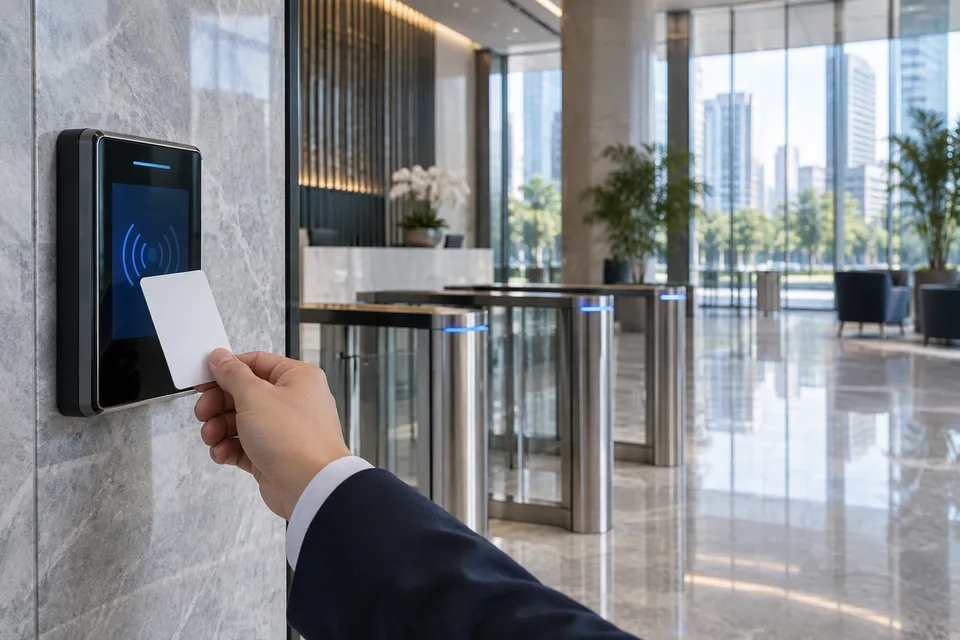
- 04Access / event context
- 05Authorized operator
Technology shaped around your operation
Published scope
Supporting information
Questions about VMS / BMS
Are VMS and BMS the same system?
No. VMS focuses on video; BMS supervises supported building services. They can exchange information when suitable interfaces exist.
Does a command center reference demonstrate BMS installation?
No. A reference is limited to its published scope. Building integrations and control functions need their own confirmed requirements.

Project requirements
Discuss VMS / BMS requirements
Include the site location and existing equipment. Use the review points to prepare your inquiry.
Include in your inquiry
- Protocols, point counts and licensing
- Vendor responsibility for each interface
- Alarm priority, acknowledgement and control permissions