
Video Conferencing
Meeting-room cameras, audio and controls that make remote collaboration practical.
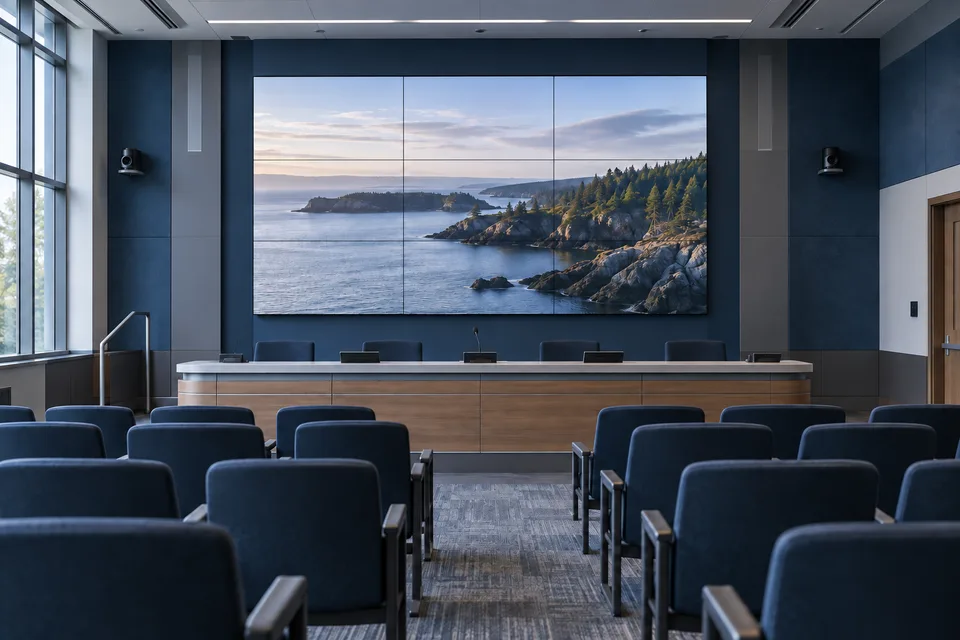
Design conferencing around the room, participants and meeting platform. Coordinate camera framing, microphone coverage, speakers, displays and simple controls, then test with remote participants to check both sides of the call.
- Site focused
planning - Connected
systems - Ongoing
support
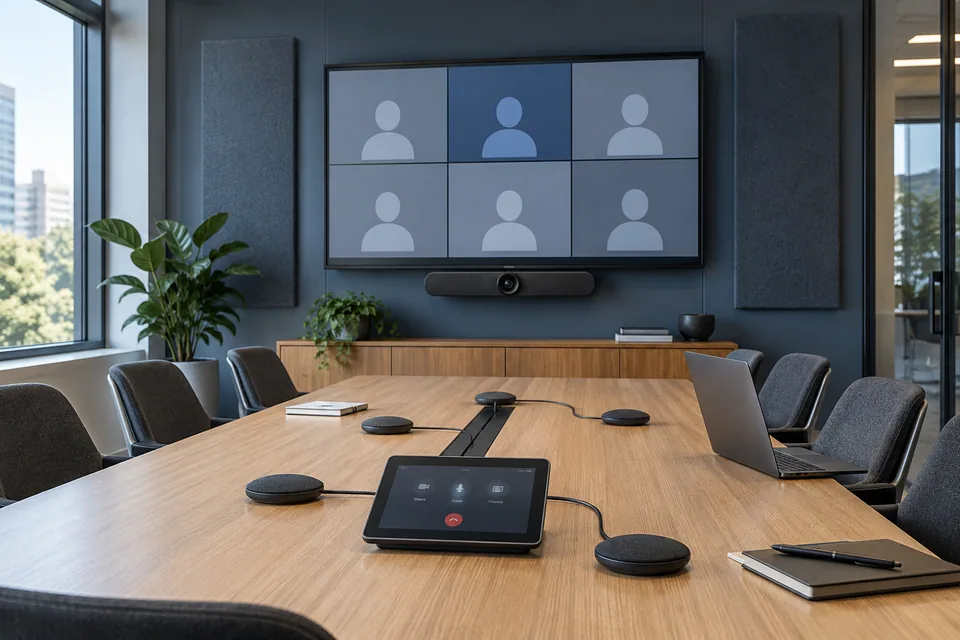
The operational challenge
What the system needs to solve.
A large display does not fix poor audio or an awkward join process. Room acoustics, seating, camera position, network access and device compatibility need to work as one system.
Systems & applications
Choose the system around the job.
Explore the equipment and applications we can assess for your project. Your proposal defines the selected products, supported functions and installation scope.
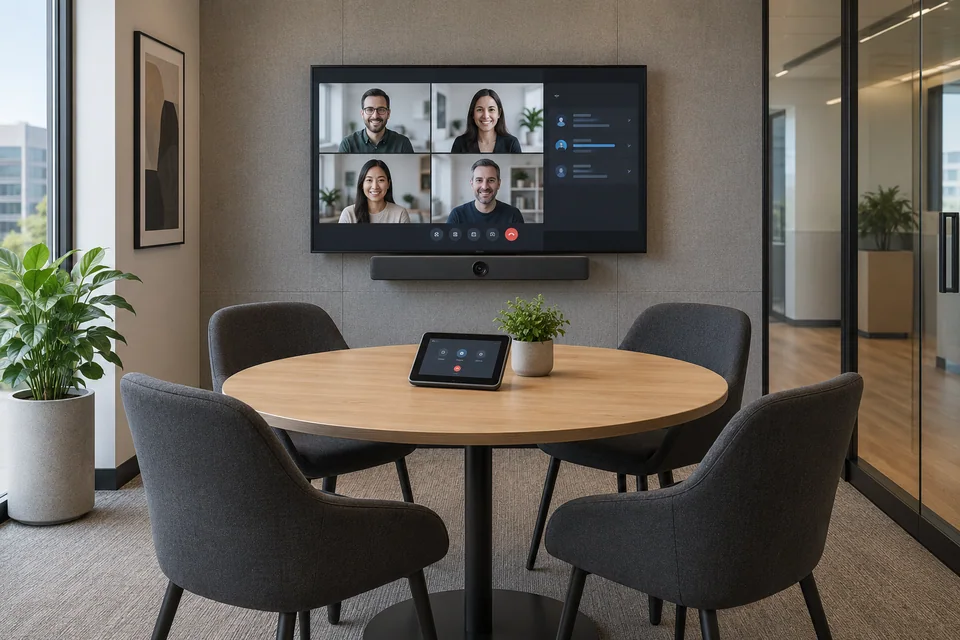
Huddle rooms
Use a compact integrated setup for a small group with simple controls.
- Typical equipment
- Video bar, display and room controller or USB connection
- Where it fits
- Small meeting rooms and project spaces
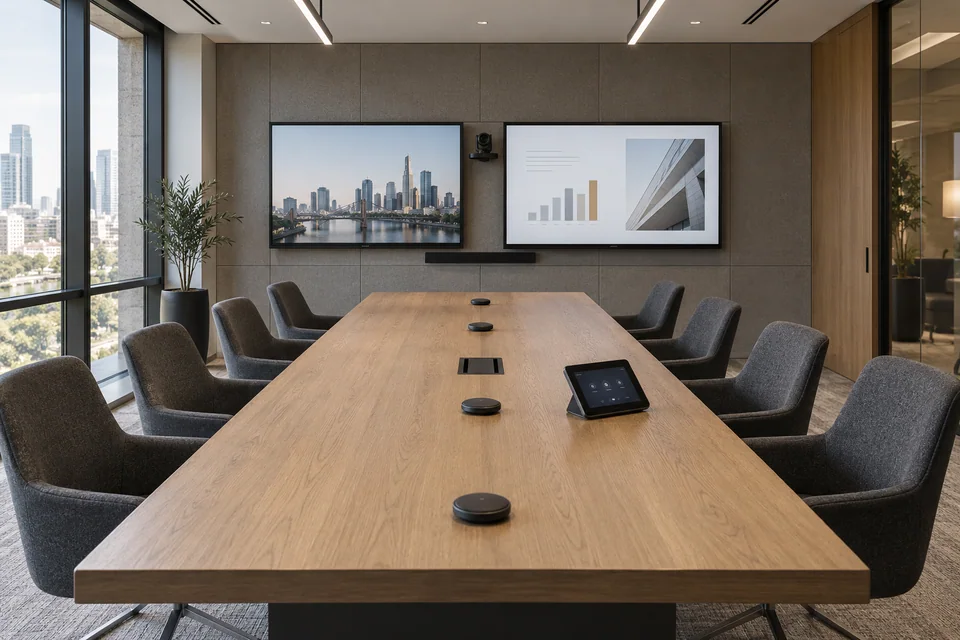
Boardrooms
Plan longer microphone coverage and camera framing around the full table.
- Typical equipment
- PTZ or room camera, microphones, DSP and speakers
- Where it fits
- Larger meeting and executive rooms
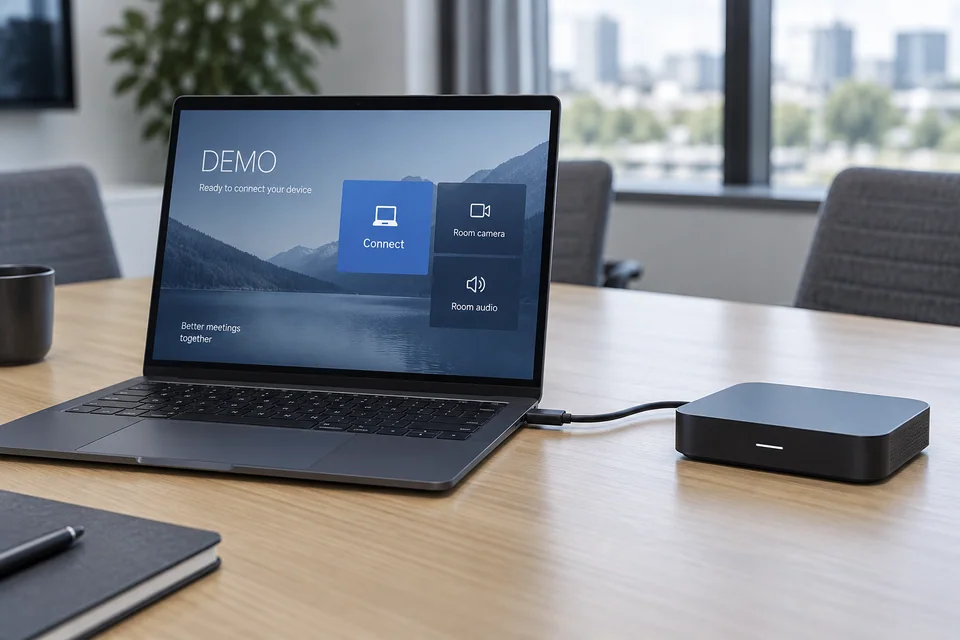
BYOD meeting spaces
Let approved laptops use compatible room equipment with a clear connection path.
- Typical equipment
- USB or supported connection hub, switching and display inputs
- Where it fits
- Rooms used by different teams and visitors
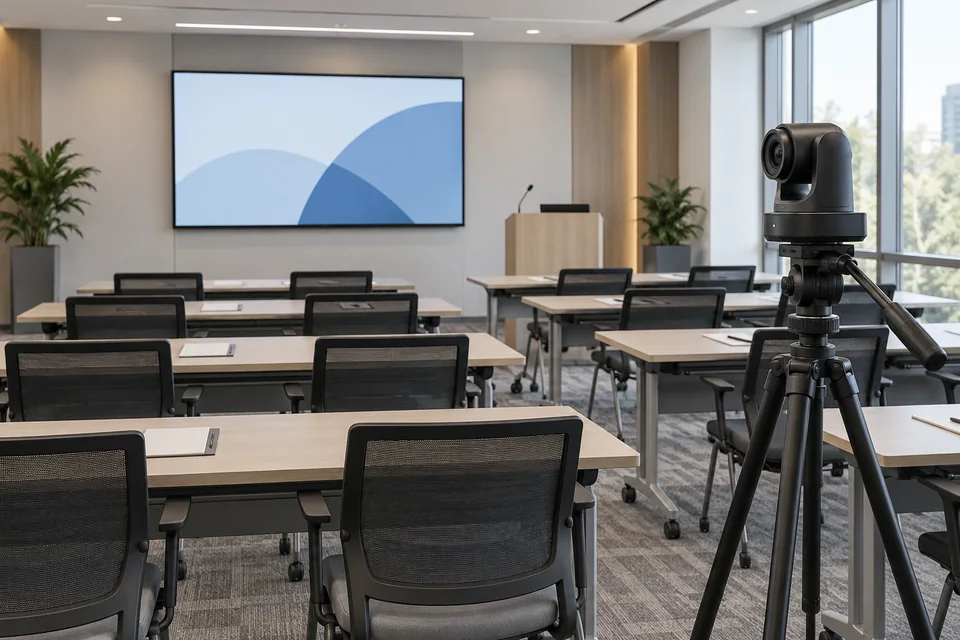
Training and hybrid sessions
Scope presenter capture, audience audio and separate content sources.
- Typical equipment
- Cameras, wireless or fixed microphones and AV control
- Where it fits
- Training rooms and multi-location presentations
Functions, equipment & operation
Test the meeting from both ends.
Explore the functions and design options below. The final components, licenses and integration scope are confirmed against your site requirements.
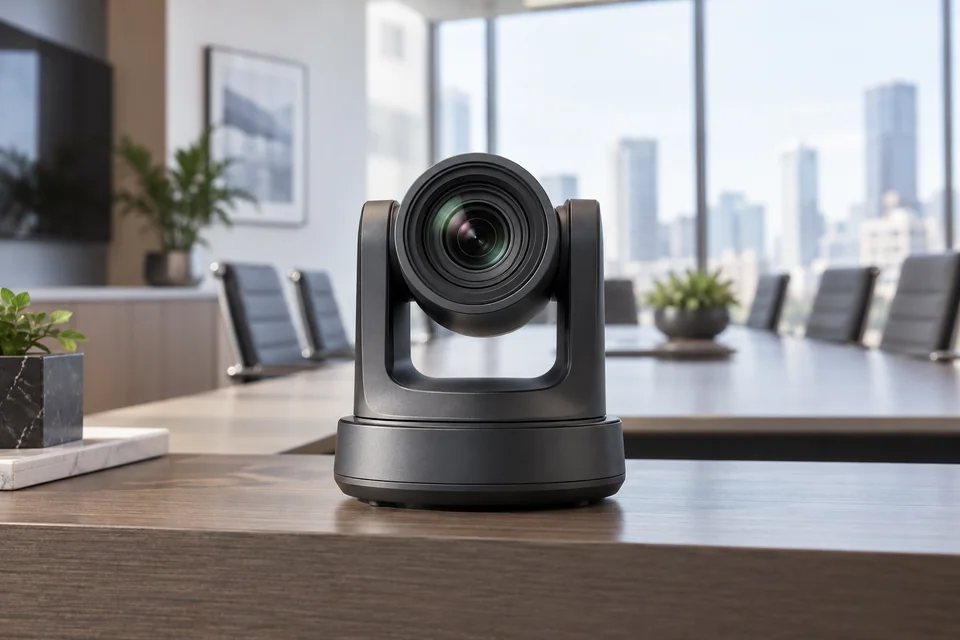
Frame people naturally
Check near and far seating positions, sightlines and window glare.
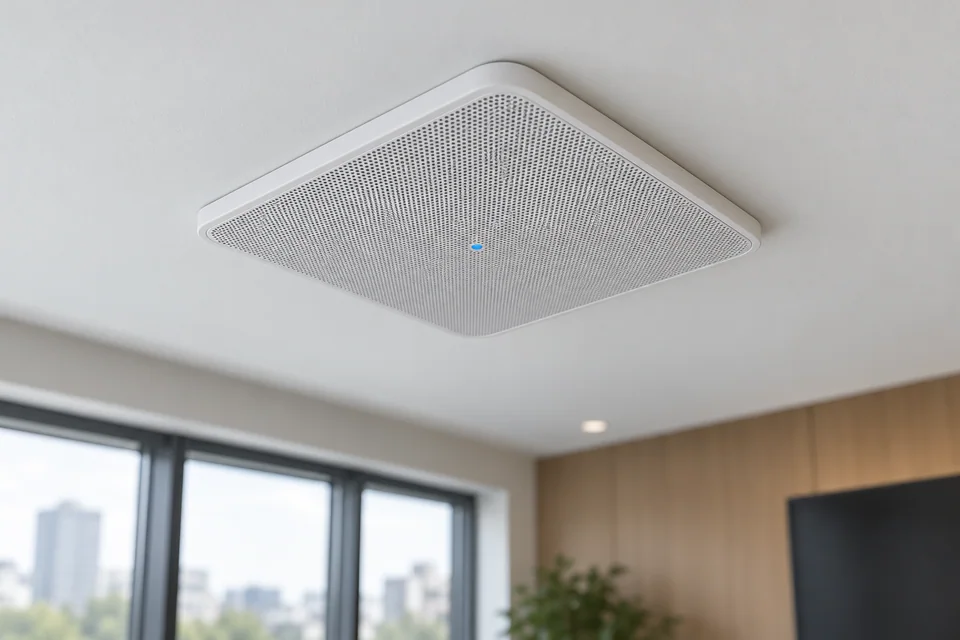
Prioritize speech
Tune microphone pickup and speaker levels, then listen from a remote device.
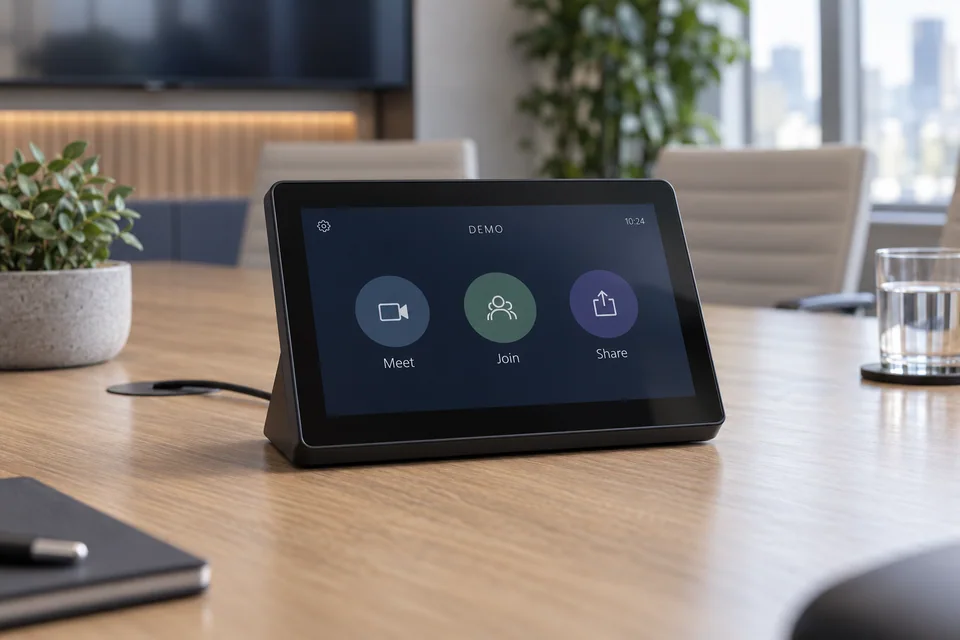
Make joining predictable
Document the few steps users need for scheduled meetings, guest calls and content sharing.
What makes up the system
- Room camera or video bar
- Microphones, speakers and audio processing
- Displays and meeting controller
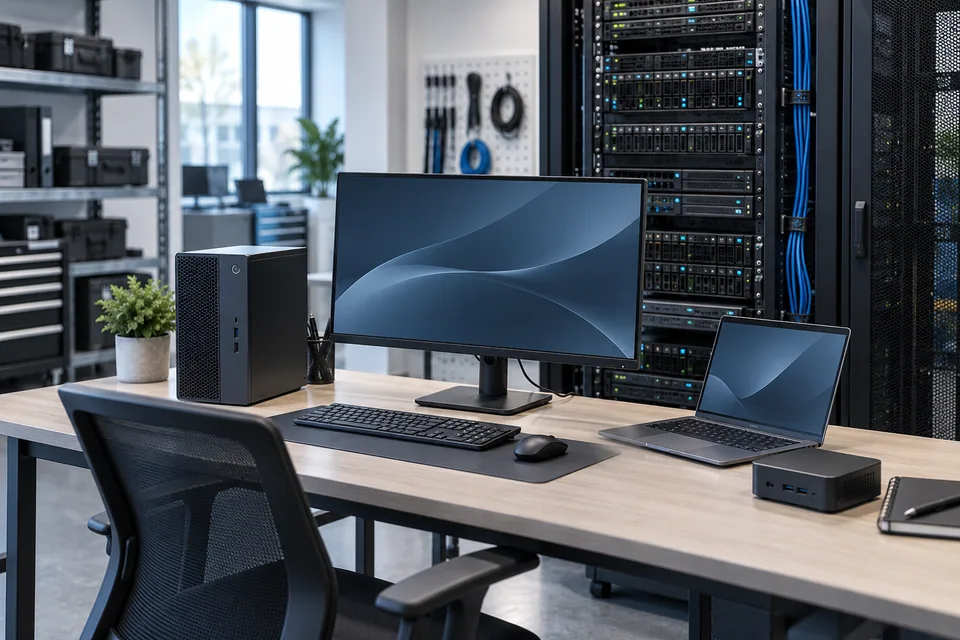
- Room computer or BYOD connectivity
How the project works
- 01Survey seating, acoustics and meeting platforms
- 02Select compatible audio, video and control equipment
- 03Configure network, licenses and room settings
- 04Test remote calls, content sharing and user handover
What we confirm before implementation
- Room dimensions, seating and acoustics
- Meeting platforms and license ownership
- BYOD and content-sharing requirements
- Network policies and remote support
Share your current equipment, site layout and operational priorities so the proposal can identify included functions, optional integrations and acceptance criteria.
In practice
Where it fits
Plan video conferencing around your environment, equipment and the people who use it.
- Huddle and medium meeting rooms
- Boardrooms and training spaces
- Hybrid collaboration across branches
Connected systems
for real impact
How it connects
- 01Room users and remote guests
- 02Camera / microphones
- 03Meeting platform
- 04Display and content sharing
- 05Room management
Technology shaped around your operation
Project preparation
Prepare your project brief
Provide a room plan, typical participant count and the meeting platforms your staff and guests use.
Document the starting point
Use drawings, equipment records and current operating procedures to make the first review specific to your site.
- Room dimensions, seating and acoustics
- Meeting platforms and license ownership
Agree what the system must do
Tune microphone pickup and speaker levels, then listen from a remote device.
- BYOD and content-sharing requirements
- Network policies and remote support
Plan the handover
Document the few steps users need for scheduled meetings, guest calls and content sharing.
- Configure network, licenses and room settings
- Test remote calls, content sharing and user handover
Questions about Video Conferencing
Will one room work with every meeting platform?
Compatibility varies by room system, license and connection method. Test the required platforms and guest-join scenarios before approving the configuration.
Can staff use their own laptop?
A supported BYOD design can connect a laptop to room audio, video and displays. Ports, adapters and switching behavior need to be confirmed.
Is acoustic treatment necessary?
Some rooms need treatment or microphone changes to reduce reverberation and background noise. A room review and remote listening test help determine the requirement.


Project requirements
Discuss Video Conferencing requirements
Include the site location and existing equipment. Use the review points to prepare your inquiry.
Include in your inquiry
- Room dimensions, seating and acoustics
- Meeting platforms and license ownership
- BYOD and content-sharing requirements
- Network policies and remote support