
Power Backup
UPS and battery backup designed around critical loads and required runtime.
Keep selected IT, communications and security equipment supplied through short interruptions or a controlled shutdown. Scope UPS topology, battery capacity, monitoring and any generator or transfer interface against a measured load schedule and site electrical design.
- Site focused
planning - Connected
systems - Ongoing
support
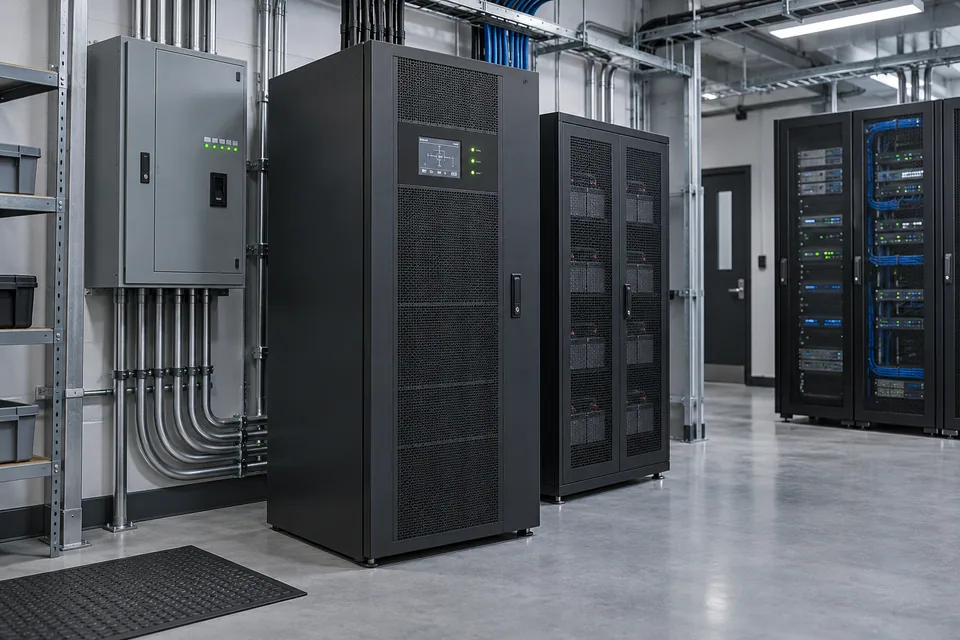
The operational challenge
What the system needs to solve.
An oversized nameplate is not a runtime plan. Connected watts, startup behavior, battery condition, temperature and future growth all affect the usable backup period and equipment selection.
Systems & applications
Choose the system around the job.
Explore the equipment and applications we can assess for your project. Your proposal defines the selected products, supported functions and installation scope.
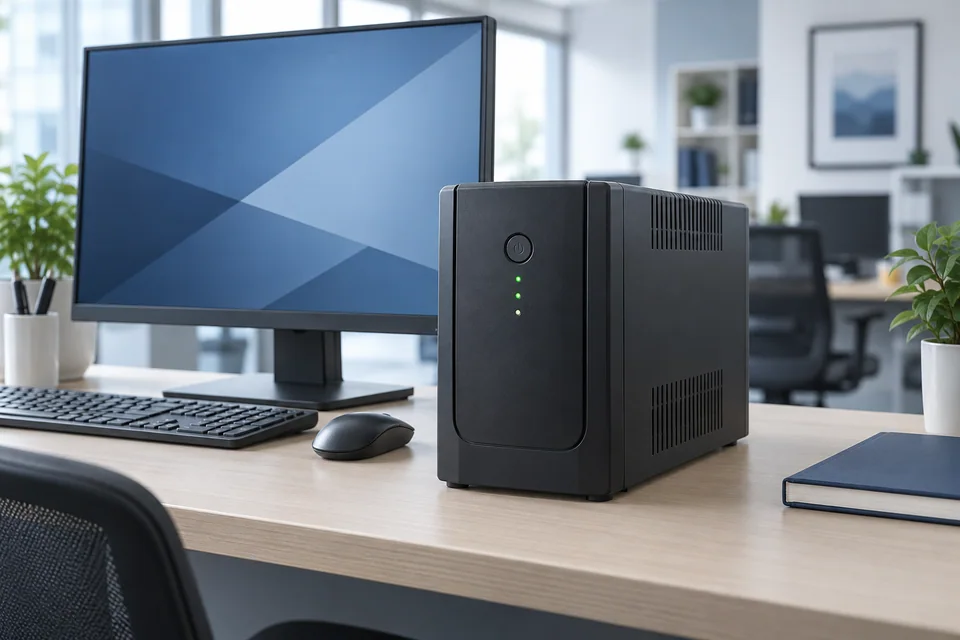
Workstation backup
Provide a scoped backup interval or graceful shutdown for individual desks and small devices.
- Typical equipment
- Desktop UPS and supported shutdown connection
- Where it fits
- Office PCs and small communications equipment
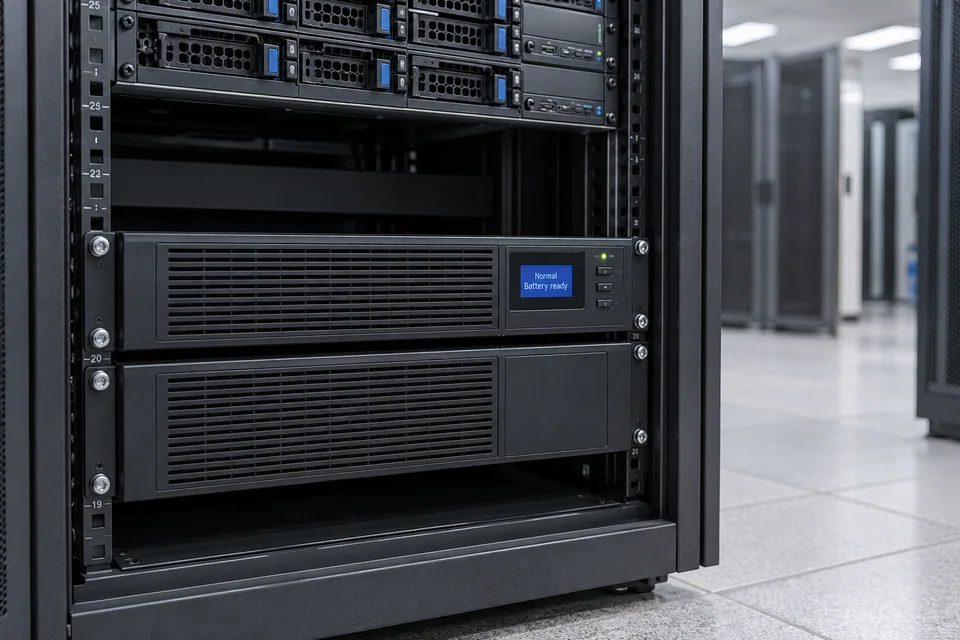
Rack UPS
Protect defined network, server or recording loads with a rack-compatible arrangement.
- Typical equipment
- Rack UPS, battery modules where supported and managed outlets
- Where it fits
- Network cabinets and IT racks
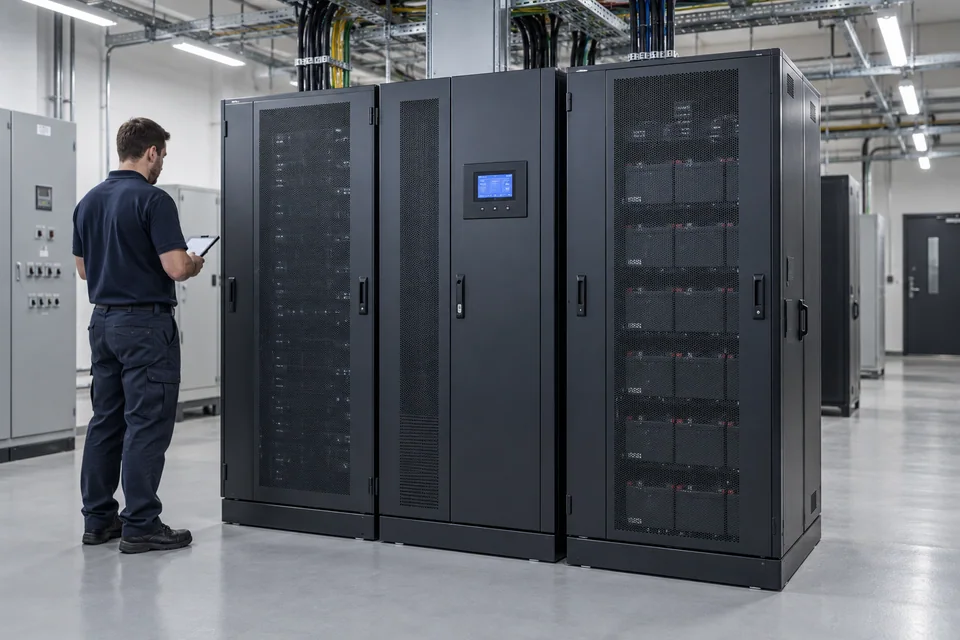
Central critical-load backup
Coordinate larger UPS capacity, distribution and maintainable battery arrangements.
- Typical equipment
- Floor-standing UPS, battery cabinet and specified distribution
- Where it fits
- Operations rooms and critical IT loads
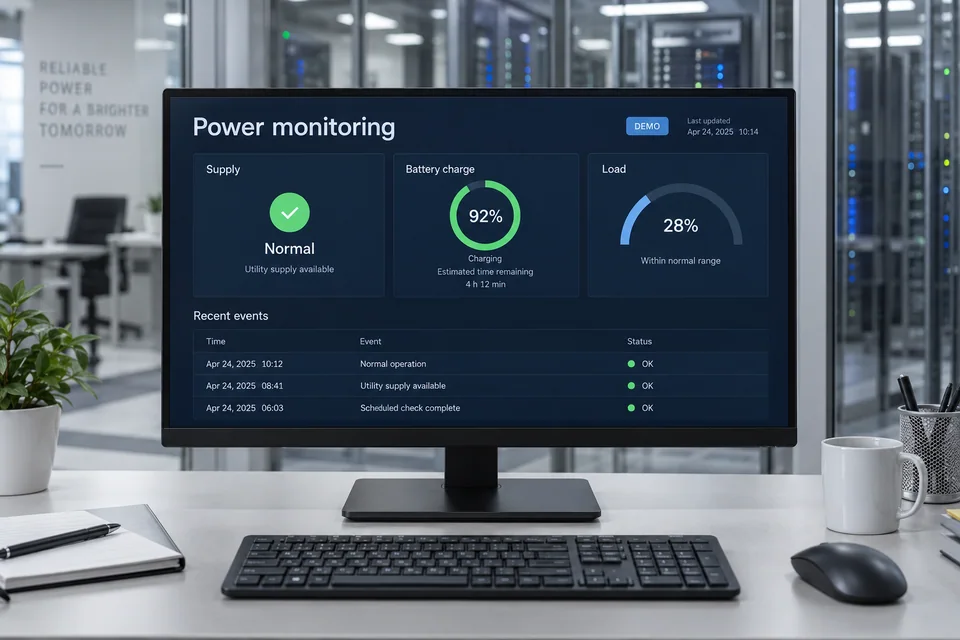
Power monitoring
Record supply and battery conditions with supported alerts and shutdown actions.
- Typical equipment
- Network management interface and monitoring software
- Where it fits
- Facilities and IT support teams
Functions, equipment & operation
Size continuity around the load.
Explore the functions and design options below. The final components, licenses and integration scope are confirmed against your site requirements.
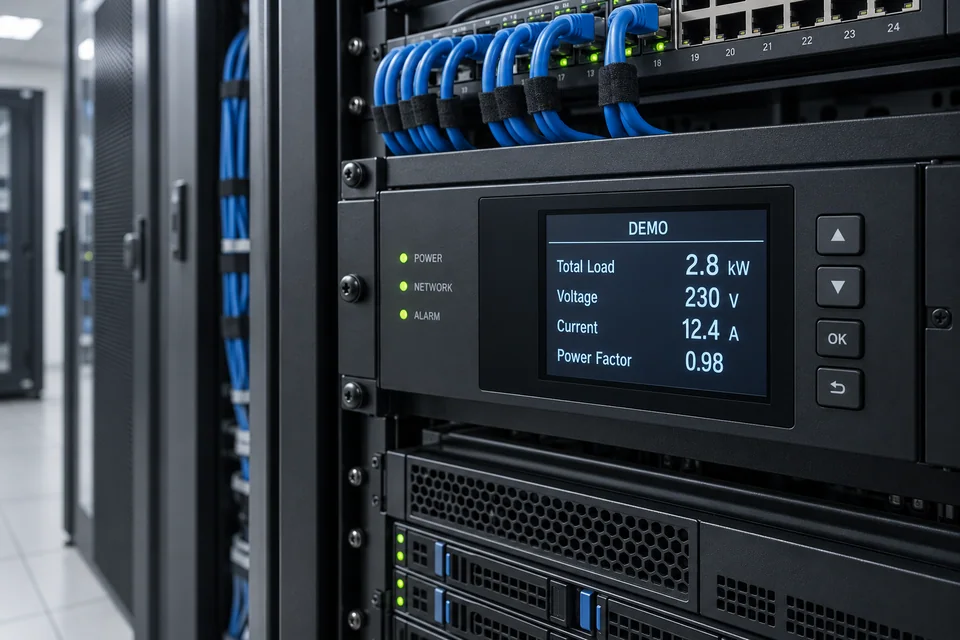
Measure before specifying
Use an equipment load schedule and actual measurements where available.
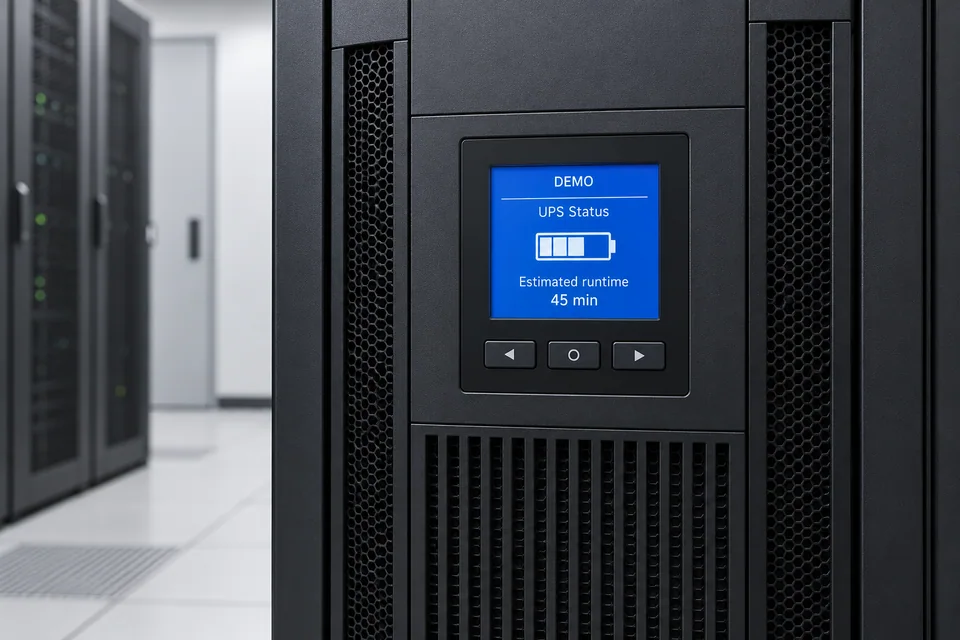
Separate runtime from capacity
Confirm both the maximum supported load and the backup time needed at the intended operating load.

Keep servicing possible
Allow ventilation, battery access and an agreed maintenance or bypass procedure where applicable.
What makes up the system
- Specified UPS and battery modules
- Critical-load distribution
- Supported monitoring and shutdown interfaces
- Transfer or generator interfaces only where designed
How the project works
- 01Survey loads and supply conditions
- 02Specify capacity, runtime and electrical arrangement
- 03Install with appropriate electrical coordination
- 04Test agreed operation and document maintenance
What we confirm before implementation
- Equipment load schedule and required runtime
- Supply, grounding and installation space
- Battery environment and service access
- Generator, transfer and shutdown requirements
Share your current equipment, site layout and operational priorities so the proposal can identify included functions, optional integrations and acceptance criteria.
In practice
Where it fits
Plan power backup around your environment, equipment and the people who use it.
- Server and network rooms
- CCTV and access-control systems
- Office workstations and operations desks
Connected systems
for real impact
How it connects
- 01Utility supply
- 02Specified UPS / transfer arrangement
- 03Battery storage
- 04Critical equipment
- 05Monitoring / controlled shutdown
Technology shaped around your operation
Project preparation
Prepare your project brief
List the equipment that must stay on, its power draw and the minimum operating or shutdown time needed.
Document the starting point
Use drawings, equipment records and current operating procedures to make the first review specific to your site.
- Equipment load schedule and required runtime
- Supply, grounding and installation space
Agree what the system must do
Confirm both the maximum supported load and the backup time needed at the intended operating load.
- Battery environment and service access
- Generator, transfer and shutdown requirements
Plan the handover
Allow ventilation, battery access and an agreed maintenance or bypass procedure where applicable.
- Install with appropriate electrical coordination
- Test agreed operation and document maintenance
Questions about Power Backup
How long will the backup last?
Runtime depends on the UPS, battery configuration, connected load and battery condition. It should be estimated from the selected manufacturer's data and verified for the agreed operating conditions.
Can a UPS work with a generator?
Potentially, after compatibility, transfer behavior and electrical design are checked. A generator and a UPS serve different parts of the continuity plan.
Can we connect all office equipment to one UPS?
Only after load and electrical review. High-demand or noncritical equipment may need separate treatment; equipment should not be added without checking capacity.



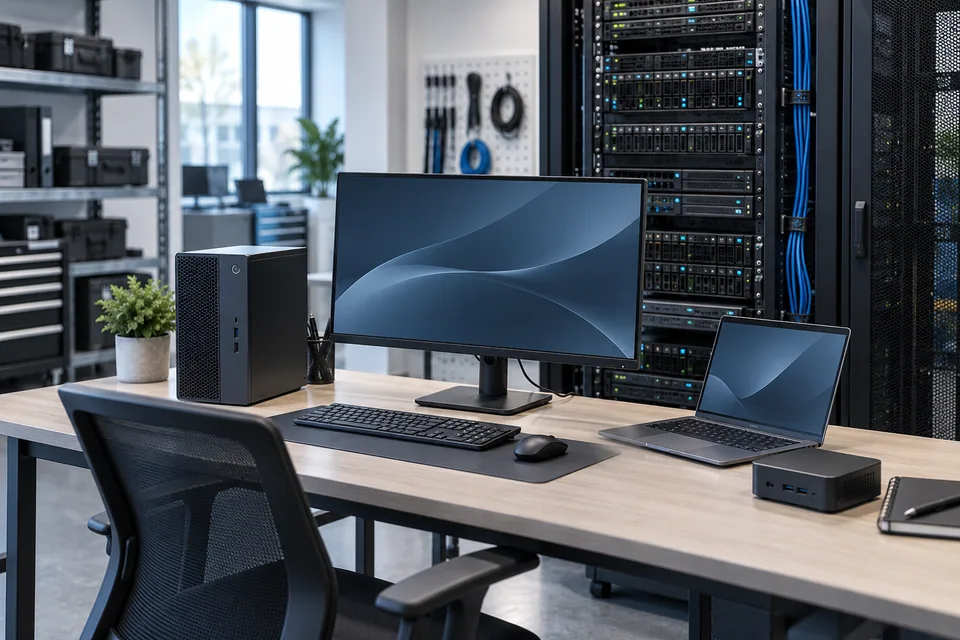
Project requirements
Discuss Power Backup requirements
Include the site location and existing equipment. Use the review points to prepare your inquiry.
Include in your inquiry
- Equipment load schedule and required runtime
- Supply, grounding and installation space
- Battery environment and service access
- Generator, transfer and shutdown requirements