
POS
Checkout, sales records and stock workflows for retail and food-service teams.
Plan point-of-sale software and equipment around how staff take orders, accept payment and close a shift. Include product setup, receipts, user permissions and inventory interfaces, with payment services and reporting requirements confirmed separately.
- Site focused
planning - Connected
systems - Ongoing
support
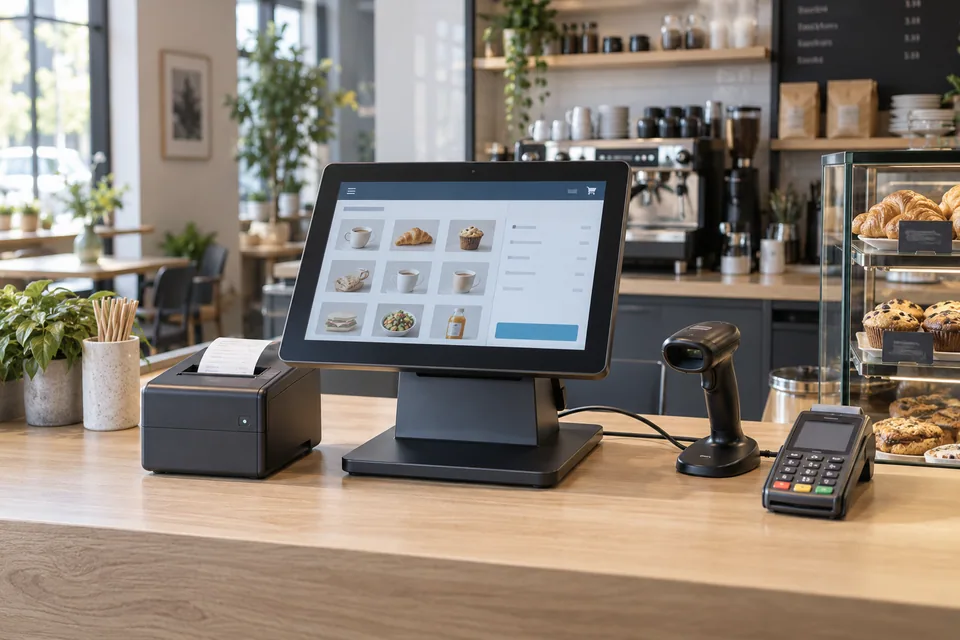
The operational challenge
What the system needs to solve.
A checkout terminal can still leave gaps between orders, payments and stock. The design needs clear procedures for discounts, returns, voids, connection loss and end-of-day reconciliation.
Systems & applications
Choose the system around the job.
Explore the equipment and applications we can assess for your project. Your proposal defines the selected products, supported functions and installation scope.
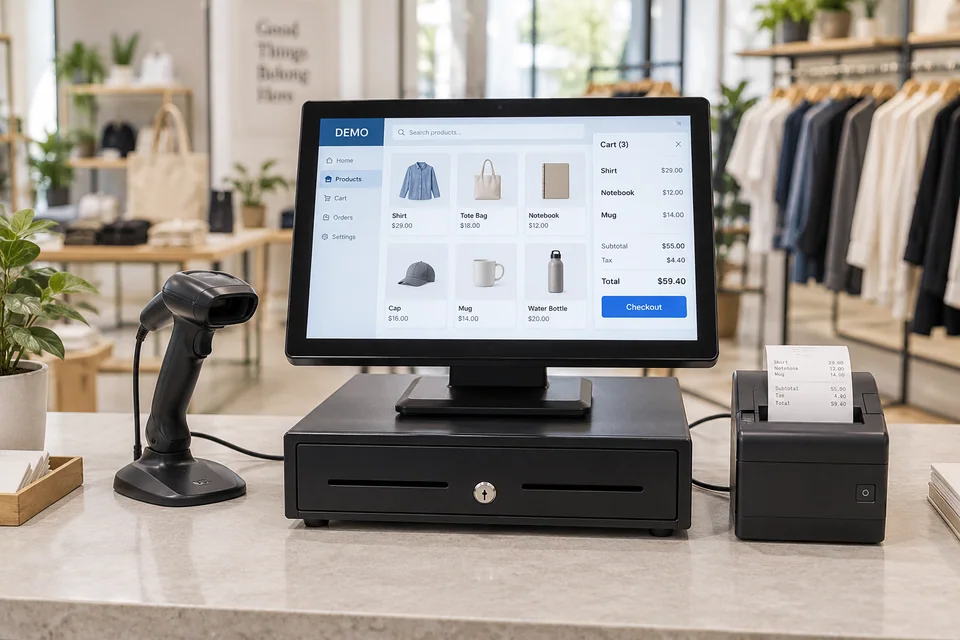
Retail checkout
Use barcode-led item lookup, receipts and controlled returns for shop counters.
- Typical equipment
- POS terminal, barcode scanner, receipt printer and cash drawer
- Where it fits
- Stores, showrooms and service desks
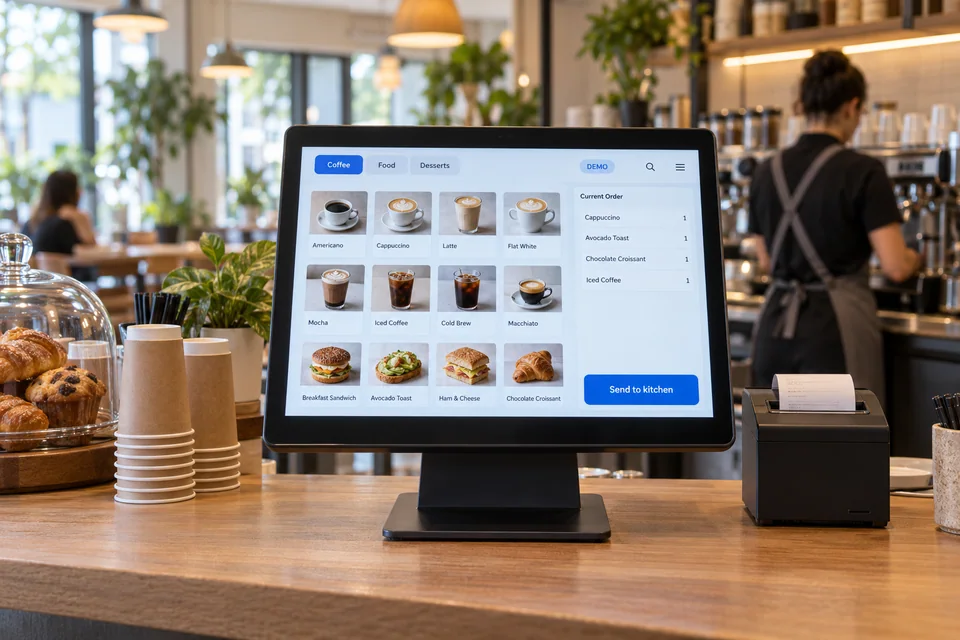
Restaurant and cafe POS
Organize table or counter orders, modifiers and supported kitchen routing.
- Typical equipment
- Touch POS, kitchen printer or display and receipt printer
- Where it fits
- Cafes, restaurants and food-service outlets
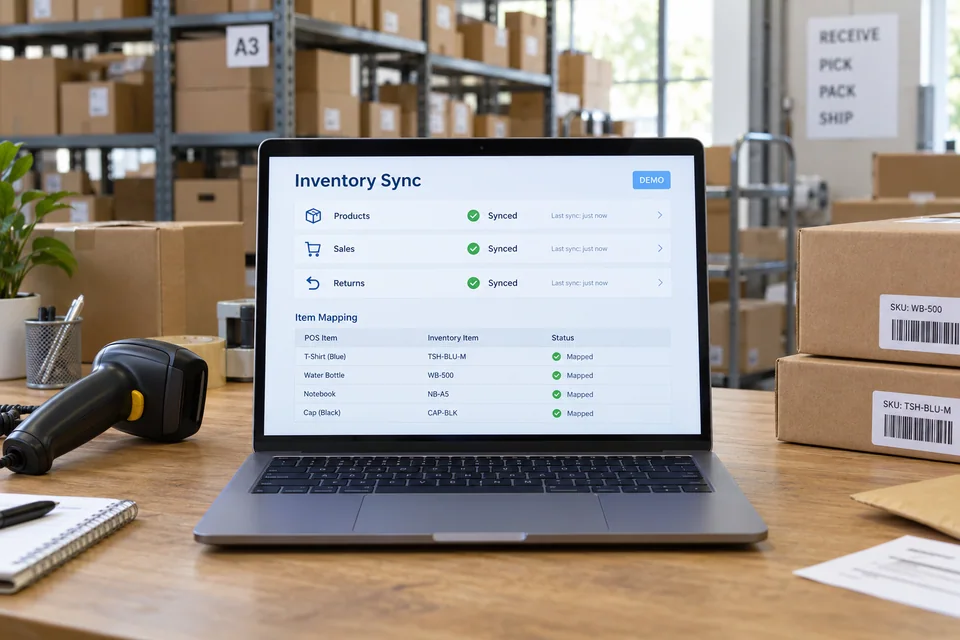
Inventory connections
Review how sales, returns and item mappings update the agreed stock system.
- Typical equipment
- POS item database and supported inventory connector
- Where it fits
- Stores managing stock across tills or branches
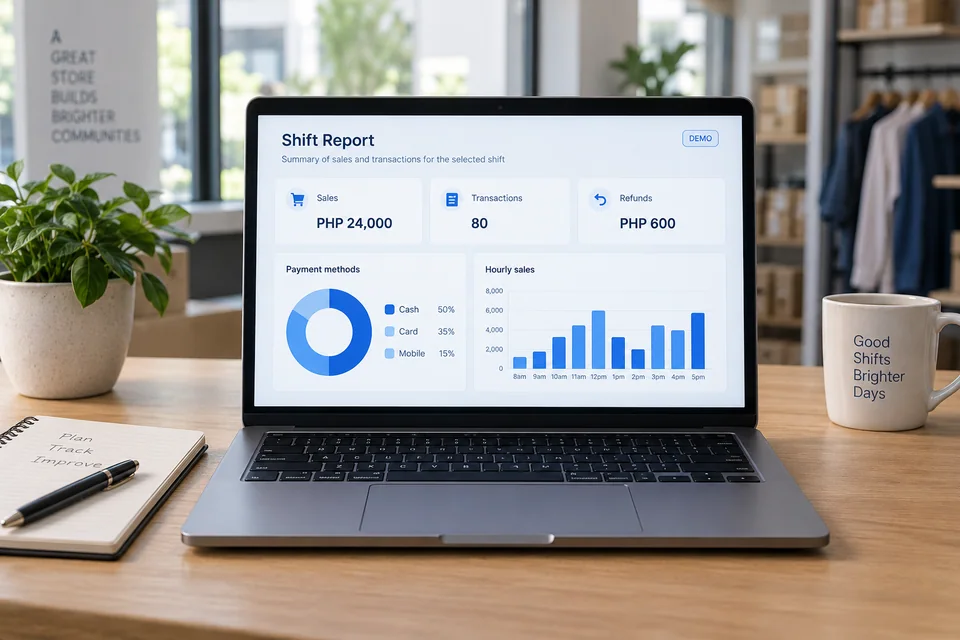
Shift and management reports
Reconcile recorded sales, payment methods and authorized adjustments at shift close.
- Typical equipment
- Reporting interface and role-based access
- Where it fits
- Supervisors and finance teams
Functions, equipment & operation
Make each transaction easy to trace.
Explore the functions and design options below. The final components, licenses and integration scope are confirmed against your site requirements.
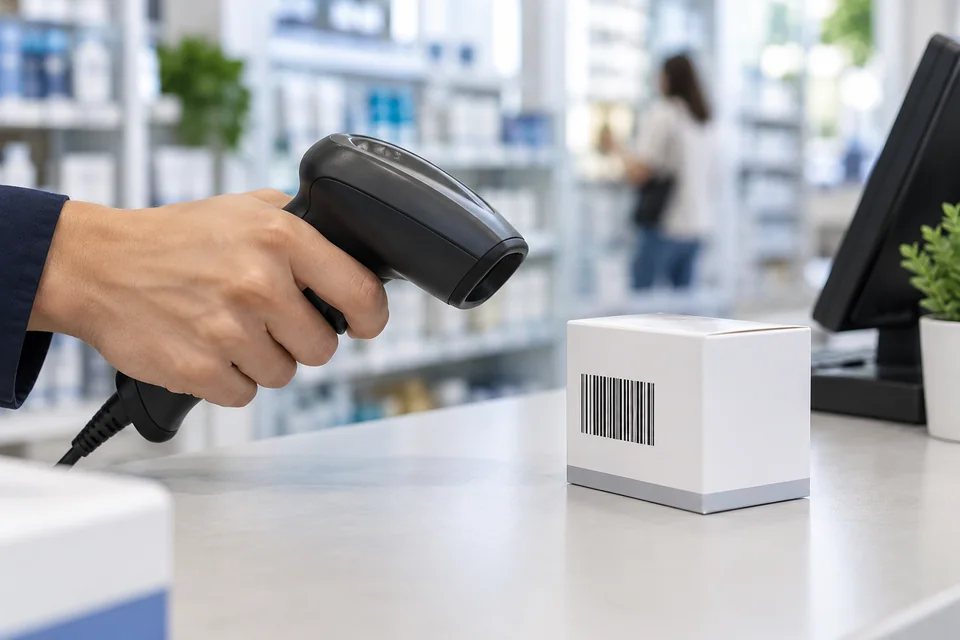
Consistent product data
Agree item codes, variants, prices and stock units before importing the catalogue.
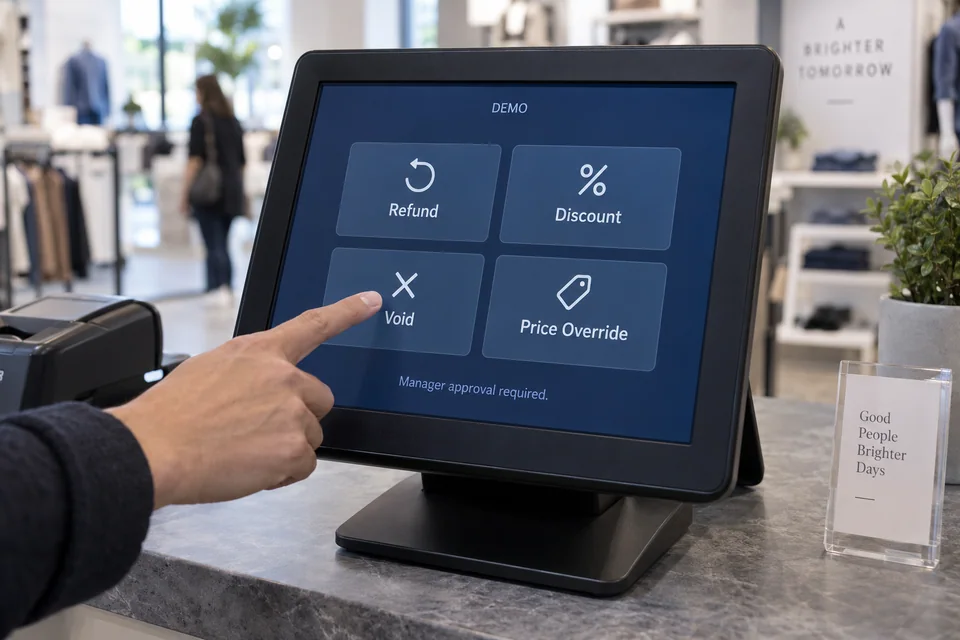
Controlled exceptions
Assign permission for refunds, discounts and voids, with a record staff can review.
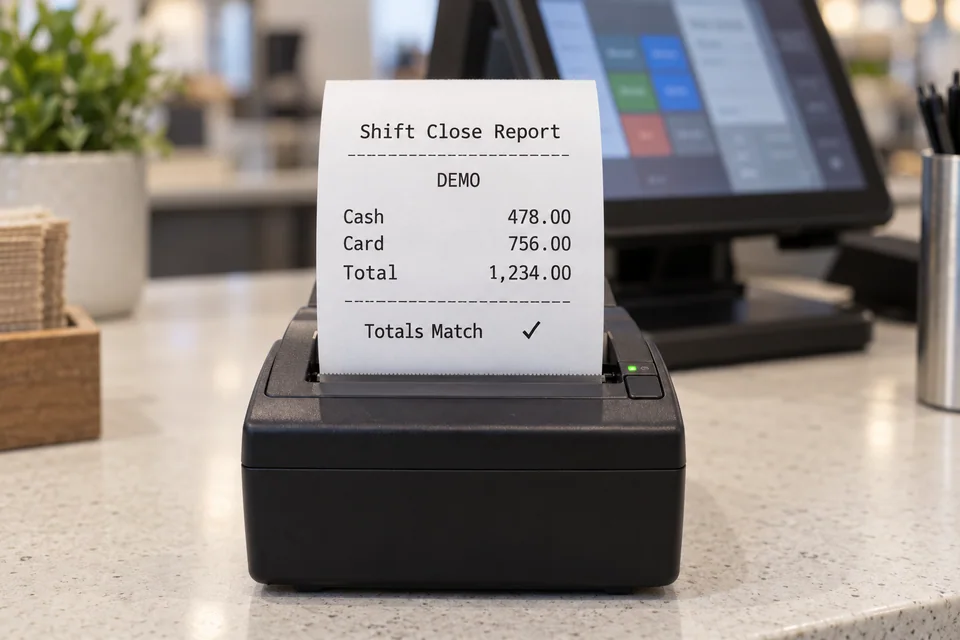
A complete shift close
Compare POS totals with payment-provider and cash records using the agreed process.
What makes up the system
- POS terminal or supported computer
- Receipt printer, scanner and cash drawer
- Optional kitchen printer or display
- Compatible payment terminal and network equipment
How the project works
- 01Map checkout and closing procedures
- 02Confirm software, peripherals and payment interfaces
- 03Configure products and staff permissions
- 04Test sales, returns and shift reconciliation
What we confirm before implementation
- Store or outlet workflow and number of tills
- Product catalogue and price rules
- Payment provider and peripheral compatibility
- Returns, offline operation and closing reports
Share your current equipment, site layout and operational priorities so the proposal can identify included functions, optional integrations and acceptance criteria.
In practice
Where it fits
Plan pos around your environment, equipment and the people who use it.
- Retail stores and service counters
- Cafes and restaurants
- Hotel outlets and multi-branch businesses
Connected systems
for real impact
How it connects
- 01Item / order
- 02POS transaction
- 03Confirmed payment
- 04Receipt / kitchen output
- 05Reconciliation and stock update
Technology shaped around your operation
Project preparation
Prepare your project brief
Bring sample receipts, product lists and the steps staff follow during a sale, return and shift close.
Document the starting point
Use drawings, equipment records and current operating procedures to make the first review specific to your site.
- Store or outlet workflow and number of tills
- Product catalogue and price rules
Agree what the system must do
Assign permission for refunds, discounts and voids, with a record staff can review.
- Payment provider and peripheral compatibility
- Returns, offline operation and closing reports
Plan the handover
Compare POS totals with payment-provider and cash records using the agreed process.
- Configure products and staff permissions
- Test sales, returns and shift reconciliation
Questions about POS
Does the POS include card-payment processing?
A payment terminal or integration depends on the chosen payment provider and POS compatibility. Provider onboarding, fees and settlement terms are separate from equipment installation.
Can we keep selling when the internet is unavailable?
Offline behavior varies by product and payment method. Confirm which transactions can continue, how they synchronize and which require an online service.
Are tax settings or regulatory approvals guaranteed?
No. Required registrations, document formats and tax configuration must be confirmed for the selected system with the appropriate advisers and providers before live use.

Project requirements
Discuss POS requirements
Include the site location and existing equipment. Use the review points to prepare your inquiry.
Include in your inquiry
- Store or outlet workflow and number of tills
- Product catalogue and price rules
- Payment provider and peripheral compatibility
- Returns, offline operation and closing reports