
Servers & Business Computers
Servers, desktop computers, laptops and mini PCs sized for the work they need to do.
Build a practical computing specification around the applications, users and support lifecycle. Compare server platforms, desktop workstations, mobile laptops and compact mini PCs, then plan operating systems, storage, network access and deployment.
- Site focused
planning - Connected
systems - Ongoing
support
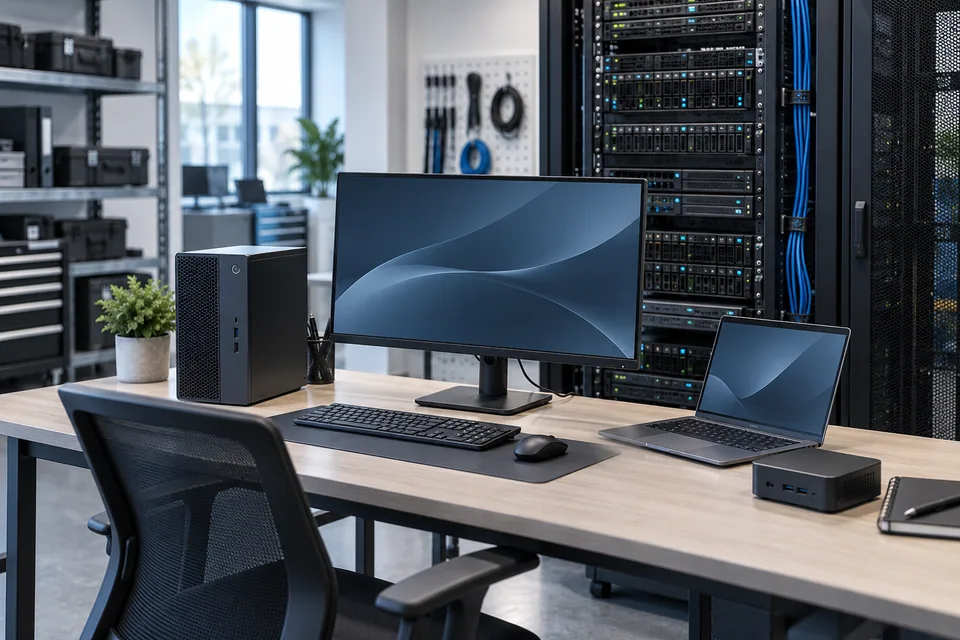
The operational challenge
What the system needs to solve.
A processor model alone does not describe a usable system. Application requirements, memory, storage, display connections, power and recovery all affect whether a device fits the role.
Systems & applications
Choose the system around the job.
Explore the equipment and applications we can assess for your project. Your proposal defines the selected products, supported functions and installation scope.
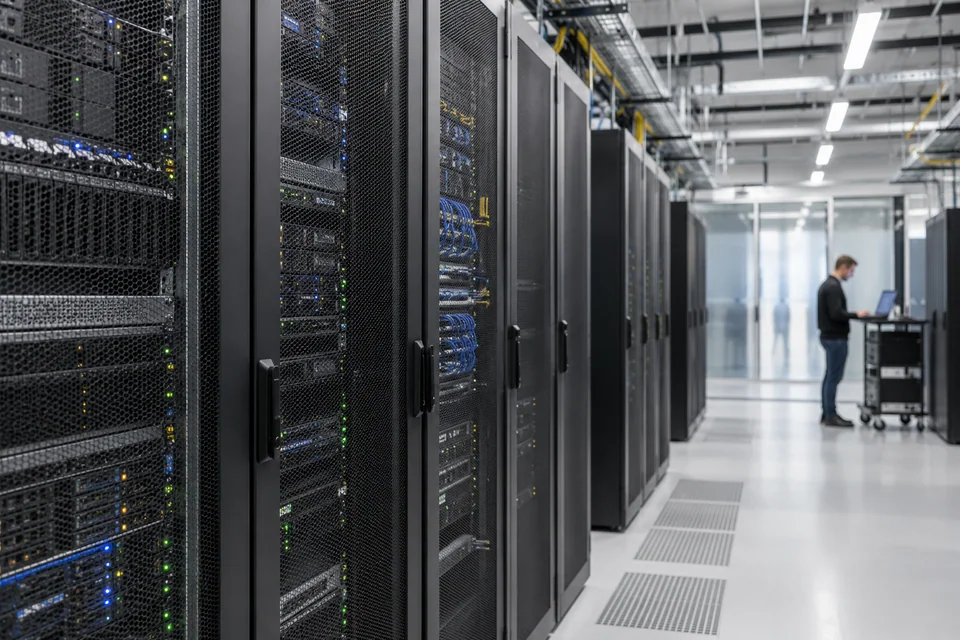
Servers
Plan business applications, virtualization or recording workloads with appropriate storage, network capacity and service access.
- Typical equipment
- Rack or tower server, memory, storage and network adapters
- Where it fits
- Application hosting, file services and selected monitoring platforms
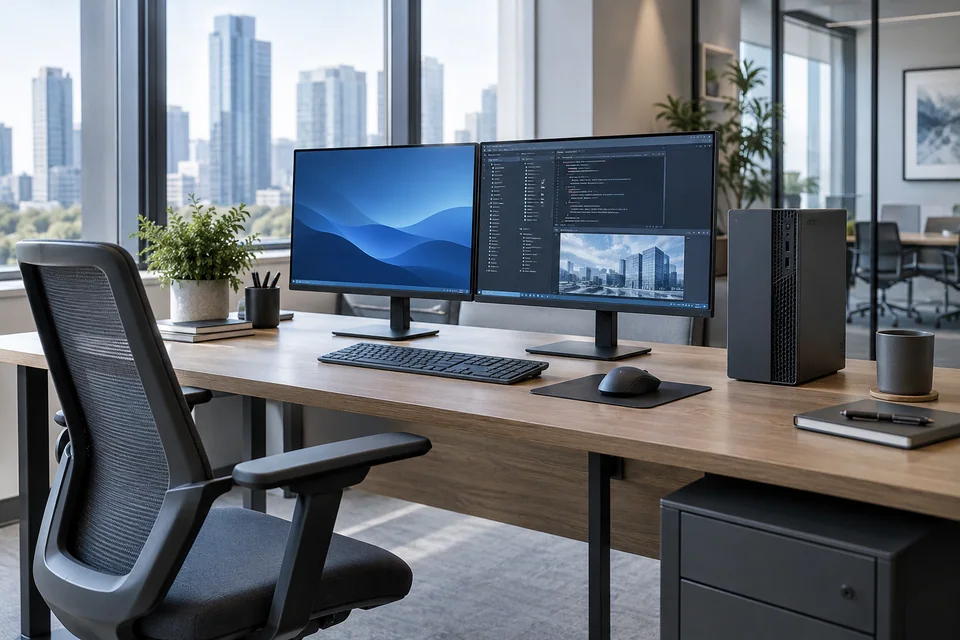
Desktop computers
Select an office PC or workstation around daily applications, graphics needs and monitor configuration.
- Typical equipment
- Desktop PC, display, keyboard and optional dedicated graphics
- Where it fits
- Office desks, design teams and control-room operators

Business laptops
Balance performance, portability, battery expectations, docking and repair support for mobile staff.
- Typical equipment
- Laptop, dock, external display and travel peripherals
- Where it fits
- Hybrid work, field administration and management
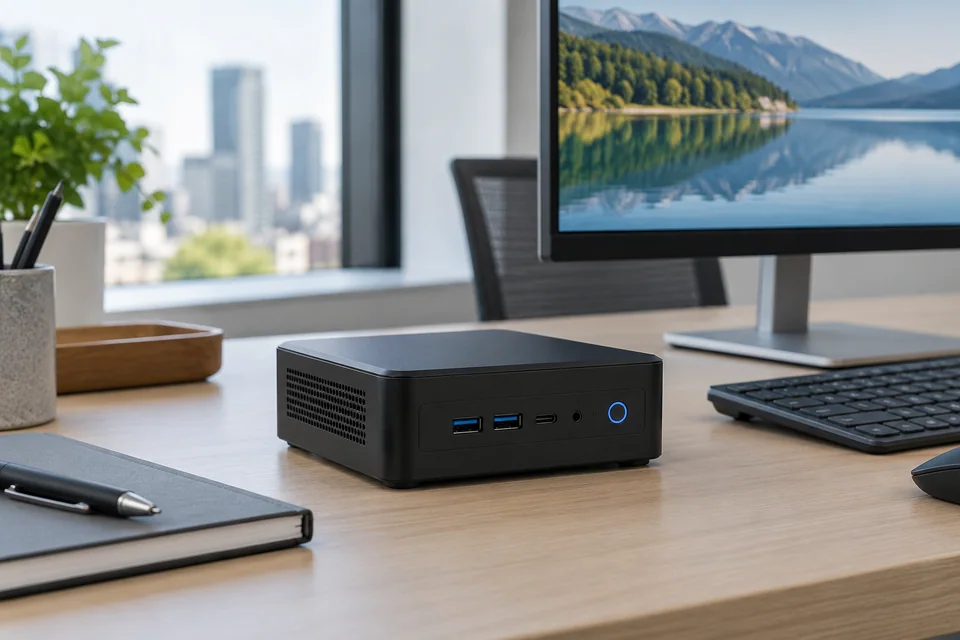
Mini PCs
Use compact computing where space is limited, while checking cooling, ports and workload suitability.
- Typical equipment
- Mini PC, mounting kit, storage and display connections
- Where it fits
- Reception desks, signage players and compact workstations
Functions, equipment & operation
Specify the complete working setup.
Explore the functions and design options below. The final components, licenses and integration scope are confirmed against your site requirements.
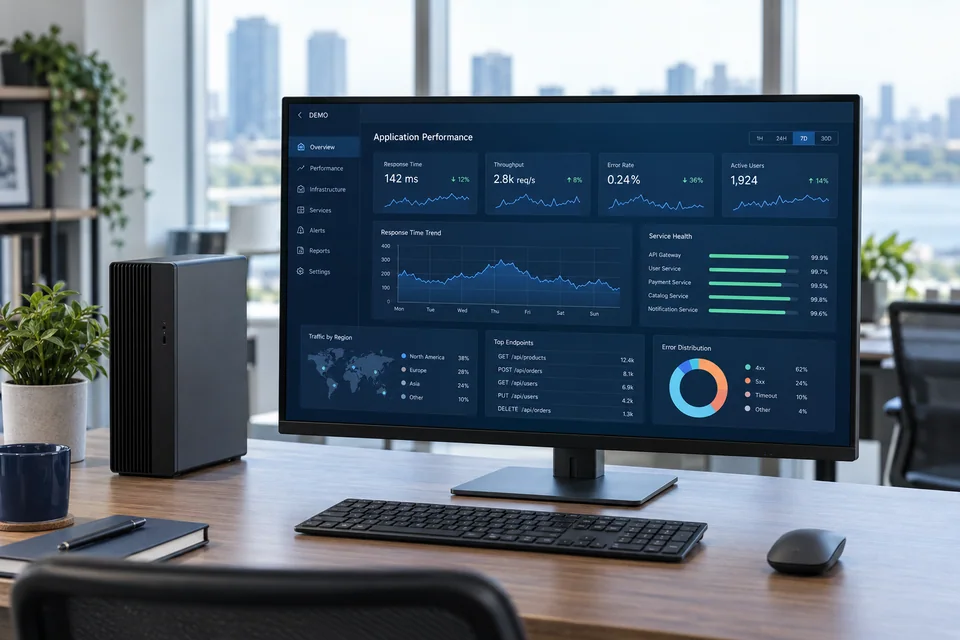
Performance in context
Check a representative application or vendor sizing guide instead of selecting only by headline specifications.
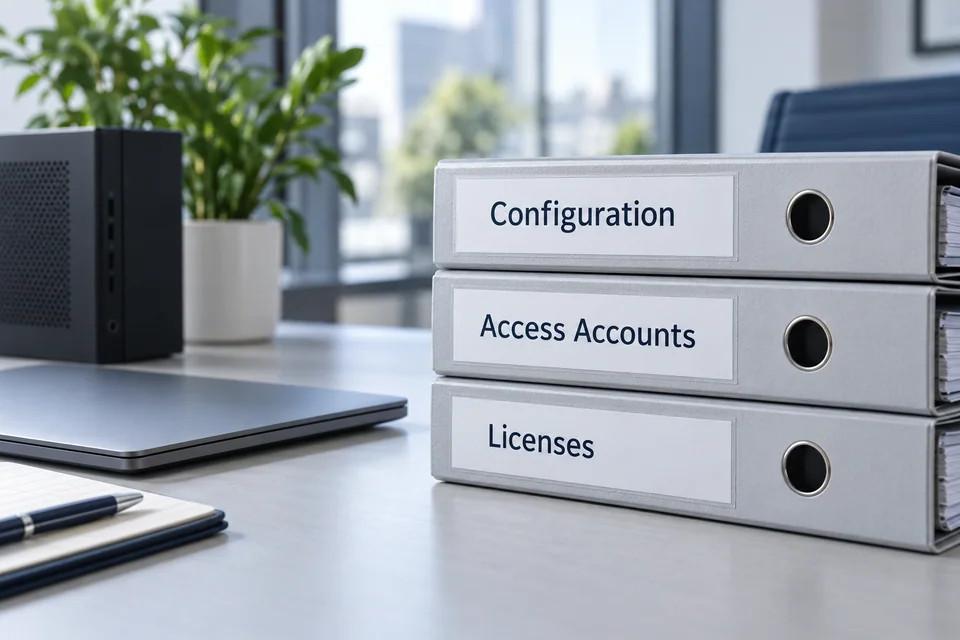
A consistent handover
Document device identifiers, approved configuration, user access and installed licenses.
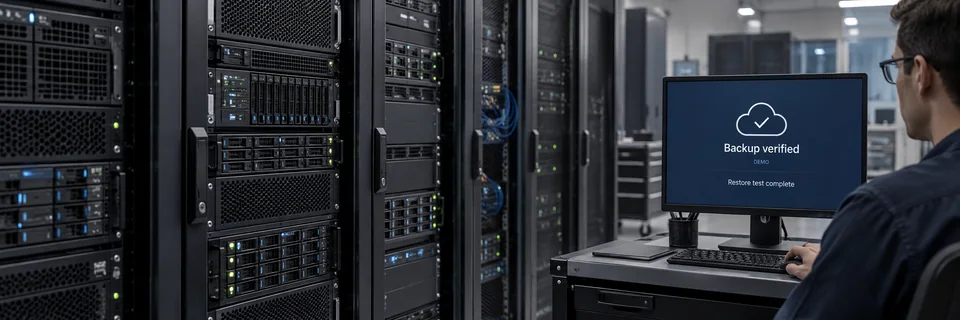
Recovery from day one
Agree backup destinations and a restore process for the data or services assigned to each system.
What makes up the system
- Rack and tower servers
- Desktop PCs and workstations
- Business laptops and docking stations
- Mini PCs, displays and peripherals
How the project works
- 01Collect workload and user requirements
- 02Compare compatible configurations and support terms
- 03Configure, update and connect approved equipment
- 04Validate applications and hand over inventory
What we confirm before implementation
- Applications, user count and workload
- Display, port and peripheral needs
- Software licenses and endpoint policy
- Warranty, backup and recovery requirements
Share your current equipment, site layout and operational priorities so the proposal can identify included functions, optional integrations and acceptance criteria.
In practice
Where it fits
Plan servers & business computers around your environment, equipment and the people who use it.
- Office teams and branch locations
- Video monitoring and operations workstations
- Business application and virtualization hosts
Connected systems
for real impact
How it connects
- 01Application requirements
- 02Hardware specification
- 03OS and software setup
- 04Network and access
- 05Handover and support
Technology shaped around your operation
Project preparation
Prepare your project brief
Share your user roles, application list and existing device inventory so hardware can be matched to actual work.
Document the starting point
Use drawings, equipment records and current operating procedures to make the first review specific to your site.
- Applications, user count and workload
- Display, port and peripheral needs
Agree what the system must do
Document device identifiers, approved configuration, user access and installed licenses.
- Software licenses and endpoint policy
- Warranty, backup and recovery requirements
Plan the handover
Agree backup destinations and a restore process for the data or services assigned to each system.
- Configure, update and connect approved equipment
- Validate applications and hand over inventory
Questions about Servers & Business Computers
Can you supply servers, desktops, laptops and mini PCs?
These are separate equipment options within this solution. The inquiry review confirms current models, availability, software needs and the installation scope.
Which specifications should we send?
Share the applications, number of users, storage growth, required displays and any vendor requirements. For a server, include the services it will host and the recovery target.
Are software licenses and backups included?
Only when listed in the agreed scope. Operating systems, applications, endpoint security and backup licensing should be identified separately from the hardware.



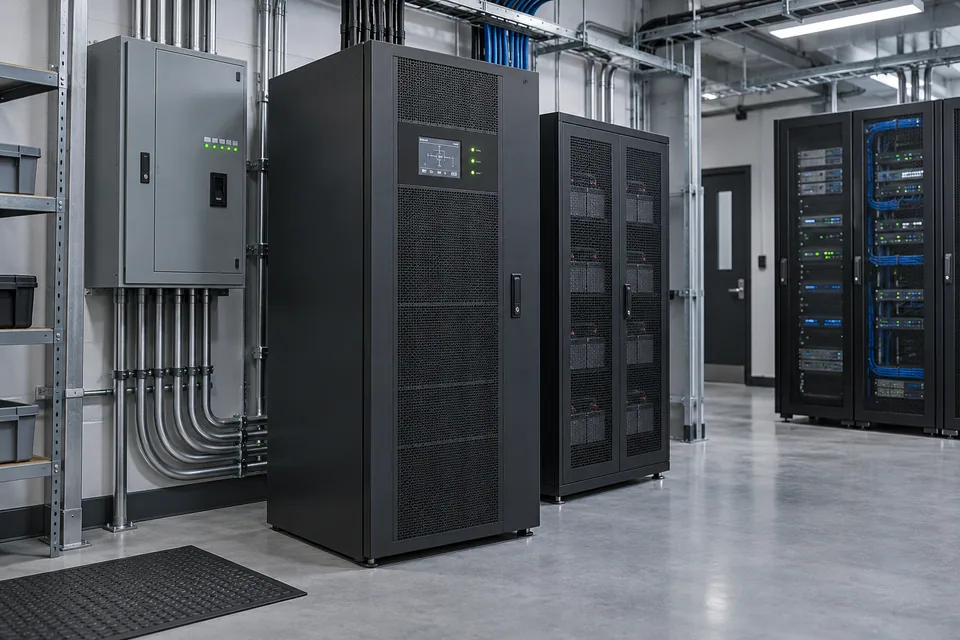
Project requirements
Discuss Servers & Business Computers requirements
Include the site location and existing equipment. Use the review points to prepare your inquiry.
Include in your inquiry
- Applications, user count and workload
- Display, port and peripheral needs
- Software licenses and endpoint policy
- Warranty, backup and recovery requirements