
Smart Search
Find relevant recordings by time, location and supported attributes.
Reduce the amount of footage an operator needs to review. On compatible platforms, combine time and camera location with indexed person, vehicle or other supported attributes.
- Site focused
planning - Connected
systems - Ongoing
support

The operational challenge
What the system needs to solve.
A recording archive is only useful if staff can find the relevant sequence. Search depends on the metadata actually captured and the permissions, retention and indexing configured for the system.
Systems & applications
Choose the system around the job.
Explore the equipment and applications we can assess for your project. Your proposal defines the selected products, supported functions and installation scope.
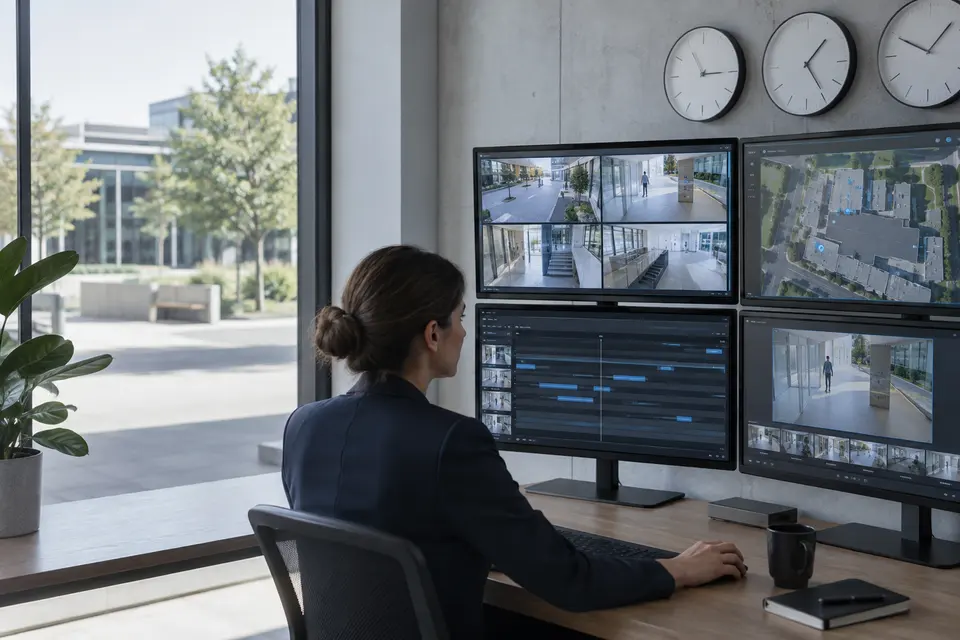
Time, camera and location search
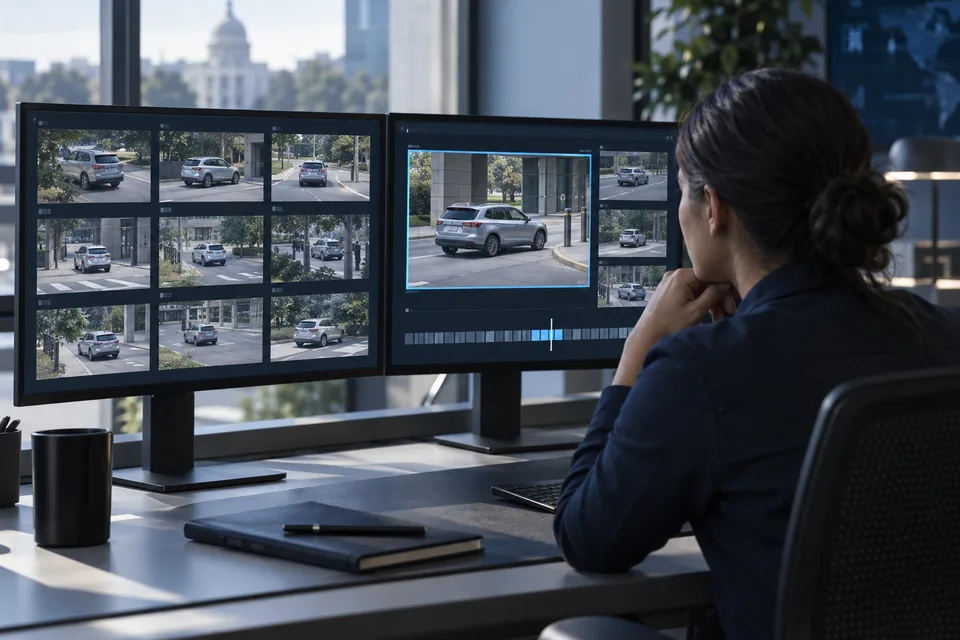
Start with a time window and relevant cameras, then compare nearby recordings. Saved views help investigators revisit the same entrance or route.
- Typical equipment
- Recording index, camera map and synchronized clocks
- Where it fits
- Incident review across several cameras
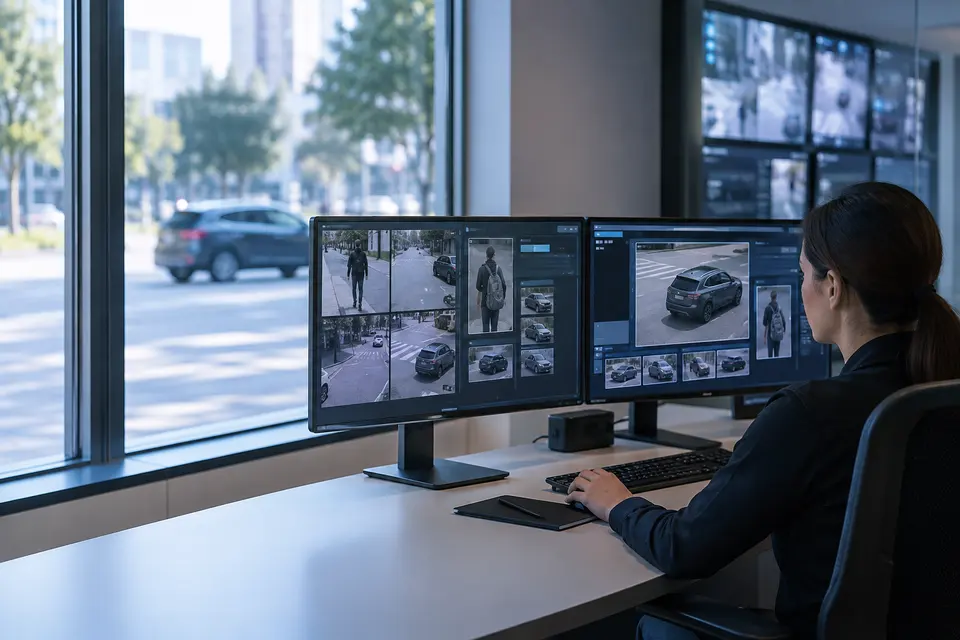
Person and vehicle attributes
Filter indexed detections using the attributes a compatible camera and VMS actually store, such as clothing or vehicle color. Results are candidates for human review, not proof of identity.
- Typical equipment
- Metadata capable cameras and licensed search integration
- Where it fits
- Finding a described person or vehicle
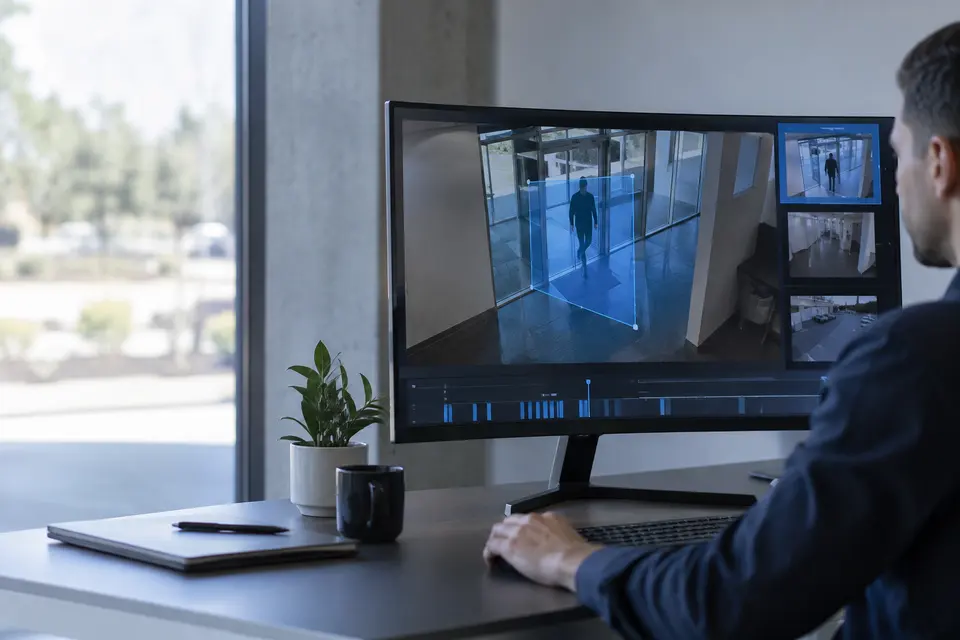
Area and line search
Review recorded activity within a selected region or across a line when the platform supports it. This narrows the footage to a doorway, storage zone or part of a road.
- Typical equipment
- Supported forensic search engine and recorded metadata
- Where it fits
- Checking when an object entered an area
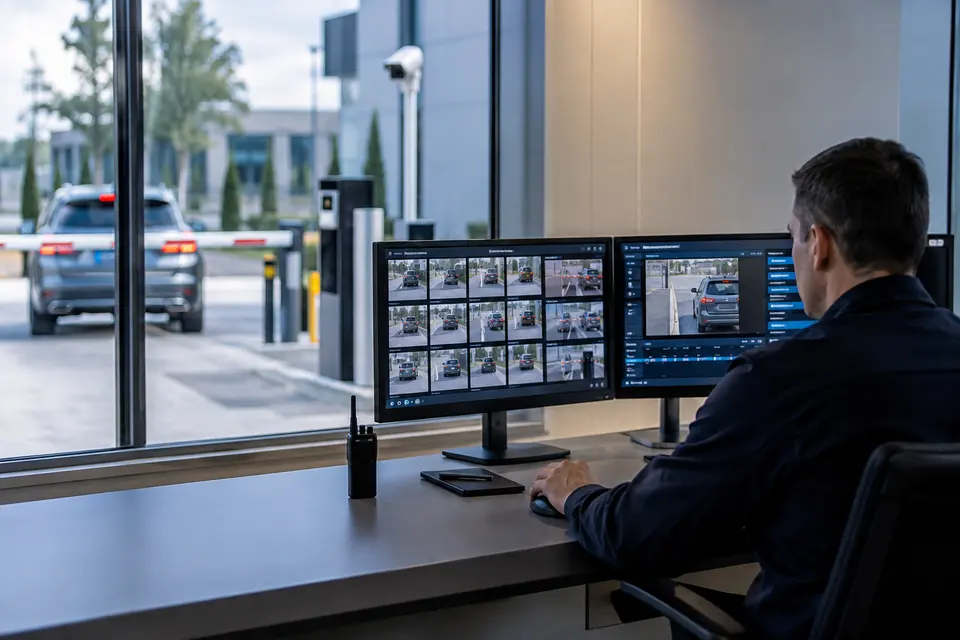
Plate and event investigation
Combine recognized plates, access events or alarms with related clips where interfaces permit. Confirm date, lane and image quality before treating a recognized plate as a match.
- Typical equipment
- LPR/event connector and searchable database
- Where it fits
- Gate incidents and vehicle investigations
Evidence review and export
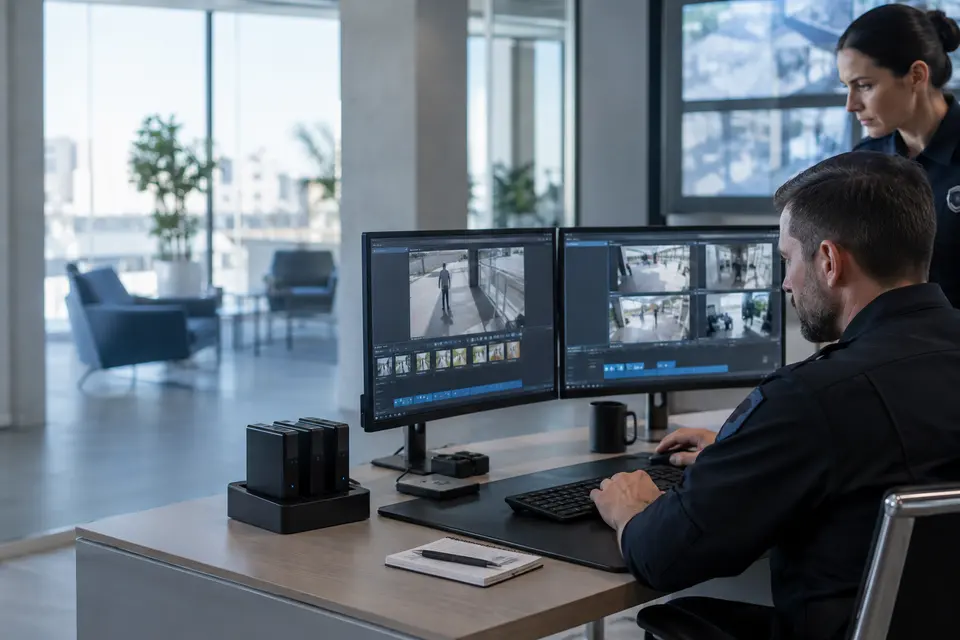
Bookmark relevant sequences, compare camera times and export only the required interval. Assign viewing and export permissions separately and define how evidence copies are retained.
- Typical equipment
- Playback workstation, export storage and audit records
- Where it fits
- Security teams and authorized investigators
Functions, equipment & operation
Find the relevant moment, then verify the context.
Explore the functions and design options below. The final components, licenses and integration scope are confirmed against your site requirements.
Time, camera and event search
Narrow recordings by date, time range, site, camera and supported event type. Open a result directly in playback and review the moments before and after it.
Person and vehicle attributes
On compatible indexed systems, filter using available attributes such as clothing color, vehicle type or color. Attribute availability is a platform choice, not a universal camera capability.
Plate, similarity and advanced search
Include plate queries where LPR data is integrated. Similarity, cross camera association and natural language search are optional platform specific features requiring validation.
Review and export
Use thumbnails and a result timeline to shortlist clips, add bookmarks and export permitted evidence. Keep the original time and camera context attached to the investigation.
What makes up the system
- Metadata capable cameras or compatible analytics
- VMS/search engine and required licenses
- Recording storage plus searchable metadata index
- Authorized investigation and export workstation
How the project works
- 01Enter a time window and select locations
- 02Apply available person, vehicle or event filters
- 03Review thumbnails and play surrounding footage
- 04Bookmark relevant moments and export permitted clips
What we confirm before implementation
- Whether existing recordings have searchable metadata
- Index retention versus video retention
- Available attributes and cross camera capabilities
- Permissions, export format and audit requirements
Share your current equipment, site layout and operational priorities so the proposal can identify included functions, optional integrations and acceptance criteria.
In practice
Where it fits
Plan smart search around your environment, equipment and the people who use it.
- Incident follow up
- Multi camera recording review
- Vehicle event investigations
Connected systems
for real impact
How it connects
- 01Time / location
- 02Available metadata
- 03Candidate clips
- 04Human verification
- 05Authorized handover
Technology shaped around your operation
Published scope
Supporting information
Questions about Smart Search
Is natural language video search included?
It is not presented as a standard or proprietary 7SCSC feature. Any natural language interface requires a separately confirmed compatible product and scope.
Can we search footage recorded before analytics were enabled?
That depends on whether usable metadata exists or the platform supports reprocessing. We confirm indexing and retention constraints before promising retrospective search.


Project requirements
Discuss Smart Search requirements
Include the site location and existing equipment. Use the review points to prepare your inquiry.
Include in your inquiry
- Whether existing recordings have searchable metadata
- Index retention versus video retention
- Available attributes and cross camera capabilities
- Permissions, export format and audit requirements