
Internet Backbone
Fiber links, carrier handoff and resilient connectivity for sites and campuses.
Plan the connectivity path from service-provider handoff to core network and between buildings. Scope fiber routes, optical interfaces, routing, failover and monitoring around traffic demand, physical pathways and provider availability.
- Site focused
planning - Connected
systems - Ongoing
support
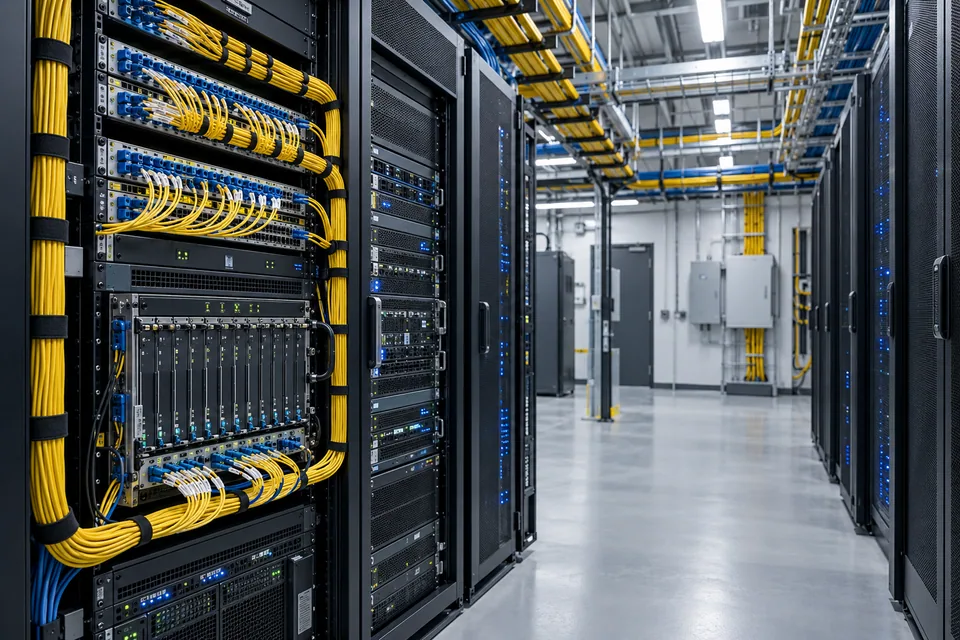
The operational challenge
What the system needs to solve.
Buying more bandwidth does not remove a single damaged cable or poorly configured edge. Capacity, route diversity, equipment compatibility and the boundary between provider and customer support need to be clear.
Systems & applications
Choose the system around the job.
Explore the equipment and applications we can assess for your project. Your proposal defines the selected products, supported functions and installation scope.
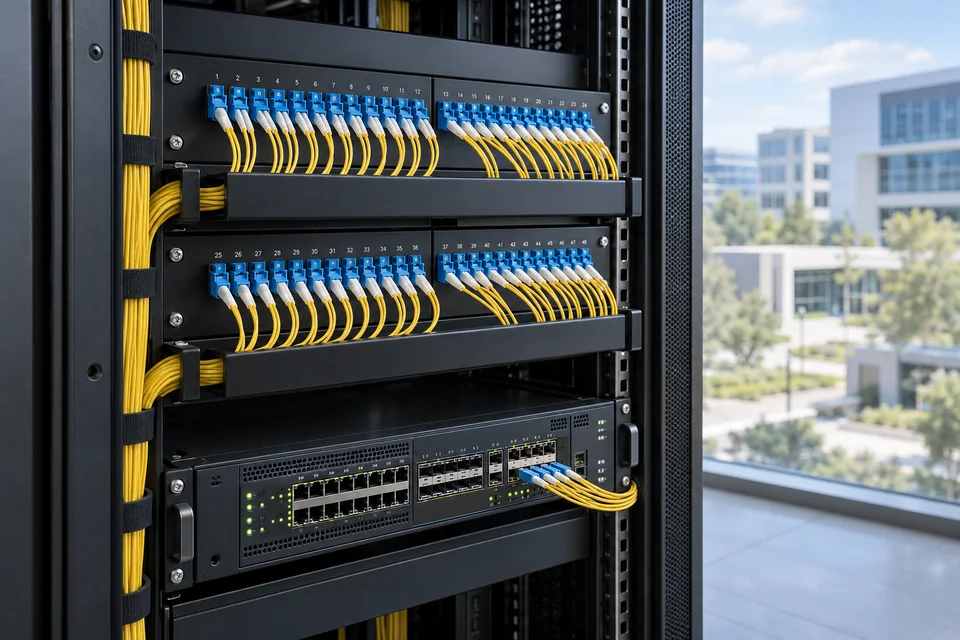
Campus fiber backbone
Connect buildings using a documented fiber route and compatible optical links.
- Typical equipment
- Fiber cable, termination panels, transceivers and core switches
- Where it fits
- Campuses, compounds and multi-building properties
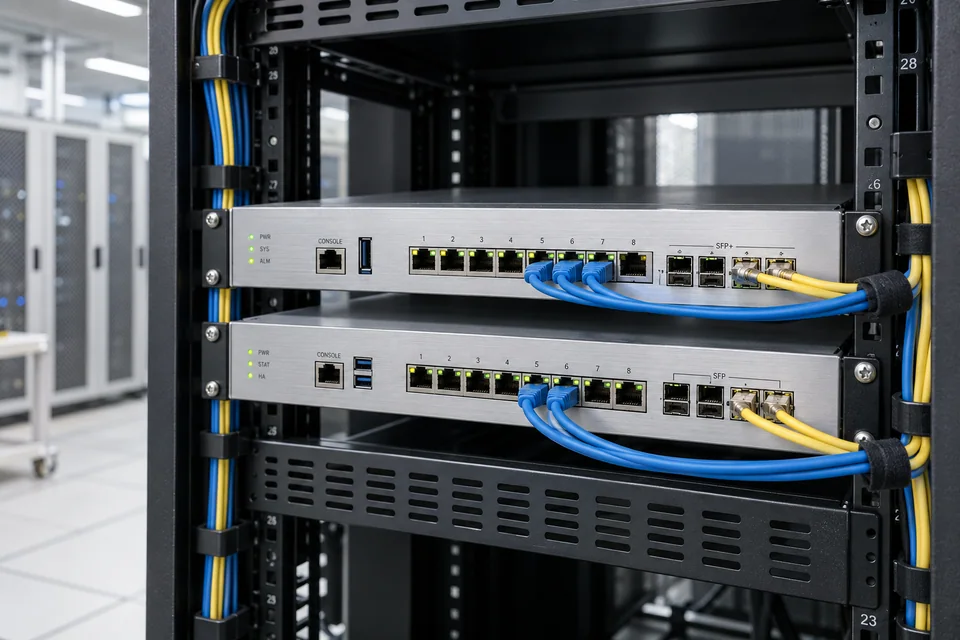
Internet edge
Connect the provider handoff to a controlled enterprise routing and security boundary.
- Typical equipment
- Edge router, firewall and provider interface
- Where it fits
- Businesses planning or upgrading internet connectivity
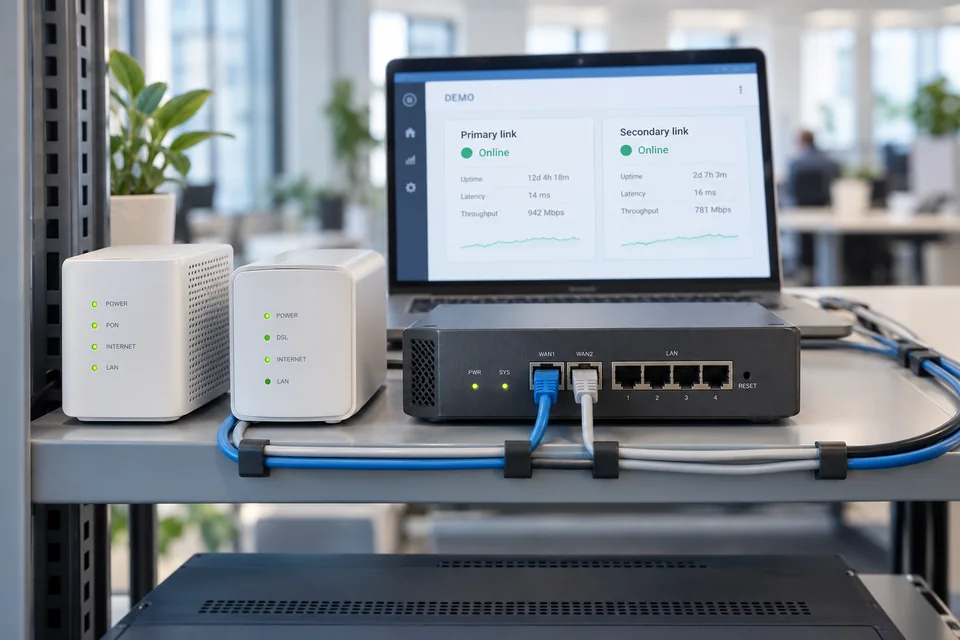
Secondary connectivity
Review a second service or path and configure failover for the agreed traffic.
- Typical equipment
- Compatible router, secondary handoff and monitoring
- Where it fits
- Sites with defined continuity requirements
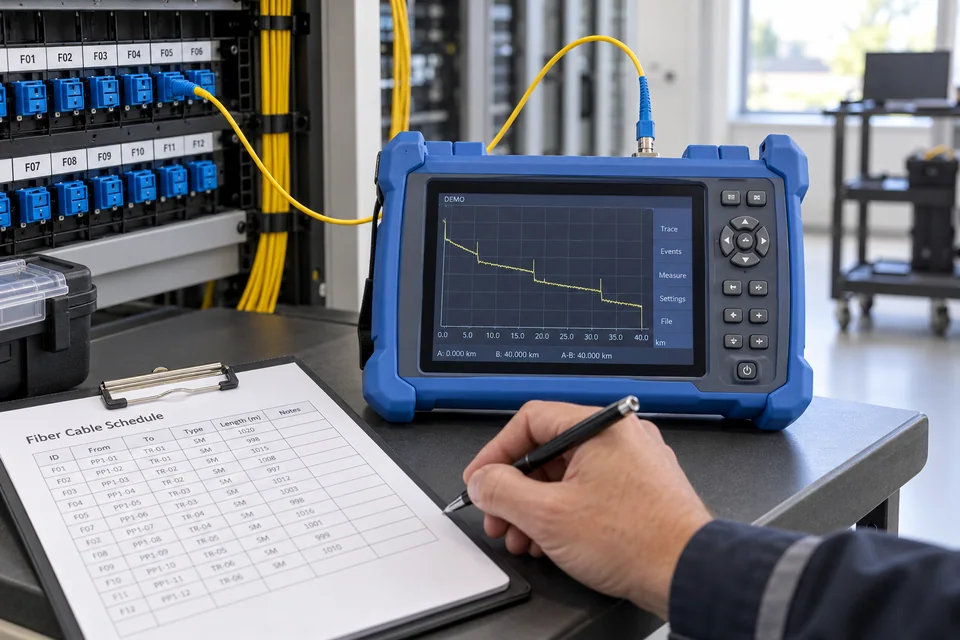
Fiber testing and documentation
Verify installed links, labels and optical performance for operation and maintenance.
- Typical equipment
- Termination records, fiber test results and route drawings
- Where it fits
- New fiber installations and existing-link review
Functions, equipment & operation
Trace the connection end to end.
Explore the functions and design options below. The final components, licenses and integration scope are confirmed against your site requirements.
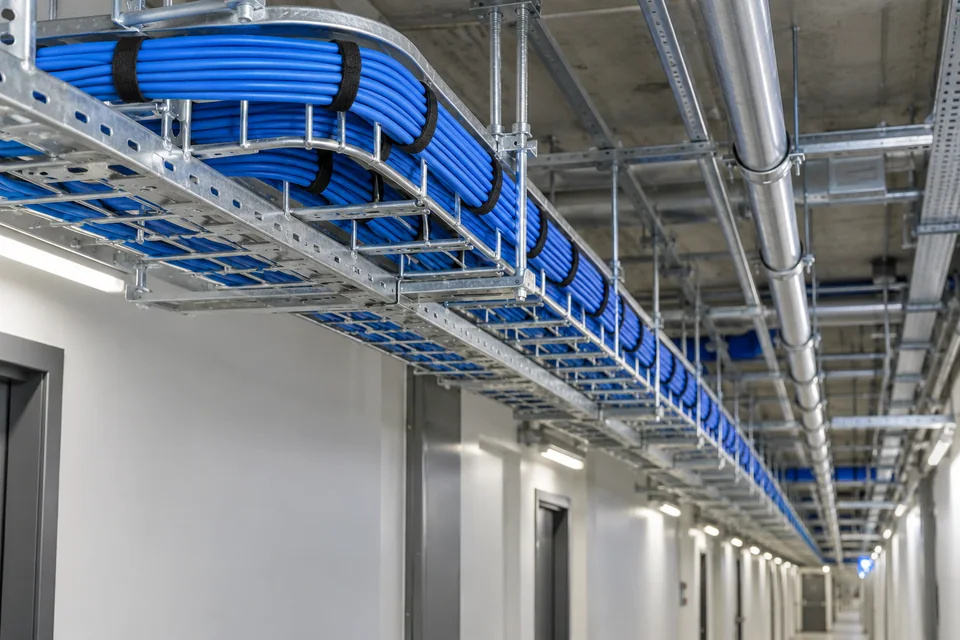
Review the physical route
Identify ducts, risers, entry points and shared risks before specifying redundant paths.
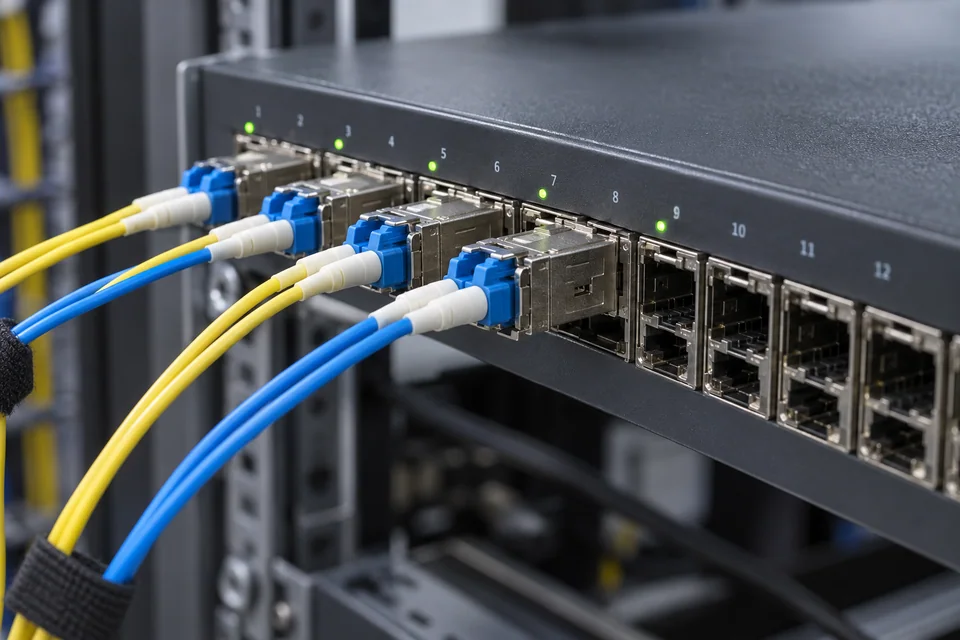
Match optics and traffic
Confirm interface speeds, transceiver compatibility and capacity for expected services.
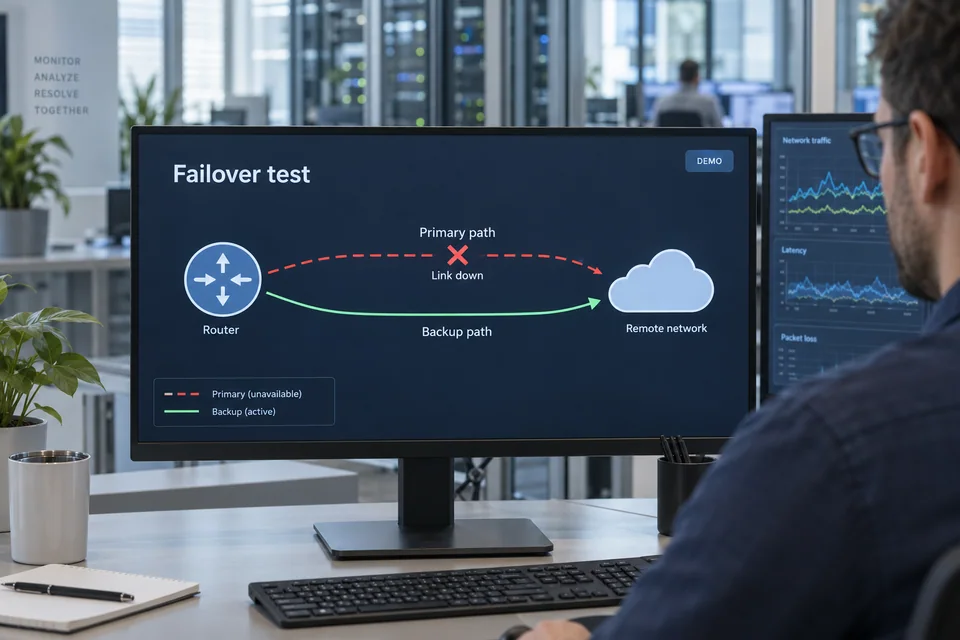
Prove the fallback
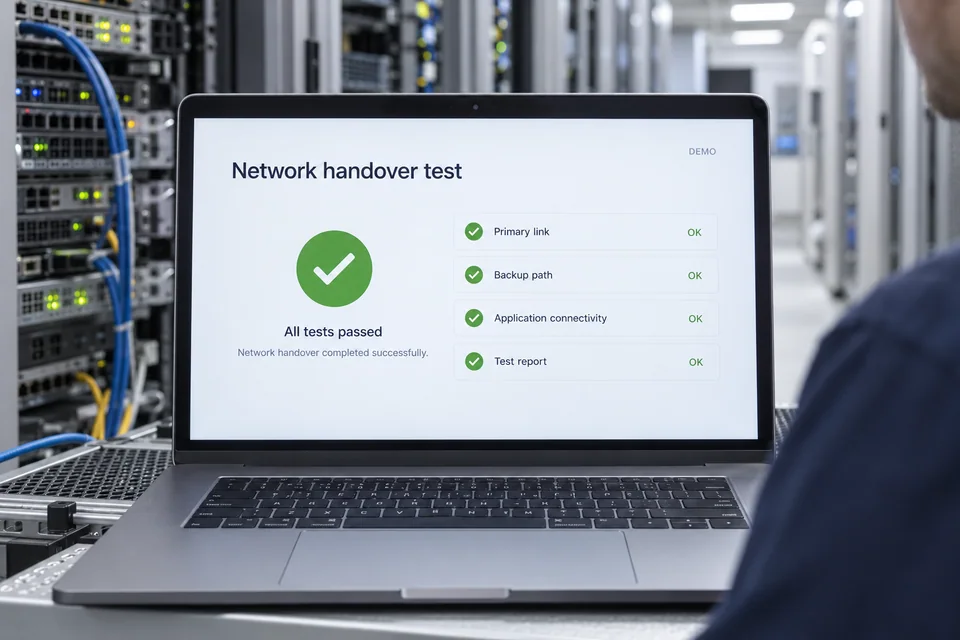
Test agreed failure conditions and record how traffic recovers, including any application interruption.
What makes up the system
- Fiber distribution and termination panels
- Core switches, edge routers and compatible optics
- Provider handoff and security interfaces
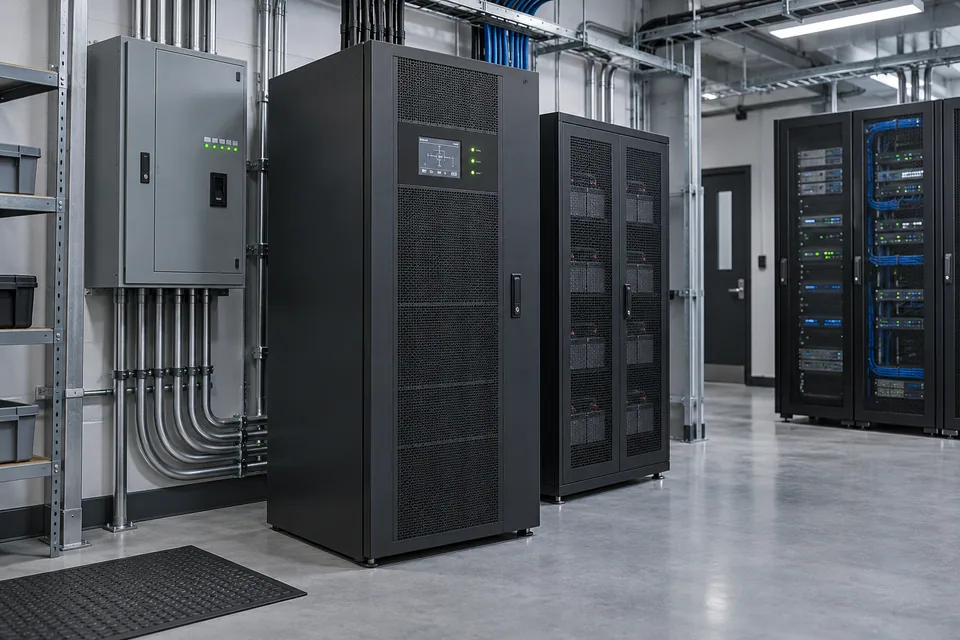
- Link monitoring and supporting backup power
How the project works
- 01Review traffic, provider services and physical routes
- 02Specify fiber links, edge equipment and resilience
- 03Install, label and test the agreed connections
- 04Validate failover and hand over diagrams and results
What we confirm before implementation
- Provider handoff, service terms and traffic demand
- Fiber routes, distance and existing test records
- Optical and core-equipment compatibility
- Diversity, failover and support boundaries
Share your current equipment, site layout and operational priorities so the proposal can identify included functions, optional integrations and acceptance criteria.
In practice
Where it fits
Plan internet backbone around your environment, equipment and the people who use it.
- Multi-building campuses
- Commercial properties and business branches
- Control centers and distributed security systems
Connected systems
for real impact
How it connects
- 01Service-provider handoff
- 02Internet edge
- 03Core switching / routing
- 04Fiber distribution
- 05Buildings and monitored services
Technology shaped around your operation
Project preparation
Prepare your project brief
Share site drawings, current internet services and the applications that depend on the connection, including peak demand and outage impact.
Document the starting point
Use drawings, equipment records and current operating procedures to make the first review specific to your site.
- Provider handoff, service terms and traffic demand
- Fiber routes, distance and existing test records

Agree what the system must do
Confirm interface speeds, transceiver compatibility and capacity for expected services.
- Optical and core-equipment compatibility
- Diversity, failover and support boundaries
Plan the handover
Test agreed failure conditions and record how traffic recovers, including any application interruption.
- Install, label and test the agreed connections
- Validate failover and hand over diagrams and results
Questions about Internet Backbone
Is internet service included?
Carrier service availability, subscription, bandwidth and service terms are confirmed with the selected provider. Network integration and the provider's service agreement are distinct parts of the scope.
How is this different from office networking?
This solution focuses on upstream connectivity, inter-building fiber and the core or edge path. Office networking covers local switching, Wi-Fi and user/device access.
Do two connections guarantee continuity?
No. They may share ducts, upstream infrastructure or power. Review physical diversity, equipment dependencies and tested failover before making availability commitments.



Project requirements
Discuss Internet Backbone requirements
Include the site location and existing equipment. Use the review points to prepare your inquiry.
Include in your inquiry
- Provider handoff, service terms and traffic demand
- Fiber routes, distance and existing test records
- Optical and core-equipment compatibility
- Diversity, failover and support boundaries