
Network Infrastructure
Connect cameras, buildings and remote sites with capacity to operate.
Design fiber, structured cabling, switching, routing and wireless backhaul around the systems they carry. Establish bandwidth, redundancy and remote connection requirements before selecting equipment.
- Site focused
planning - Connected
systems - Ongoing
support

The operational challenge
What the system needs to solve.
Intermittent links and undersized networks disrupt video and field data. The design must consider distances, traffic, site access, power and maintenance conditions together.
Systems & applications
Choose the system around the job.
Explore the equipment and applications we can assess for your project. Your proposal defines the selected products, supported functions and installation scope.
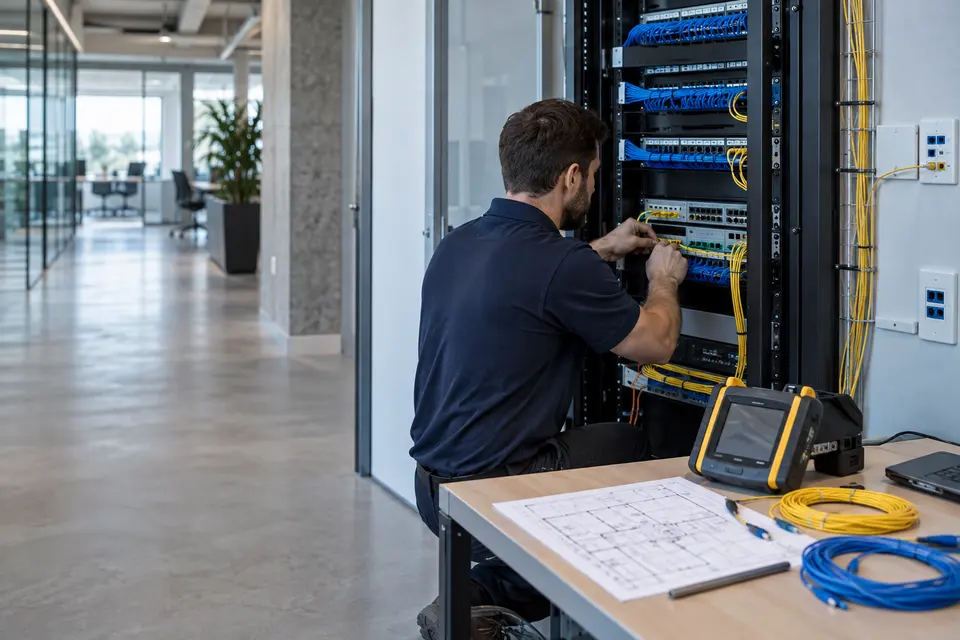
Copper and fiber structured cabling
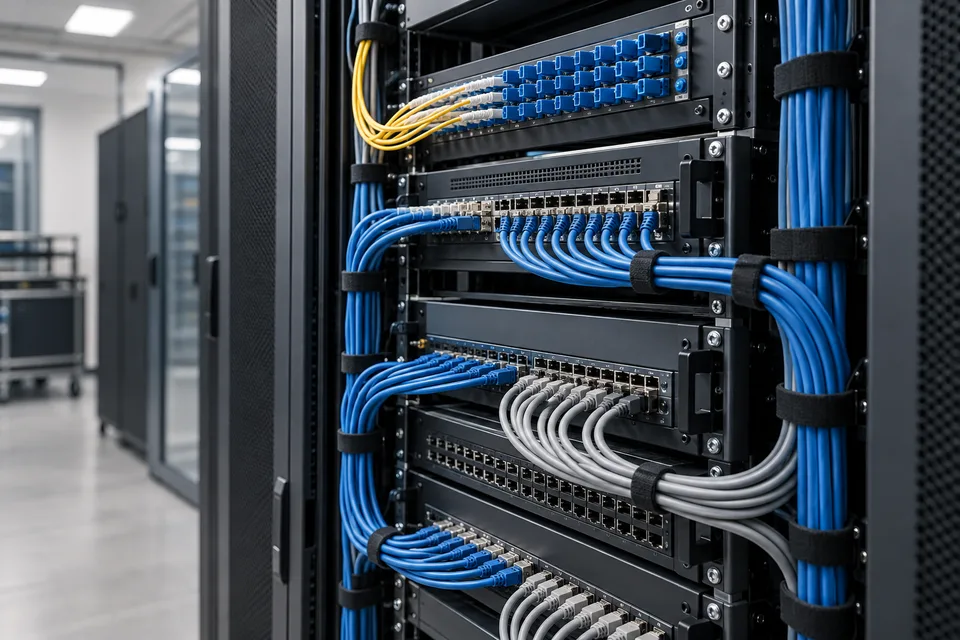
Plan backbone fiber, horizontal copper, termination and labeled patching around the building layout. Include test records and spare capacity in the handover.
- Typical equipment
- Copper/fiber cable, patch panels, outlets and racks
- Where it fits
- Offices, campuses and industrial buildings
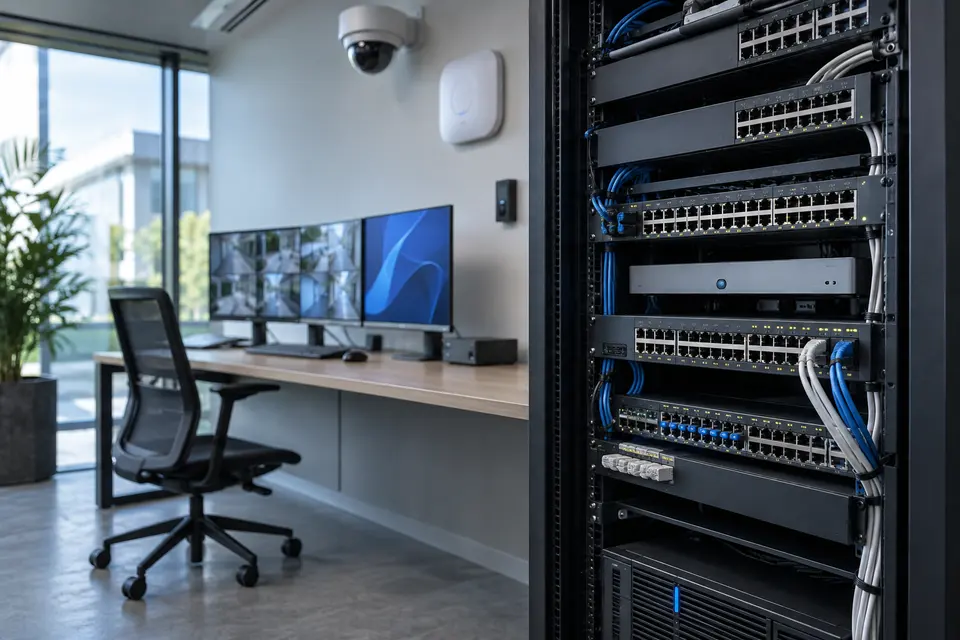
Switching, routing and PoE
Size access ports, uplinks and power budgets for cameras, access points and controllers. Separate traffic and agree the level of redundancy required.
- Typical equipment
- Managed switches, routers and optical modules
- Where it fits
- Enterprise, surveillance and building networks

Wireless LAN and guest access
Design indoor or outdoor WiFi coverage for the expected device density. Separate visitors from operational systems and validate coverage after installation.
- Typical equipment
- Access points, controller and authentication
- Where it fits
- Hotels, offices, schools and public facilities
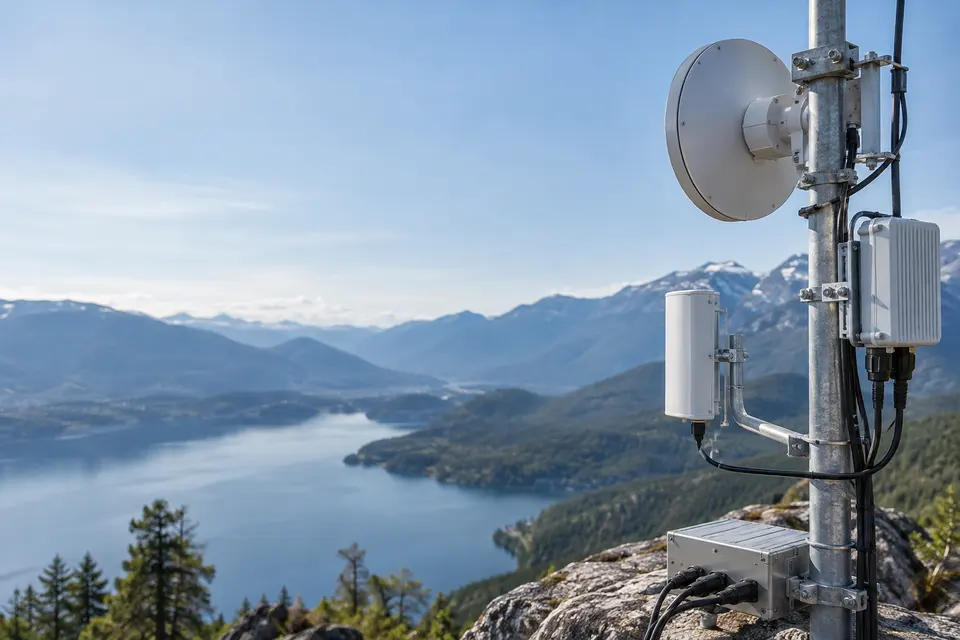
Remote links and branch connectivity
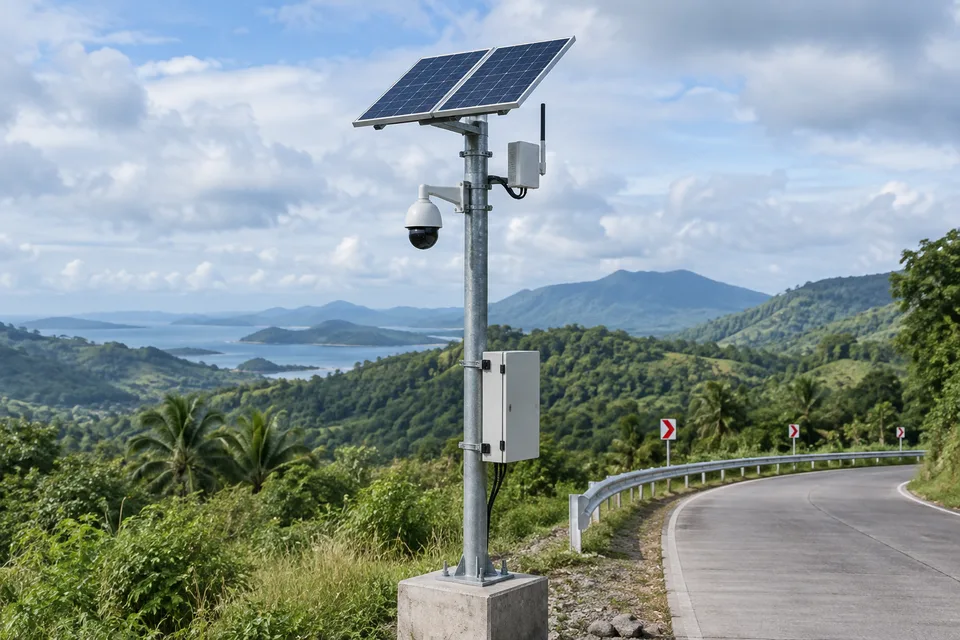
Assess fiber, radio bridges, cellular or managed WAN options for distant sites. Check line of sight and service availability before selecting a wireless backhaul.
- Typical equipment
- Outdoor radios, antennas, gateways and edge routers
- Where it fits
- Remote cameras and distributed branches
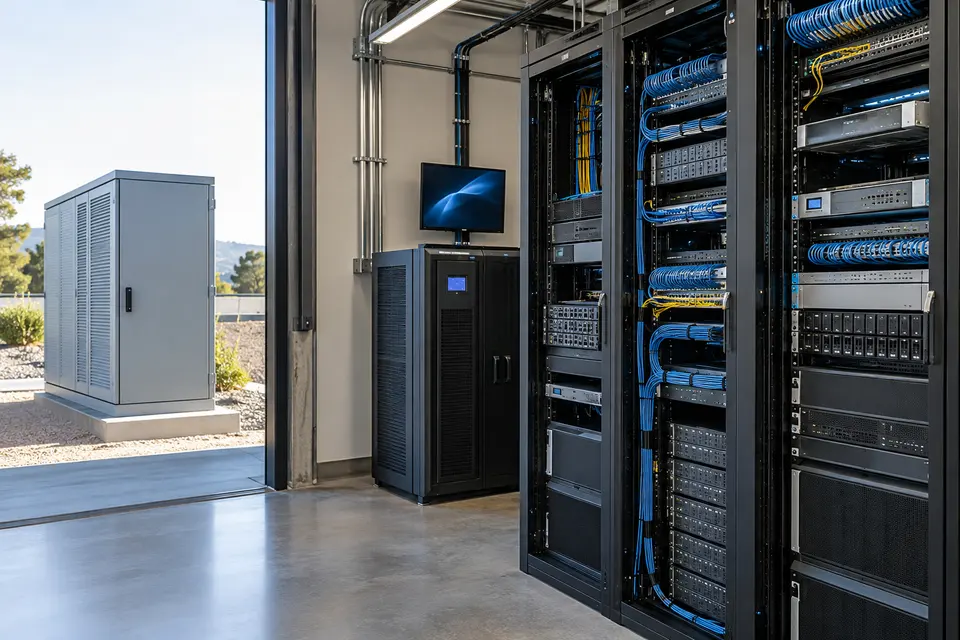
Racks, power and network management
Organize protected cabinets, cooling, cable management and UPS capacity. Monitor critical links and document where each field device is connected.
- Typical equipment
- Racks, PDUs, UPS and network monitoring
- Where it fits
- Server rooms and outdoor equipment cabinets
Functions, equipment & operation
Build the path every connected system relies on.
Explore the functions and design options below. The final components, licenses and integration scope are confirmed against your site requirements.
Structured cabling and fiber
Plan routes, termination points, racks and patching for site distances and conditions. Record port labels and test results so later faults can be traced.
Switching and wireless links
Size ports, PoE power and uplinks for cameras, access devices and future capacity. Survey wireless paths and interference before choosing links or access point positions.
Segmentation and monitoring
Define addressing, VLANs, routing and management access. Monitor link health and document how a failed uplink or switch affects the connected services.
What makes up the system
- Copper/fiber cabling, patch panels and racks
- Managed PoE/access/core switches
- Wireless bridges or access points where appropriate
- UPS, monitoring and network documentation
How the project works
- 01Inventory endpoints and calculate traffic/power needs
- 02Survey routes and wireless coverage
- 03Install, label and test connections
- 04Validate throughput, PoE and failure recovery
What we confirm before implementation
- Endpoint and PoE budgets with expansion allowance
- Fiber distances, routes and wireless obstructions
- Redundancy, addressing and cabinet conditions
Share your current equipment, site layout and operational priorities so the proposal can identify included functions, optional integrations and acceptance criteria.
In practice
Where it fits
Plan network infrastructure around your environment, equipment and the people who use it.
- Building and campus networks
- Remote CCTV links
- Multi site monitoring backhaul
Connected systems
for real impact
How it connects
- 01Site survey
- 02Fiber / cabling / radio
- 03Switching and routing
- 04Security boundaries
- 05Connected platforms
Technology shaped around your operation
Published scope
Supporting information
Supporting company information
Structured cabling ↗Network infrastructure ↗Structured networks & wireless links ↗Communications systems ↗Published technology references
Referenced products and compatibility are confirmed for each project. Source inclusion is not a claim of authorized partnership.
Ubiquiti ↗D-Link ↗Premium-Line ↗Cambium Networks ↗LigoWave ↗Panduit ↗CommScope ↗TP-Link ↗Questions about Network Infrastructure
Can wireless replace every cable run?
No. Distance, line of sight, interference, capacity and availability requirements determine whether a wireless link is appropriate.
Is redundancy included by default?
Redundant power, paths or equipment are specified against an agreed availability requirement and budget. They are not implied by the basic network description.


Project requirements
Discuss Network Infrastructure requirements
Include the site location and existing equipment. Use the review points to prepare your inquiry.
Include in your inquiry
- Endpoint and PoE budgets with expansion allowance
- Fiber distances, routes and wireless obstructions
- Redundancy, addressing and cabinet conditions