
Command Center
Bring video, location and events into a practical operator workspace.
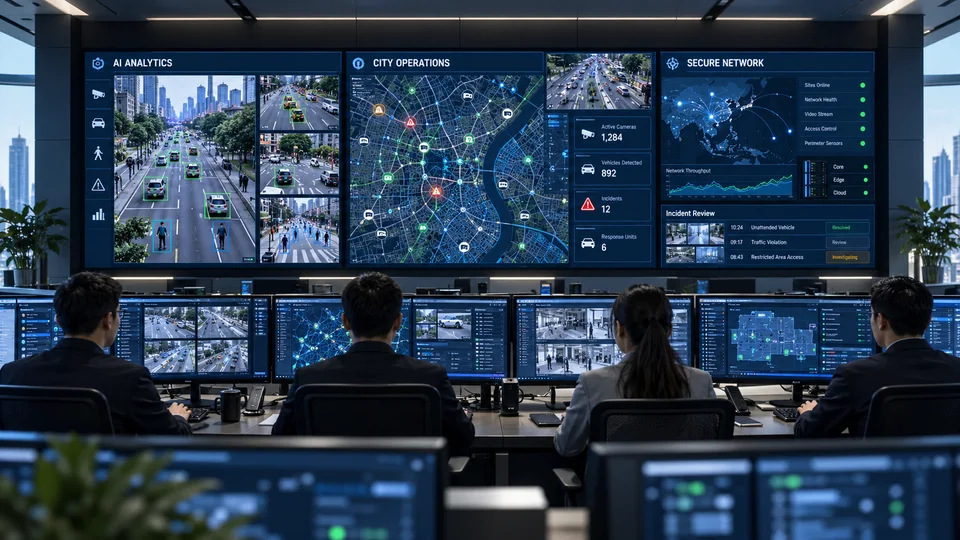
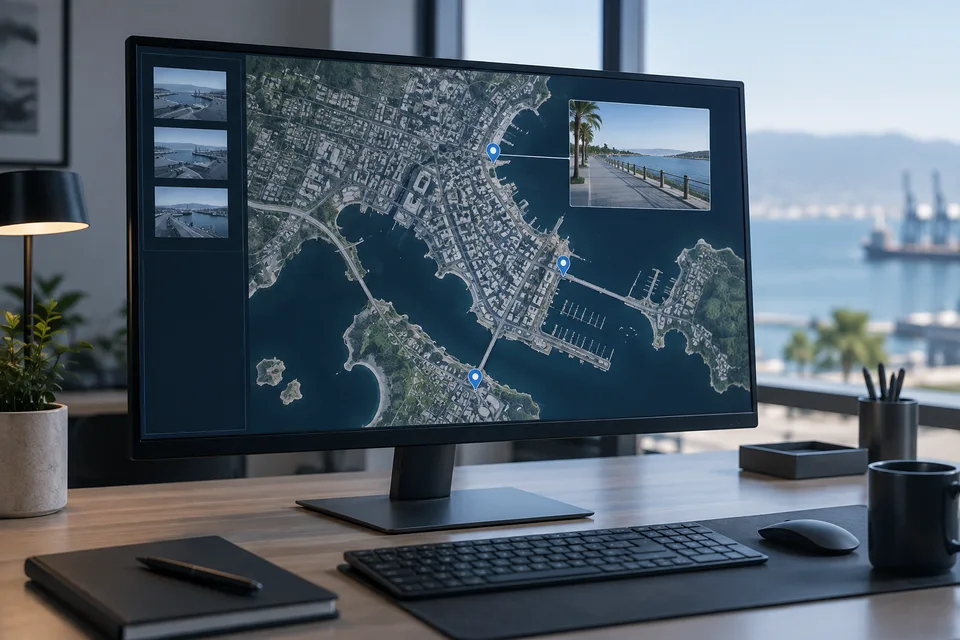
Design video walls, operator workstations, VMS, GIS and event monitoring as one working environment. The equipment and platforms support a defined process for situation review, response and shift handover.
- Site focused
planning - Connected
systems - Ongoing
support

The operational challenge
What the system needs to solve.
More screens do not automatically create a useful control room. Operators need the right information, readable displays, reliable networks and an agreed way to act on an event.
Systems & applications
Choose the system around the job.
Explore the equipment and applications we can assess for your project. Your proposal defines the selected products, supported functions and installation scope.
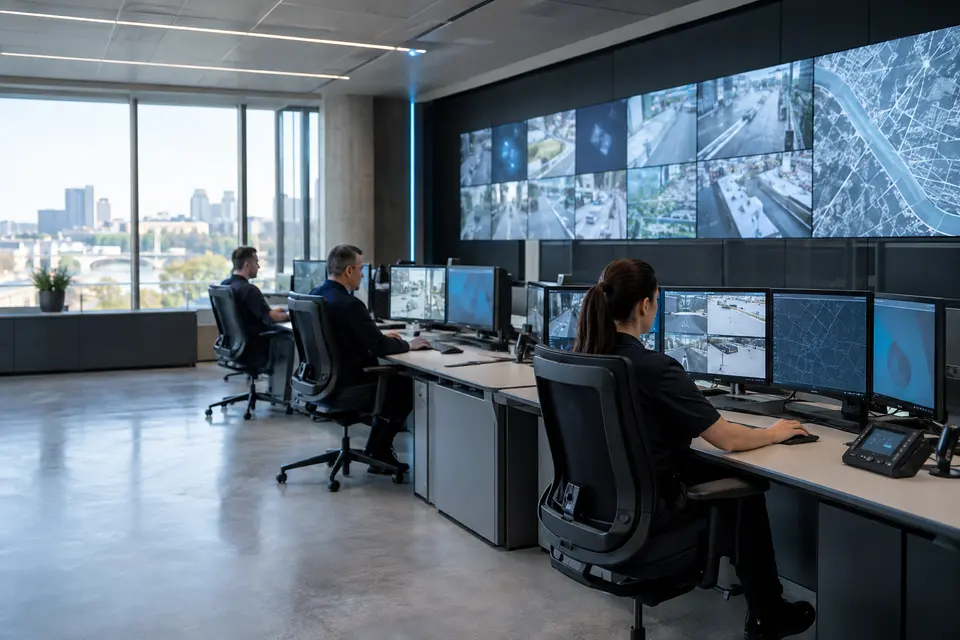
Operator workstations and consoles
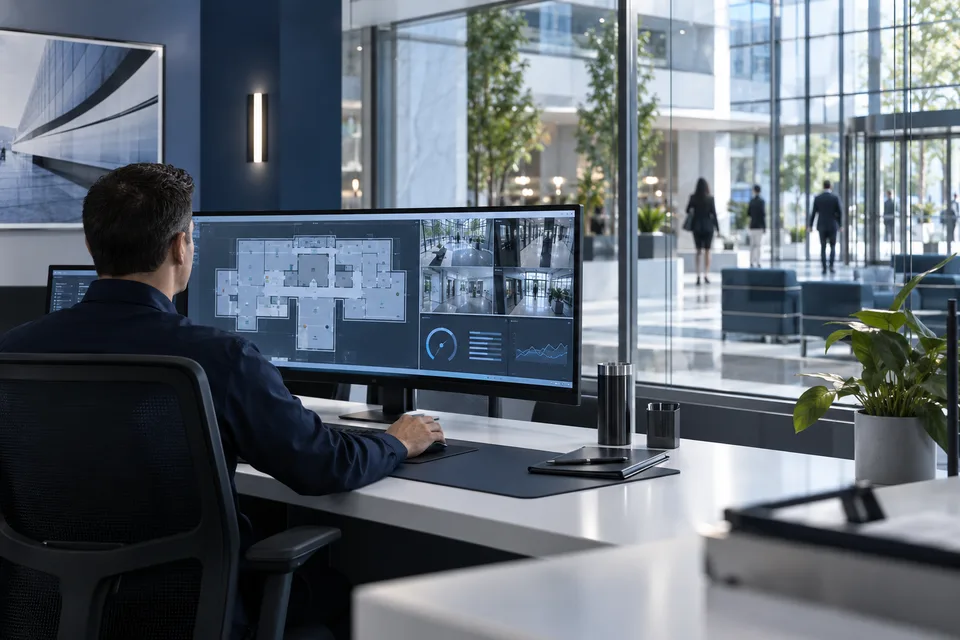
Plan screen positions, seating, cable routes and the views needed for each role. Define which sources stay at a desk and which are shared on the main wall.
- Typical equipment
- Consoles, workstations, monitors and KVM
- Where it fits
- Security operations and municipal monitoring rooms
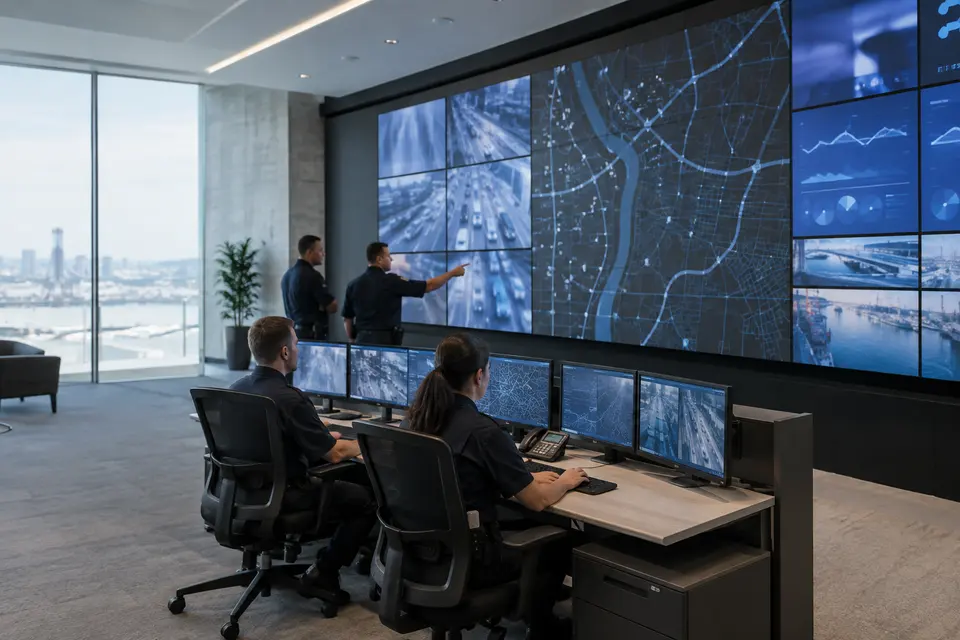
Shared video wall
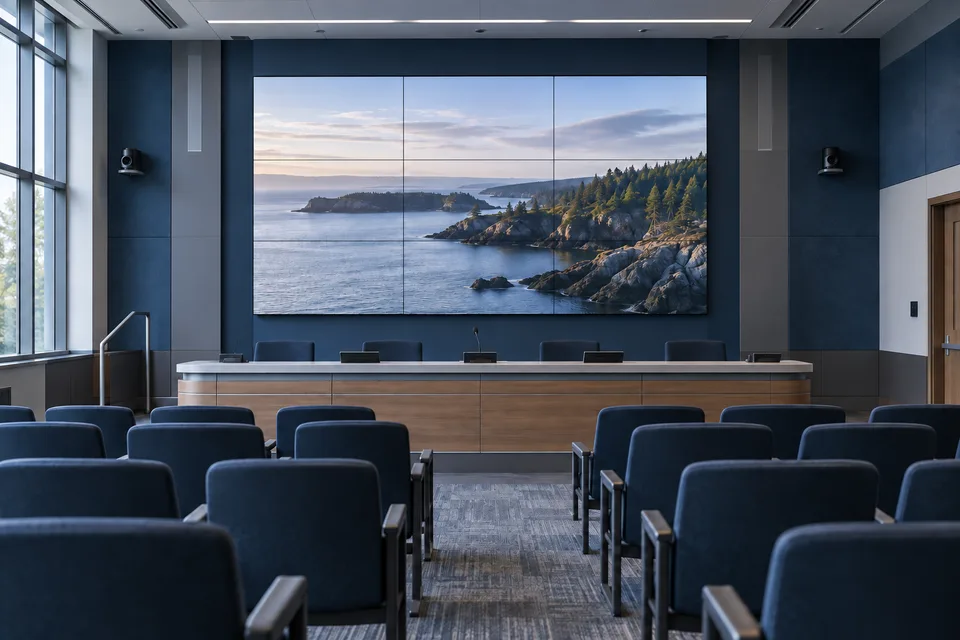
Build layouts for routine monitoring and active incidents. A wall controller distributes selected camera, map and dashboard sources to LCD or LED displays.
- Typical equipment
- Displays, wall controller and source interfaces
- Where it fits
- Briefings and coordinated incident response
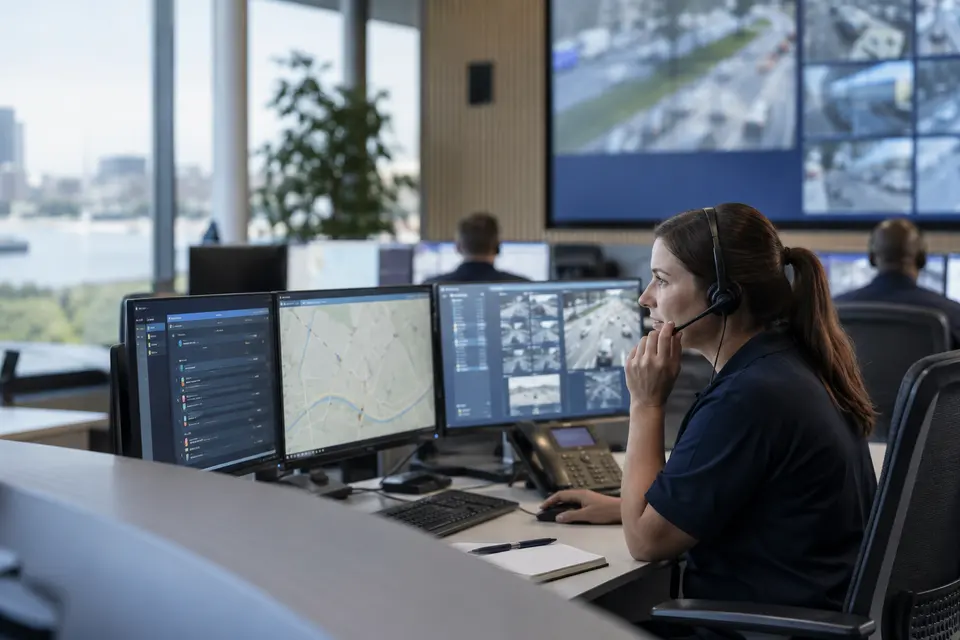
Incident handling and dispatch
Define acknowledgement, verification, assignment, escalation and closure. Bring related video and location into the case so shift handover retains the event context.
- Typical equipment
- Event software, communications and incident log
- Where it fits
- Dispatch desks and emergency coordination teams
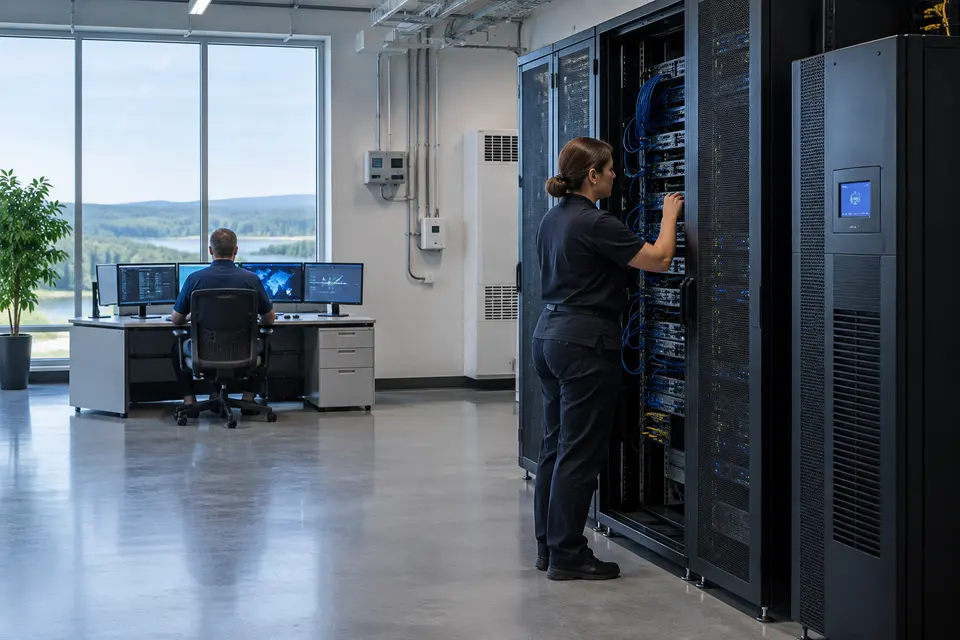
Room infrastructure and continuity
Coordinate rack space, network, cooling and backup power with the operating hours. Test what happens when a workstation, display source or connection fails.
- Typical equipment
- Racks, UPS, network and environmental monitoring
- Where it fits
- Continuously operated control facilities
Functions, equipment & operation
Design the room around the operator’s decisions.
Explore the functions and design options below. The final components, licenses and integration scope are confirmed against your site requirements.
Operator workspaces
Allocate live video, event queues, maps and communications to desks and shared displays. Size workstations for the applications and concurrent views they actually need to run.
Incident handling
Define how operators acknowledge events, verify the scene, escalate to responsible teams and record handover notes. Keep unresolved incidents visible across shifts.
Display and infrastructure resilience
Plan video wall layouts, controller outputs, workstation connectivity, UPS capacity and recovery procedures. Identify which services need redundancy and how it will be tested.
What makes up the system
- Video wall, displays and wall controller
- Operator PCs, consoles and communication equipment
- VMS/GIS/event platform licenses
- Network core, racks, UPS and supporting services
How the project works
- 01Map operator roles and incident priorities
- 02Design views and workstation positions
- 03Integrate approved video and event sources
- 04Run incident and shift handover exercises
What we confirm before implementation
- Concurrent cameras and application workloads
- Room lighting, sightlines and operating hours
- Recovery objectives, redundancy and support responsibilities
Share your current equipment, site layout and operational priorities so the proposal can identify included functions, optional integrations and acceptance criteria.
In practice
Where it fits
Plan command center around your environment, equipment and the people who use it.
- LGU command centers
- Campus monitoring rooms
- Enterprise and industrial operations
Connected systems
for real impact
How it connects
- 01Field systems
- 02Network and security
- 03VMS / GIS / events
- 04Operator workspace
- 05Response and handover
Technology shaped around your operation
Published scope
Supporting information
Supporting company information
Workstations ↗Questions about Command Center
Can we expand an existing monitoring room?
Start with the current displays, workstations, VMS licenses, network and power capacity. A phased upgrade can be scoped around compatible equipment.
Is every system controlled from a single application?
Not necessarily. A combined operational view depends on supported interfaces. Some systems may retain their own controls while sharing selected events or video.

Project requirements
Discuss Command Center requirements
Include the site location and existing equipment. Use the review points to prepare your inquiry.
Include in your inquiry
- Concurrent cameras and application workloads
- Room lighting, sightlines and operating hours
- Recovery objectives, redundancy and support responsibilities