
Audio Visual / Video Wall
Make information visible and communication clear in the room.
Plan LED walls, signage, control room displays, meeting room audio and presentation systems around the audience and operating purpose. Installation conditions shape the display and sound design.
- Site focused
planning - Connected
systems - Ongoing
support
The operational challenge
What the system needs to solve.
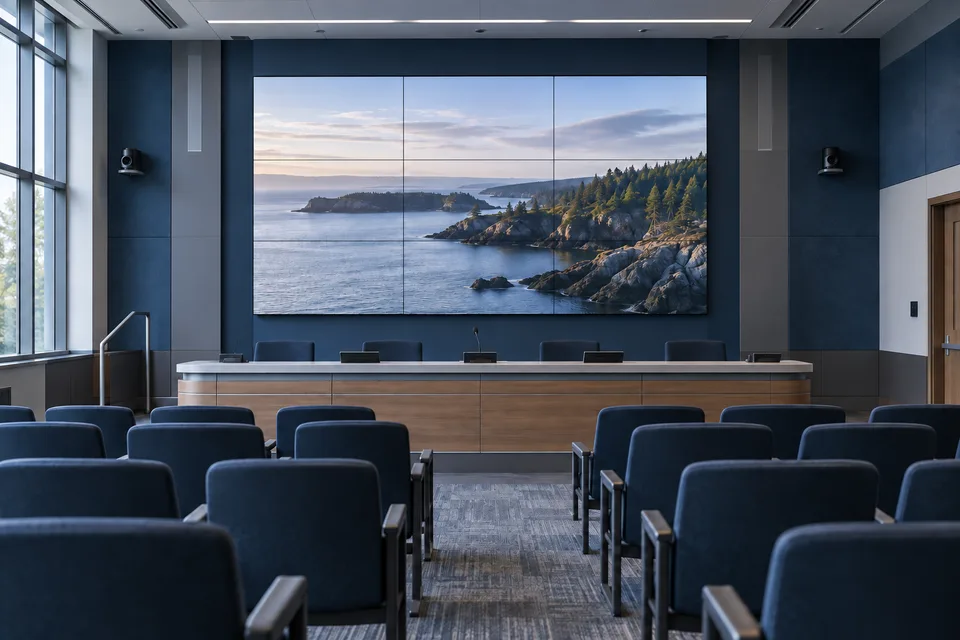
A screen can be too small to read or a sound system poorly matched to its room. Viewing distance, light, acoustics, content sources and operator controls need to be considered together.
Systems & applications
Choose the system around the job.
Explore the equipment and applications we can assess for your project. Your proposal defines the selected products, supported functions and installation scope.
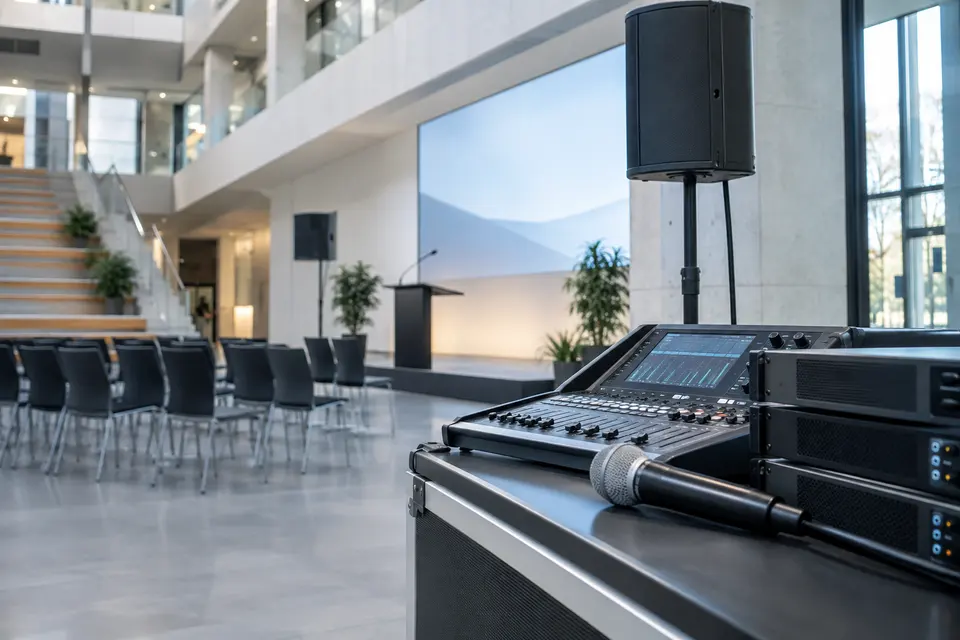
Sound reinforcement and public address
Choose microphone pickup, amplifier capacity and speaker coverage for the room or zone. Separate background music and routine paging from any dedicated emergency voice system.
- Typical equipment
- Microphones, mixer/DSP, amplifiers and loudspeakers
- Where it fits
- Halls, campuses, retail spaces and public facilities
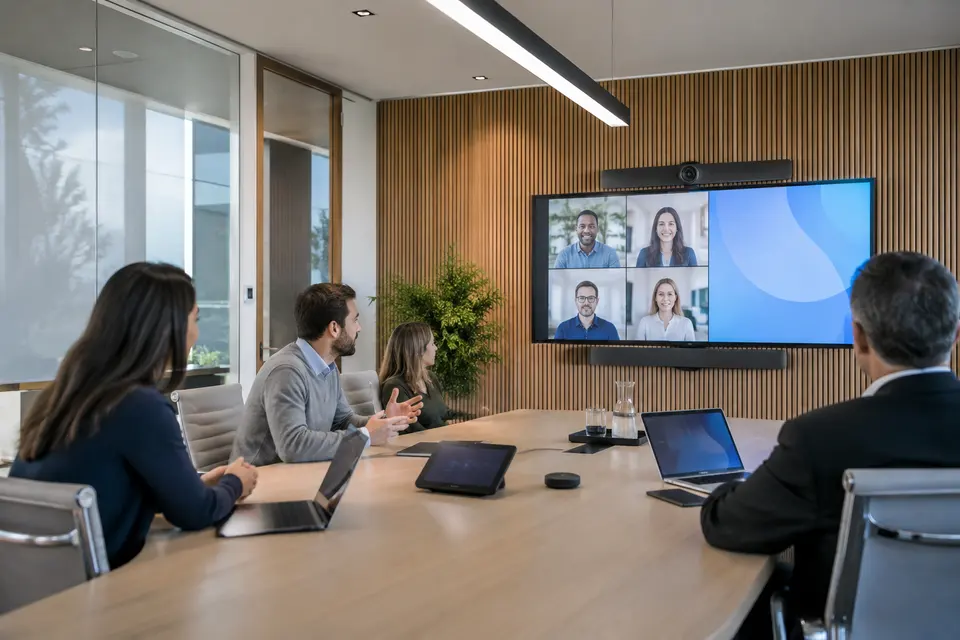
Meeting and collaboration rooms
Coordinate speech pickup, remote participants and shared content as one room experience. Test echo control and screen visibility from the actual seating positions.
- Typical equipment
- Conference cameras, microphone arrays, DSP and room controls
- Where it fits
- Boardrooms, training rooms and hybrid meetings
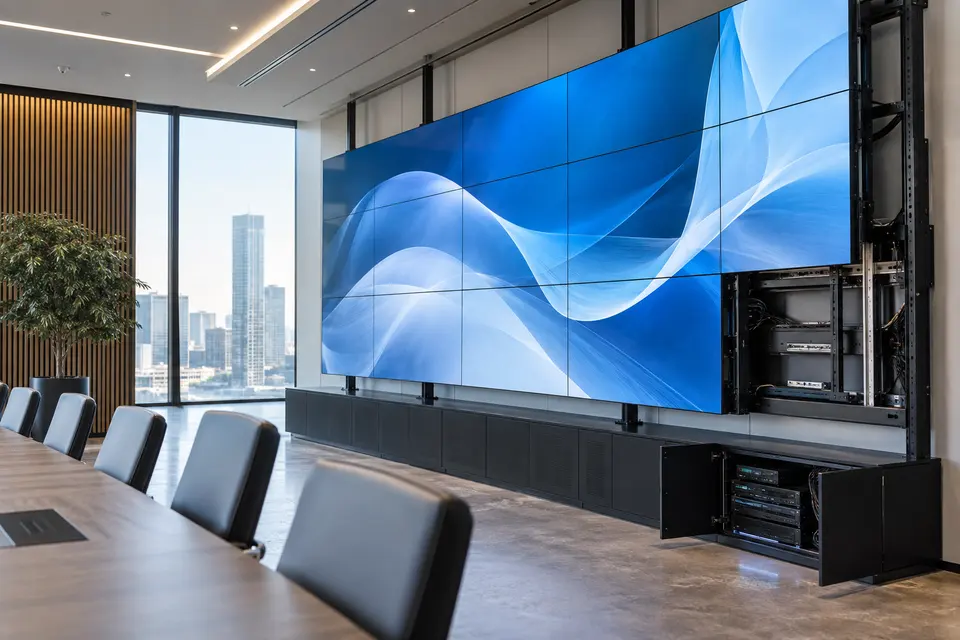
Video walls and LED displays
Choose LCD or direct view LED around viewing distance, room brightness and content. Include processing, mounting, source management and service access in the design.
- Typical equipment
- Display panels/modules, controller and mounting structure
- Where it fits
- Command centers, auditoriums and reception spaces
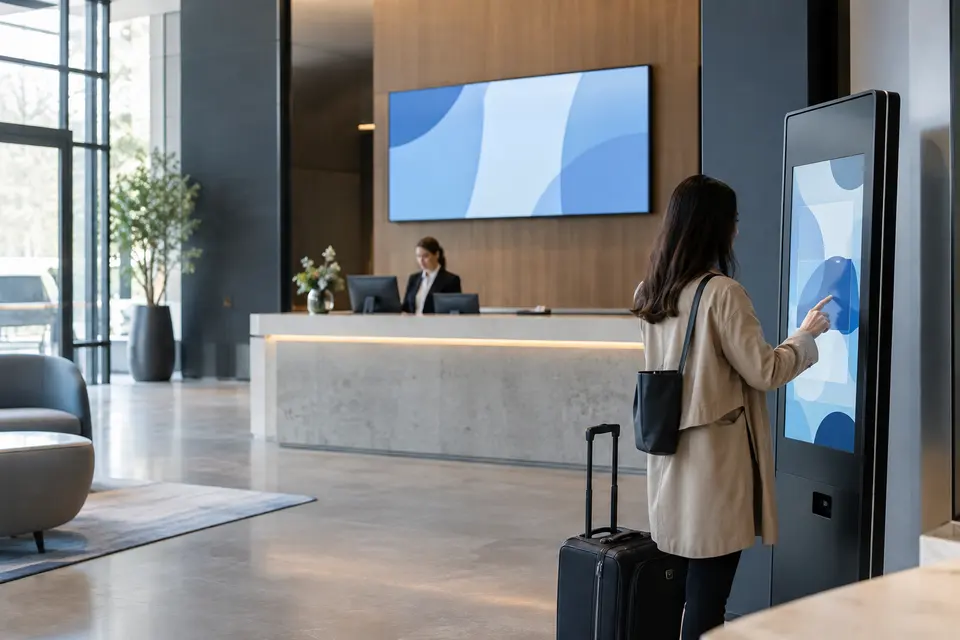
Digital signage and interactive kiosks
Schedule content by site or screen, with approval roles and a fallback when the network is down. Interactive displays need a defined touch journey and content owner.
- Typical equipment
- Commercial displays, players, CMS and optional touch hardware
- Where it fits
- Shops, hotels, schools and public service counters
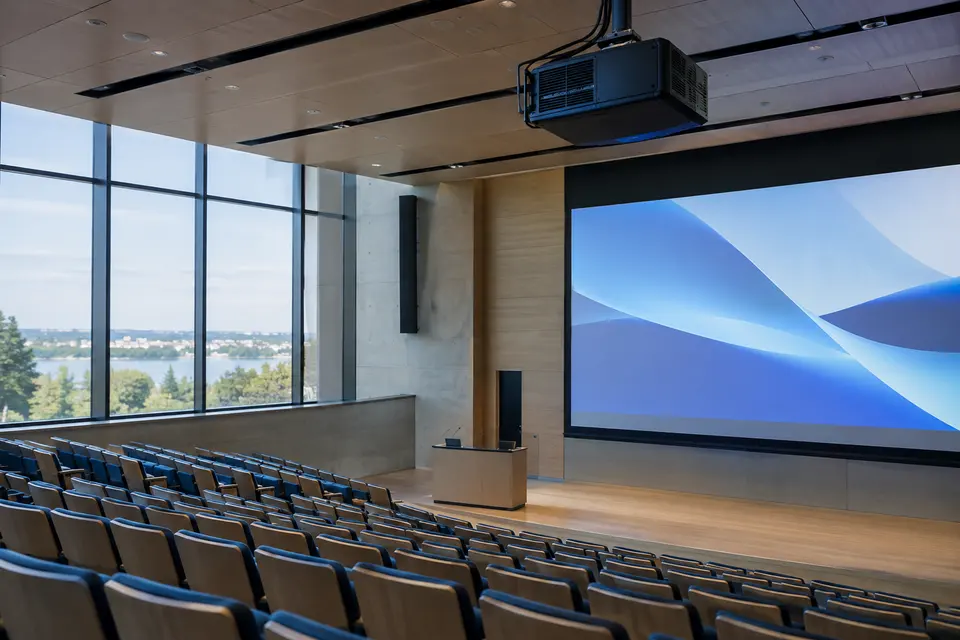
Projection and presentation spaces
Assess projection when a large presentation image suits the venue. Match brightness, lens, throw distance and screen size to ambient light and seating.
- Typical equipment
- Laser projector, lens, screen and signal distribution
- Where it fits
- Auditoriums, classrooms and multipurpose halls
Functions, equipment & operation
Make information visible and communication intelligible.
Explore the functions and design options below. The final components, licenses and integration scope are confirmed against your site requirements.
Displays and video walls
Choose display type, size and arrangement around viewing distance, room lighting and content. Plan source resolution and controller outputs for the intended layouts.
Audio and conferencing
Scope microphones, speakers, amplification, signal processing and conferencing interfaces around room use. Test speech clarity and remote participation in the actual space.
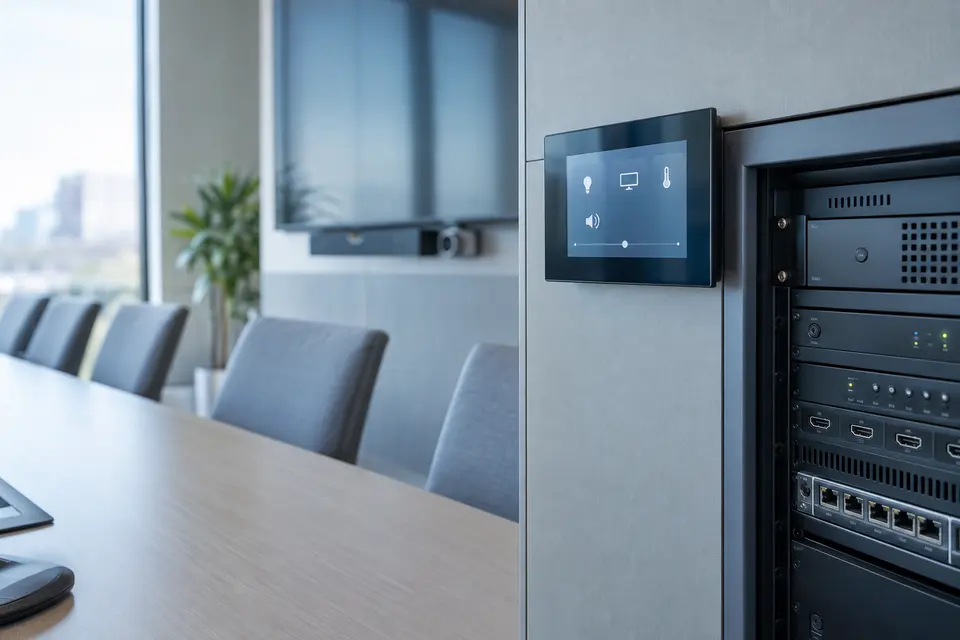
Source routing and control
Define which sources can appear on each screen and who can change layouts. Provide usable presets for daily operation and clear recovery from a disconnected source.
What makes up the system
- Displays or LED/video-wall modules
- Controllers, signal routing and extension equipment
- Microphones, speakers and audio processing
- Control interface, network and mounting infrastructure
How the project works
- 01Define audiences, sources and room use
- 02Design sightlines and audio coverage
- 03Configure routing and everyday presets
- 04Test readability, speech and source switching
What we confirm before implementation
- Room size, ambient light and viewing distance
- Source interfaces, resolutions and cable distances
- Acoustics, mounting and service access
Share your current equipment, site layout and operational priorities so the proposal can identify included functions, optional integrations and acceptance criteria.
Audio. Displays. Communication.
Complete AV systems for your space.
From microphones and speakers to command center video walls and digital signage, plan the equipment, content and controls as one system.
Sound systems & public address
Design clear speech and suitable audio coverage for the people using the space.
Equipment & components
- Wired and wireless microphones, handheld, lapel and gooseneck options
- Ceiling, wall mounted, column and surface mounted loudspeakers
- Mixers, amplifiers and digital signal processors
- Paging stations, zone selectors and supported background music sources
Where it fits
Offices, schools, retail floors, hotel common areas, meeting halls and public facilities.
How it operates
Define audio zones so announcements and background music reach the intended areas. Provide volume limits and everyday presets for staff.
Design considerations
Room acoustics, microphone use, coverage, cable routes and acoustic feedback. Emergency voice alarm functions require a separately scoped compliant system.
Conference & meeting room systems
Bring local participants, remote callers and presentation content into one usable room setup.
Equipment & components
- Conference cameras and speaker tracking options on supported models
- Table or ceiling microphones and conferencing speaker systems
- Room displays, interactive touch displays and presentation inputs
- Compatible conferencing interfaces, room PCs or user laptop connections
Where it fits
Boardrooms, training rooms, council chambers and collaboration spaces.
How it operates
Create simple meeting presets for presenting, video calls and room audio. Test the complete signal path from microphones to remote participants.
Design considerations
Room size, seating, conferencing platform, echo cancellation, cable compatibility and shared room controls.
LCD video walls
Combine multiple display panels into a large shared view for monitoring and information.
Equipment & components
- Commercial display panels with a specified bezel and operating duty
- Video wall controller or compatible processing hardware
- Precision mounts with alignment and service access
- Operator workstations, source routing and network connections
Where it fits
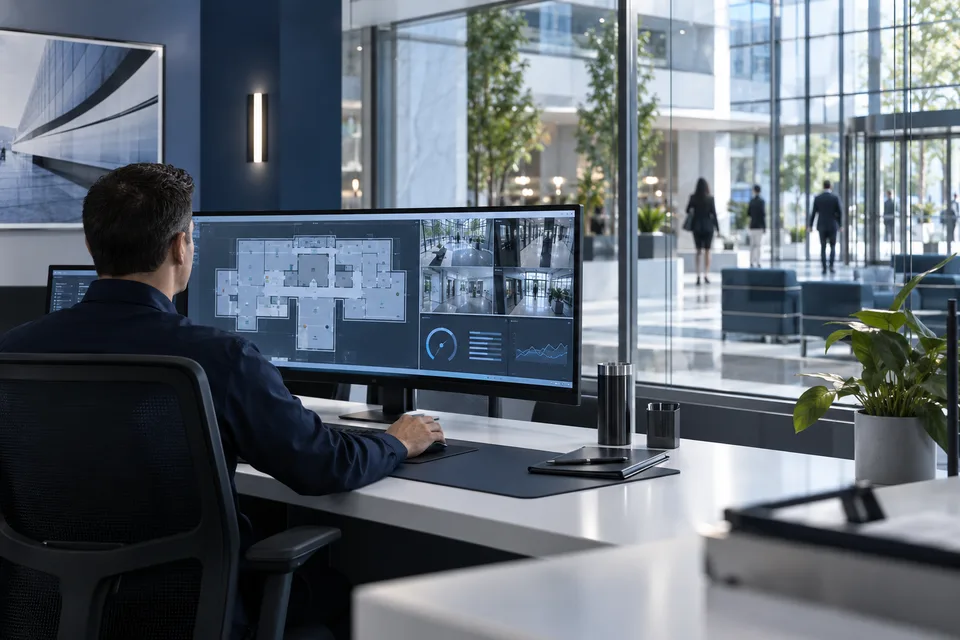
Command centers, security rooms, operations centers and corporate information displays.
How it operates
Arrange camera views, maps, dashboards and presentation sources into layouts. Operators can recall approved presets without changing the recording system.
Design considerations
Viewing distance, bezel placement, source resolution, panel matching, operating hours and access for replacing a panel.
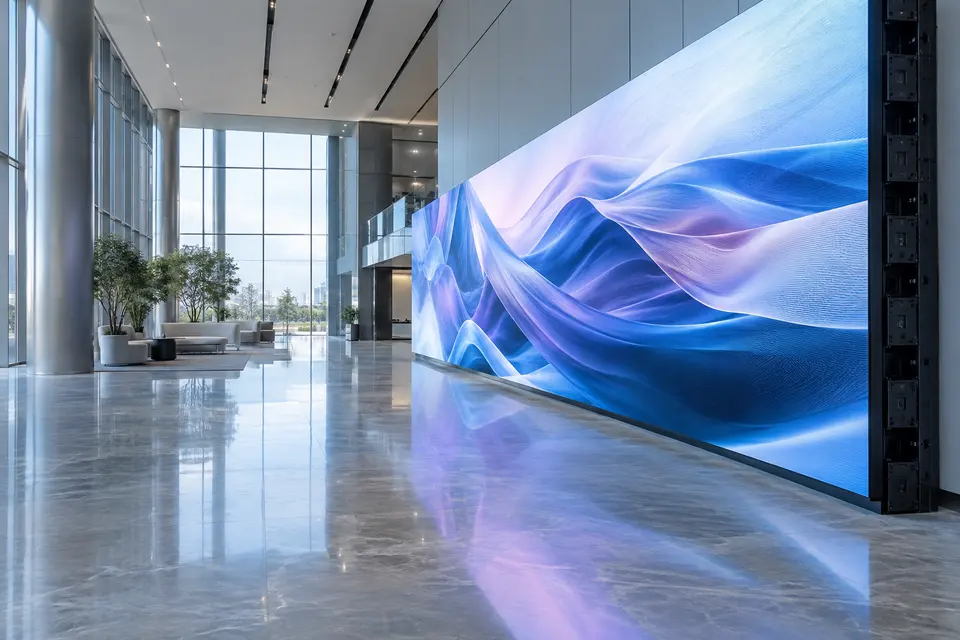
Direct view LED displays
Create a large display canvas sized around the venue, content and viewing distance.
Equipment & components
- Indoor or outdoor LED modules selected for the environment
- LED processors, receiving components and content inputs
- Designed support structure and maintenance access
- Power distribution, cabling and ventilation as required
Where it fits
Auditoriums, lobbies, event spaces, retail fronts and outdoor information locations.
How it operates
Prepare layouts at the agreed canvas resolution and brightness. Provide source switching and operator controls suited to the venue.
Design considerations
Pixel pitch, nearest viewing distance, brightness, ambient light, power, heat, structural design and outdoor exposure.
Digital signage & content management
Publish information to one screen or a network of displays with an agreed content workflow.
Equipment & components
- Commercial signage displays or supported integrated signage screens
- Media players or compatible display playback software
- Content management platform and required licenses
- Network connectivity and approved content templates
Where it fits
Retail promotions, reception notices, menus, campus announcements, queue information and visitor guidance.
How it operates
Group screens by location, schedule playlists by day or time and assign content publishing roles. Scope remote status checks and cached playback with the selected platform.
Design considerations
Portrait or landscape orientation, content formats, update frequency, offline behavior, account permissions and recurring platform costs.
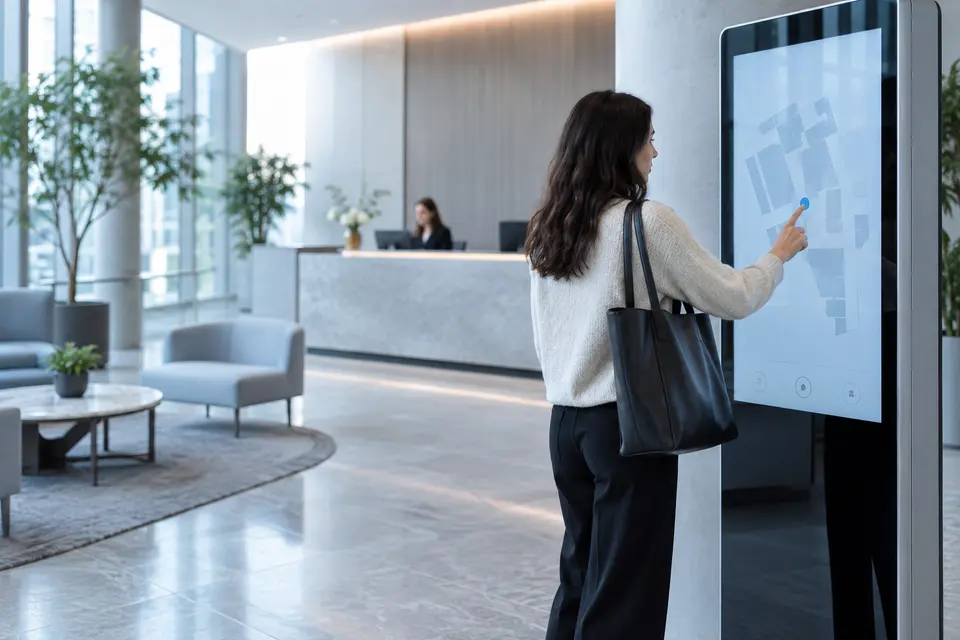
Interactive displays & information kiosks
Let users find information or interact with presentations through a purpose designed interface.
Equipment & components
- Touch displays, interactive panels or kiosk enclosures
- Player or computer matched to the application
- Touch interface and accessible mounting design
- Optional cameras, scanners or peripherals where required
Where it fits
Building directories, wayfinding, service reception, classrooms and training rooms.
How it operates
Define the user journey, available information and staff update process. Keep public users inside the intended application with a clear return to the start screen.
Design considerations
Application development scope, touch accuracy, reach and accessibility, kiosk security, cleaning and remote support.
AV distribution & room control
Route the right audio and video sources to the right destinations with controls staff can understand.
Equipment & components
- Matrix switching or compatible AV over IP endpoints
- Signal extenders and converters matched to source interfaces
- Control processors, touch panels or wall keypads
- Managed network equipment where the architecture requires it
Where it fits
Divisible meeting rooms, multiroom venues, command centers and shared presentation facilities.
How it operates
Build presets for source selection, display power, audio zones and room modes. Document which controls are available to users and which require administration.
Design considerations
Source formats, signal distance, latency, synchronization, content protection compatibility and network capacity.
Choose the display around its purpose.
LCD video wall
Multiple panels for camera views, maps and operational layouts. Plan around bezel lines and viewing distance.
Direct view LED
A modular display canvas for large spaces. Choose pixel pitch and brightness for the location and audience.
Digital signage
Scheduled information and media across one or many screens. The content platform manages what appears and when.
Interactive display
Touch based presentations or self service information. Define the application and user journey along with the screen.
Examples of a complete setup
Municipal command center
Video wall + wall controller + operator PCs + audio communication. Display selected camera feeds beside a GIS map and incident queue using supported integrations.
Corporate meeting room
Conference camera + microphones + DSP + speakers + display + simple room controls. Staff select a meeting mode and connect the agreed conferencing source.
Retail or campus signage
Commercial displays + media players + content management. Authorized staff schedule announcements for specific locations and review supported device status.
Auditorium or multipurpose hall
Microphones + mixer + amplification + speakers + LED or projection display. Provide tested presets for speech, presentations and events.
In practice
Where it fits
Plan audio visual / video wall around your environment, equipment and the people who use it.
- Command and monitoring rooms
- Meeting and conference spaces
- Indoor and outdoor information displays
Connected systems
for real impact
How it connects
- 01Audience and space
- 02Content / audio sources
- 03Processing and control
- 04Displays / speakers
- 05Operator workflow
Technology shaped around your operation
Published scope
Supporting information
Questions about Audio Visual / Video Wall
Can a signage wall be used as a monitoring wall?
The intended content, readability, operating hours, signal handling and room layout need review. Similar looking displays may serve different requirements.
Do you supply meeting room systems as well as video walls?
The company profile includes audio and video conferencing. The equipment and installation scope are matched to the actual room.


Project requirements
Discuss Audio Visual / Video Wall requirements
Include the site location and existing equipment. Use the review points to prepare your inquiry.
Include in your inquiry
- Room size, ambient light and viewing distance
- Source interfaces, resolutions and cable distances
- Acoustics, mounting and service access